11.5
Total count
This submenu allows the visualization of the counted work carried out by the machine. Proceed as follows:
Total counts
Tot. coffees
Enter into the programming menu
Scroll the menu until reaching the desired submenu to
be viewed
Confirm in order to enter the designated submenu
On display is viewed the count of work carried out by the
machine
Exit from the submenu
tttttt
^
M
tttttt
: total counting of work carried out by
the machine
The acces on this page temporarily blocks coffee preparation.
i
The total counting can not be reset.
i
11.4
Cup heater
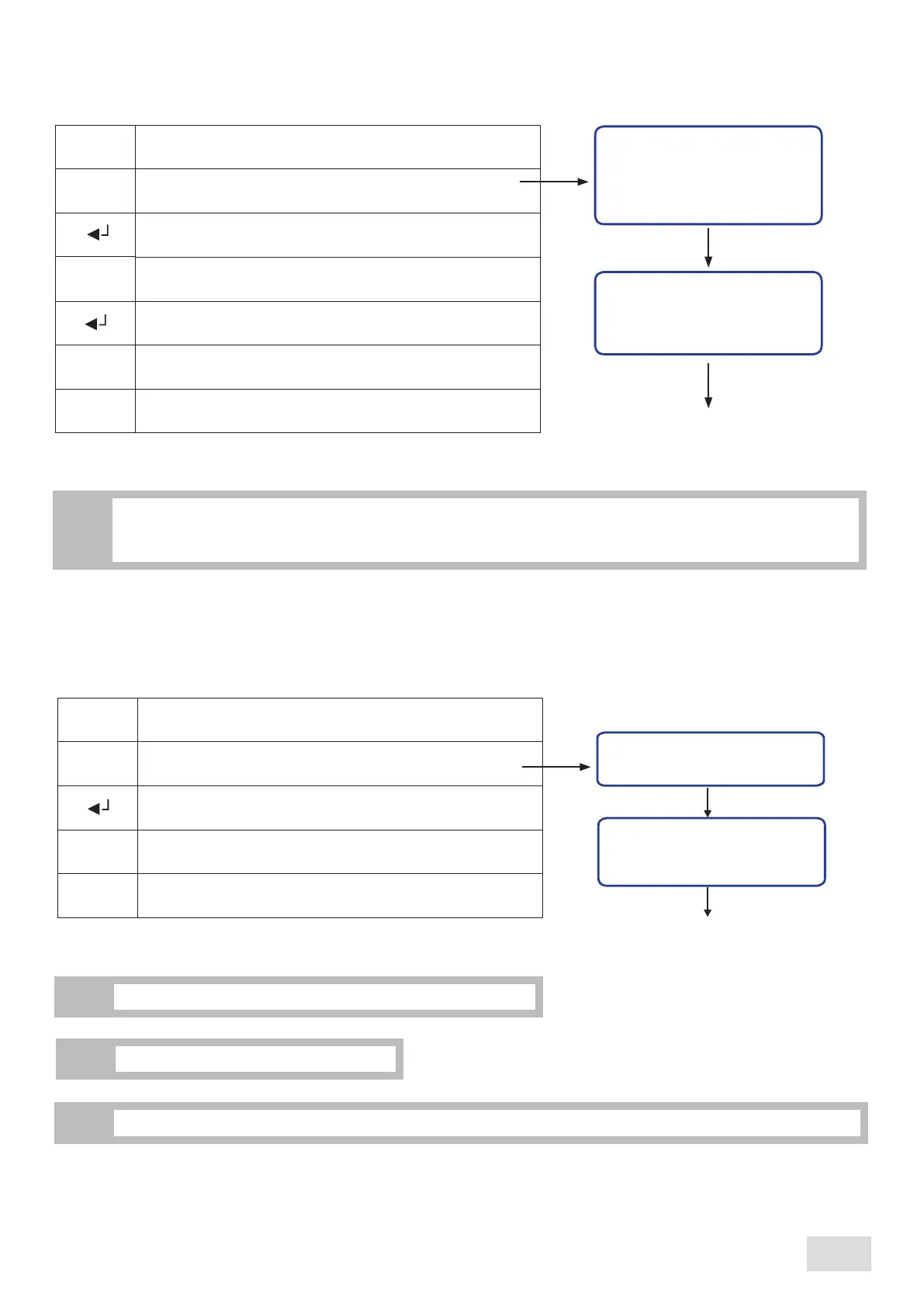
This submenu allows enabling/disabling the cup heater system, so as setting its temperature.
When the machine is prefigured with the cup heater “supplement”, proceed as follows:
Cup heater
Status: OFF
Status - OFF:
ON:
system is switched off
system is switched on
Enter into the programming menu
Scroll the menu until reaching the desired submenu to
be modified
Confirm in order to enter the designated submenu
Set the cup heater’s working mode
Cup heater
^
^
^
Temp: XXX° C
Confirm and exit from the submenu
M
Pass to the next parameter
Set the cup heater’s working temperature
^
^
XXX:
°C temperature
70°C - 110°C
If the machine does not have the cup heater installed, it is imperative that the “Cup heater” function to be disabled
from the “Setup” submenu. This submenu will not be accesible nor in the user’s programming menu neither in
administrator’s programming menu.
i
After the counting of work carried out by the machine reaches 999.999 value, the counting will restart from zero.
i
29
SAE Display
english



 To Next Page