•If the “Credit” has reached the zero value, the coffee preparation is disabled and the symbol from
the display remains fix.
•In order to erase the message from the display and enable the coffee brewing, set a new value for
the count-down coffee counter.
i
If the machine is not prefigured with the “Credit” function, is not possible setting the prealarm and
pre-prealarm values. The submenus “Credit” and “ Cred. preal.” will not be accesible
in administrator’s
programming menu.
i
After the count-down coffee counter has reached the value set as prealarm, on display will blink the
same symbol as above, but with a 1 second period.
i
If the number of count-down coffee counter is between the value set as credit’s pre-prealarm and prealarm,
on display will blink the symbol with a 2 seconds period:
1.1 bar
120°C
09:16 10-05-09 1
When the “Thres.” value is set to zero, the prealarm is disabled.
If the prealarm is greater than the count-down coffee counter value and different than zero, the set value will not be saved
and on display will appear the following message:
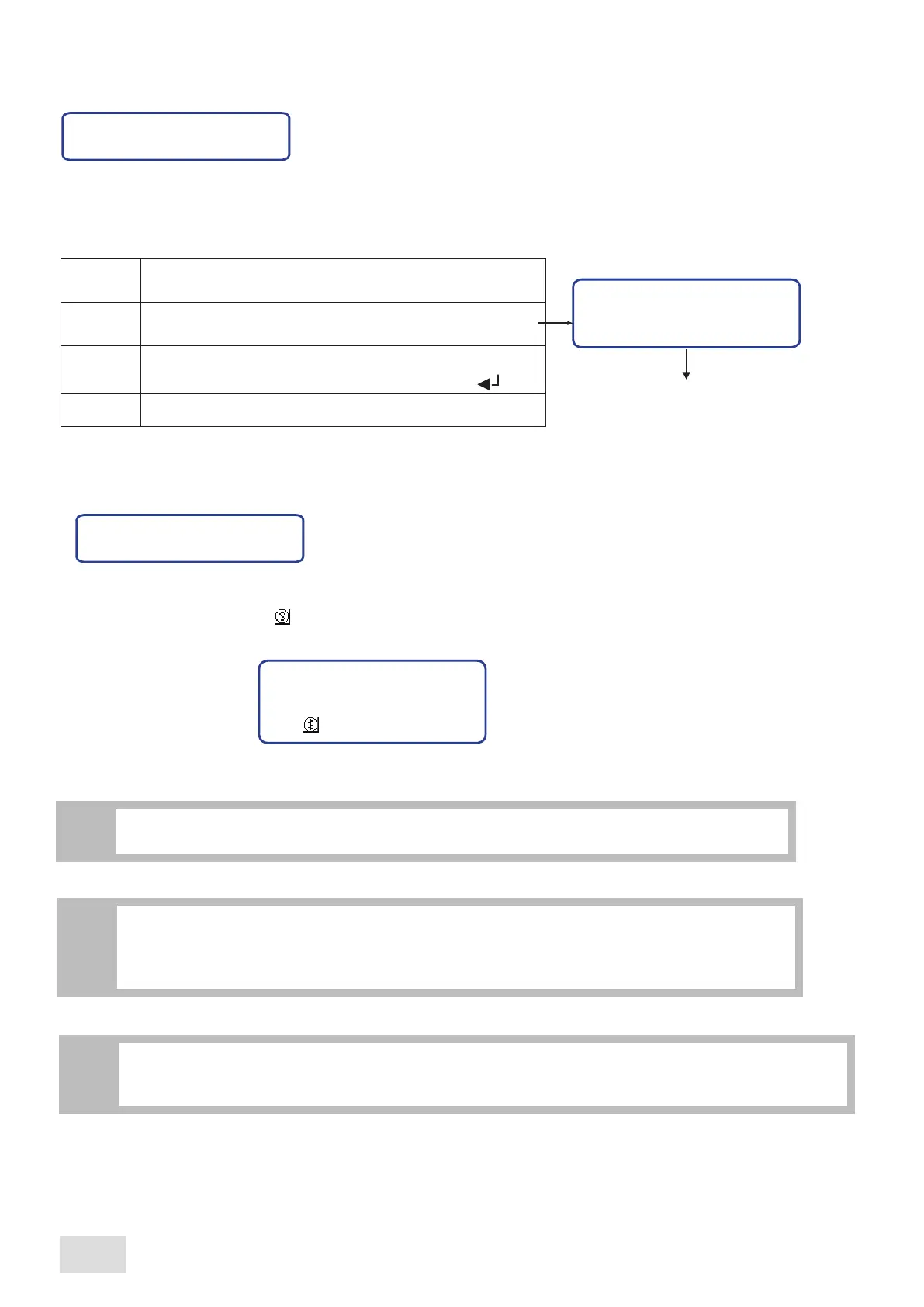
If the prealarm value is different than zero, when pressing the “M” key to confirm the set number, it will open another page
where is possible setting the pre-prealarm value. Proceed as follows:
*Value error *
Pre-preal.
On display will appear the prealarm number set in the
previous page and the pre-prealarm value “Thres.”
Write the new value wanted to be set as pre-prealarm. In
order to confirm the number, press the Enter key “ ”
Confirm the set number
Preal.: CCCCCC
Thres.: XXXXXX
M
^
^
CCCCCC: prealarm value
XXXXXX:
pre-prealarm value
Confirm the set number
M
If the pre-prealarm is smaller than the “Preal.” value, the set value will not be saved and on display will appear
the following message:
*Value error *
SAE Display
32
english



 To Next Page