22
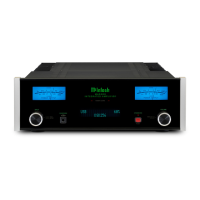
Reset of Microprocessors
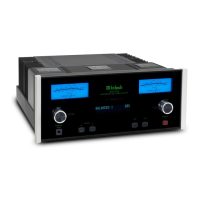
In the unlikely event the controls of the MA5300 stop
functioning, the microprocessors can be reset by per-
forming the following:
1. Press the STANDBY/ON Push-button until the
STANDBY/ON LED Indicator switches Off.
2. Then release the STANDBY/ON Push-button and
the MA5300 will switch Off.
3. When the STANDBY/ON LED is illuminated
press the STANDBY/ON Push-button, the
MA5300 will resume normal operation.
Note: This can be performed with the MA5300 On or
in the Standby Mode.
Reset of the Microprocesors
Reset of the Microprocesors


 To Next Page
 Loading...