9
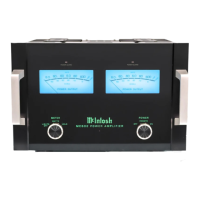
McIntosh CR16 Multizone Control System
How to Connect with a CR16
1. Connect the loudspeaker cables to the appropriate chan-
nel output connectors, being careful to observe the cor-
rect polarities.
2. Connect a single DB25 computer type cable from the
Multichannel Output of a Mutlizone Control System to
the MC58 8 CHANNEL INput connector for all eight
audio channels and power control.
Note: Both audio and zone power control pass through this
cable. Discrete zone audio cables may also be used,
additionally connect a cable from the CR16 Din
Multichannel Amp connector to the matching
connector on the amplifier to provide Zone Power
Control.
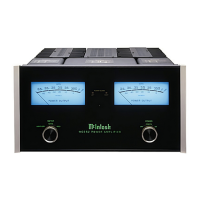
3. Connect the MC58 power cord to a live AC outlet.
To AC Outlet
Zone Four Zone Three Zone Two Zone One
How to Connect with a CR16
jfbattmr80
Left
Loudspeaker
Right
Loudspeaker
Left
Loudspeaker
Right
Loudspeaker
Left
Loudspeaker
Right
Loudspeaker
Left
Loudspeaker
Right
Loudspeaker



 To Next Page
 Loading...