36
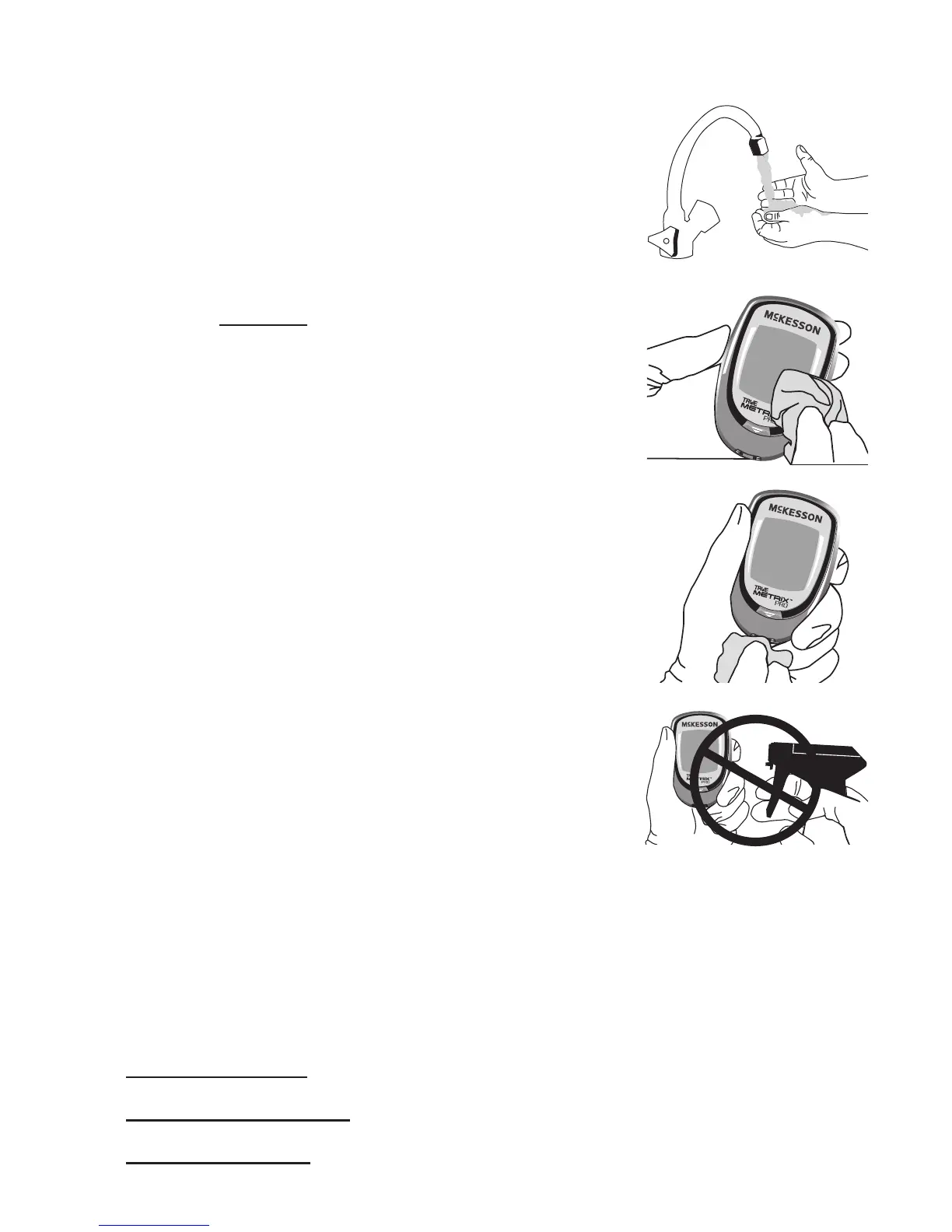
To Clean and Disinfect the Meter:
1. Wash hands thoroughly with soap
and water. Wear a clean pair of
gloves.
2. To Clean: Make sure meter is o
and a test strip is not inserted.
With ONLY PDI Super Sani Cloth
Wipes (or any disinfectant product
with the EPA* reg. no. of 9480-4),
rub the entire outside of the meter
using 3 circular wiping motions
with moderate pressure on the
front, back, le side, right side, top
and bottom of the meter. Repeat as
needed until all surfaces are visibly
clean. Discard used wipes.
(*Environmental Protection Agency.)
3. To Disinfect: Using fresh wipes,
make sure that all outside surfaces
of the meter remain wet for 2
minutes. Make sure no liquids enter
the Test Port or any other opening
in the meter.
Super Sani-Cloths may be
purchased at the following places:
• Amazon.com,
• Ocedepot.com or visit your local Oce Depot store
• Walmart.com



 To Next Page