10 IM 730-0
To replace a MicroTech II N2 communication module on a MicroTech II
Unit Controller board, follow these steps:
1. Disconnect power from the Unit Controller board.
2. Record the N2 address on the Address Switch (SW1).
3. Remove the network cable plug-in connector from the SG1 terminal block (see Figure 2).
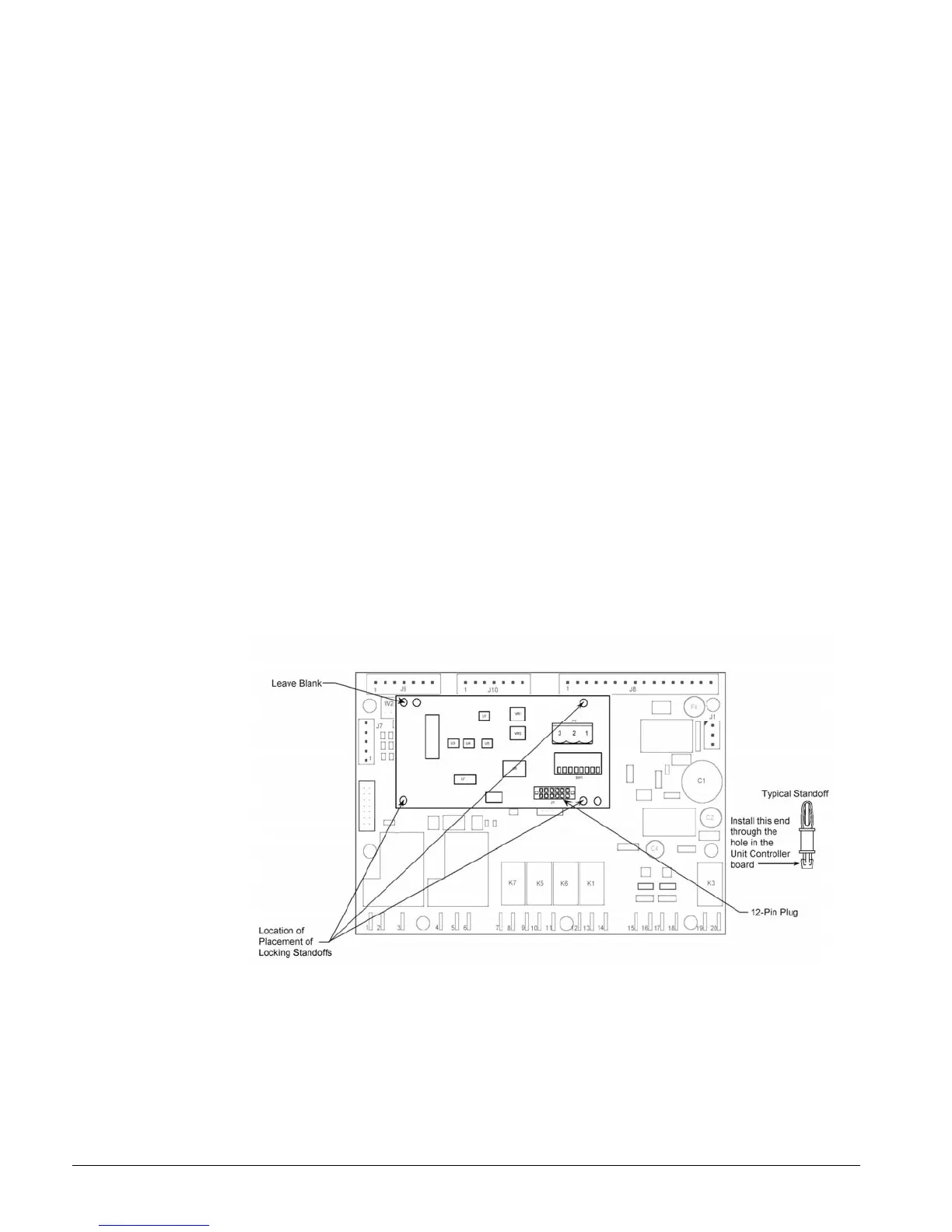
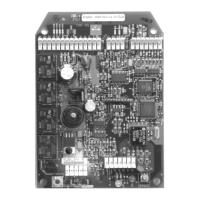
4. Locate the three standoffs for the MicroTech II N2 communication module on the Unit
Controller board (Figure 7 and Figure 8).
5. Using a pliers or screwdriver to depress the barb on one standoff, gently pull the corner of the
communication module over the barb. Be careful to not bend the communication module or
misalign the connector pins.
6. Proceeding to the other two corners, remove the communication module from each standoff, and
pull the module over the standoffs.
7. Gently lift the MicroTech II N2 communication module from the Unit Controller board.
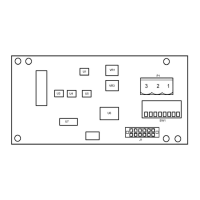
8. Locate the empty connector pins and three standoffs for the MicroTech II N2 communication
module on the Unit Controller board.
9. Orient the communication module printed-circuit board so that the component side faces
outward and the connector pins can penetrate the 12-pin header on the communication module.
10. Push the communication module onto the connector pins and standoffs until you hear the faint
click of the locking standoffs securing the board in place.
11. Connect the communication module to the network by reinserting the network-cable plug into
SG1 (see Figure 9).
12. Set the N2 Address in Address Switch SW1 (see Figure 4).
13. Reapply power to the MicroTech II Unit Controller board.
Figure 7. Communication module mounted on the Unit Controller board


 To Next Page