10 OM-121
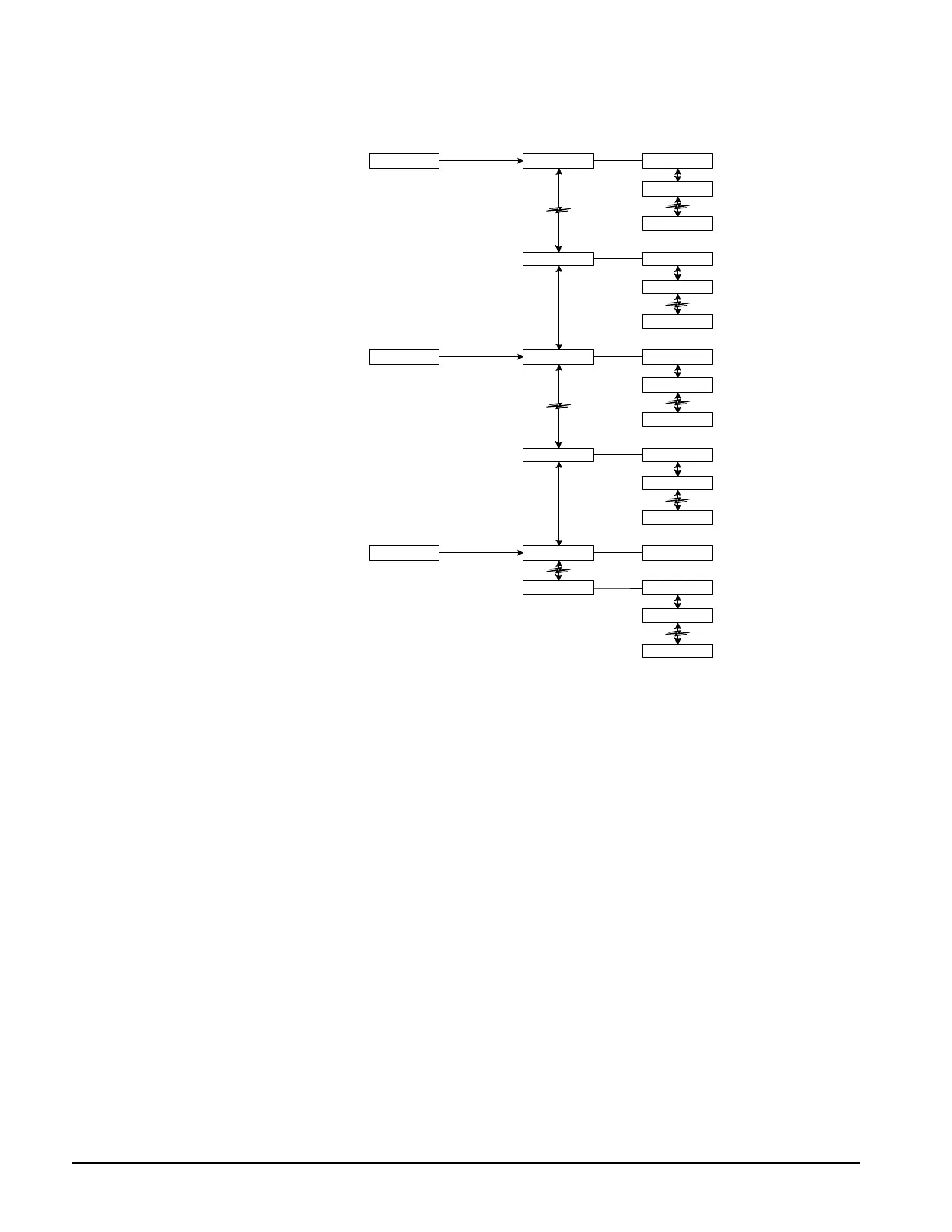
Figure 2. Keypad Accessible Menu Structure
Status Menu 1
Menu 3 Item 1
Item 2
Item 4
Control Menu 4
Item 1
Item 2
Item 14
Menu 16
Item 1Menu 17Alarm
Menu 19
Category Menu Item
Item 1
Item 2
Item 4
Item 1
Item 2
Item 8
Item 1
Item 2
Item 4
Status Category
Menus in the Status category contain information about the current operation of the RMC controller
and its multiple-unit control groups (if any). The fields in these menu items provide status
information only and cannot be changed with the keypad. The Status category menus are
summarized in Table 4. Status.
Control Category
Menus in the Control category contain set points and parameters that define how the RMC
controller operates. After the password is entered, most fields in these menu items can be changed
with the keypad. The Control category menus are summarized in Table 4.
Alarm Category
Menus in the Alarm category contain current and previous alarm information. The Alarm category
menus are summarized in Table 5.
Display Format
The information stored in the RMC controller’s menu structure can be viewed on the 2-line by 16-
character LCD display. As shown in Figure 3, the current menu is displayed on the top line and the
current item is displayed on the bottom line. The item line contains one or more fields that convey
varying information.


 To Next Page