Contents
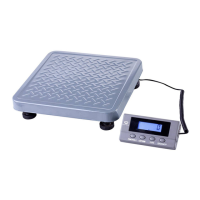
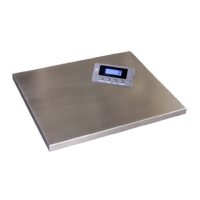
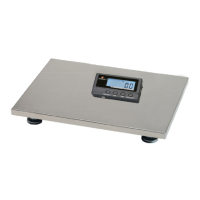
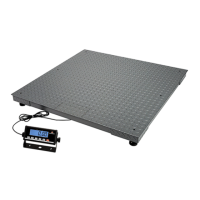
Indicator Base
AC120V/DC6V 500mA UL adapter 6’ USB Cable
Quick Guide & Technical Manual
Connection types
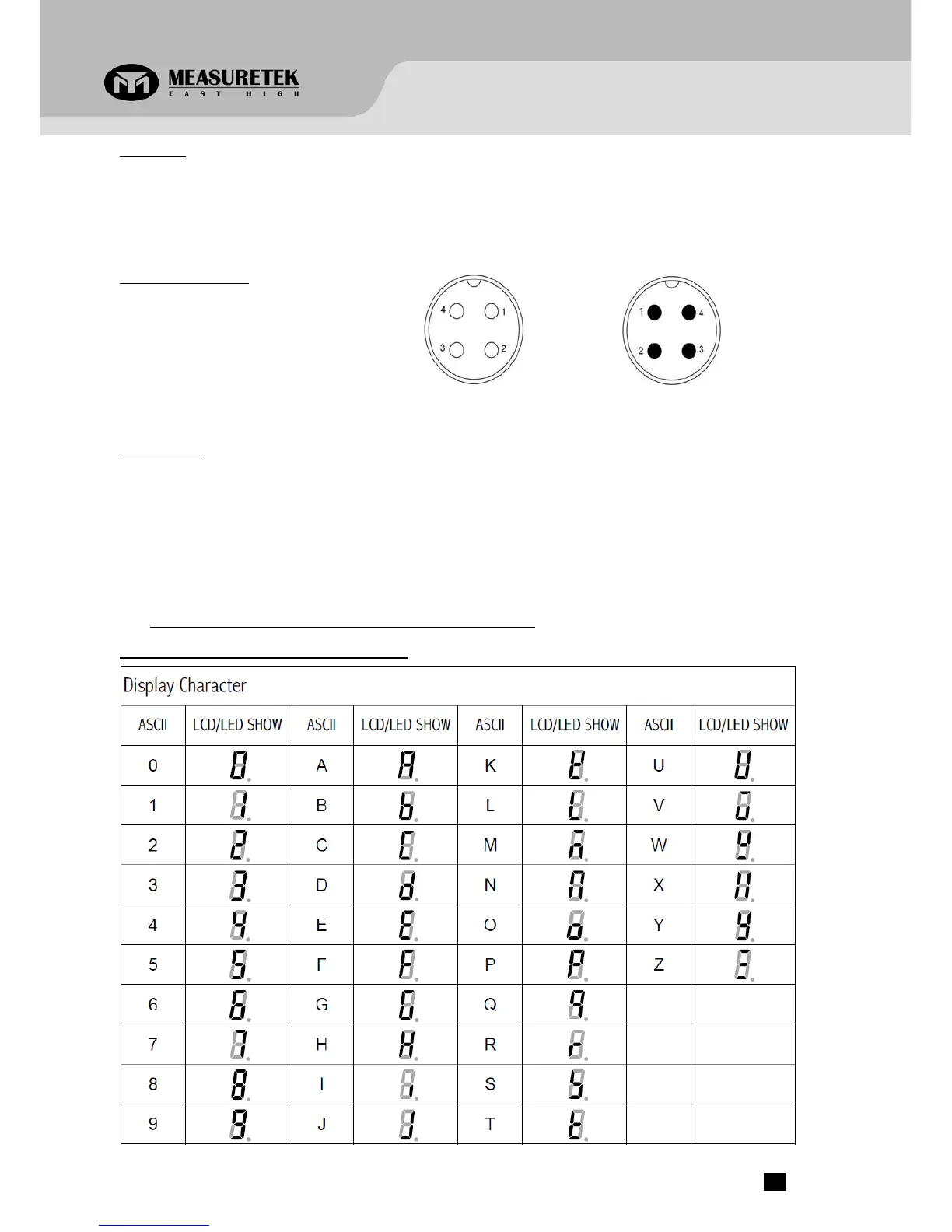
4 pins socket used:
Pin1: Excitation +
Pin2: Signal +
Pin3: Excitation –
Pin4: Signal -
(4 holes socket)
Indicator
(4 pins socket)
Base
Installation
1. Take the base and indicator out of the package, connect the indicator cable plug to the base cable plug.
2. Place the scale on a hard, flat, and level surface.
3. Adjust the feet to level the scale.
4. Install the batteries or plug in the adapter. Now the scale is ready for use.
2. OVERVIEW OF CONTROLS AND FUNCTIONS
Indicator Display Character Definitions
PS‐102 www.measuretek.net .2


 To Next Page