Care and maintenance
19
Changing the battery of your FineTuner Echo
When your FineTuner Echo displays this symbol in the status line (see also chapter
FineTuner Echo, FineTuner Echo display), replacing the battery of your FineTuner Echo is
recommended.
To change the battery, proceed as follows:
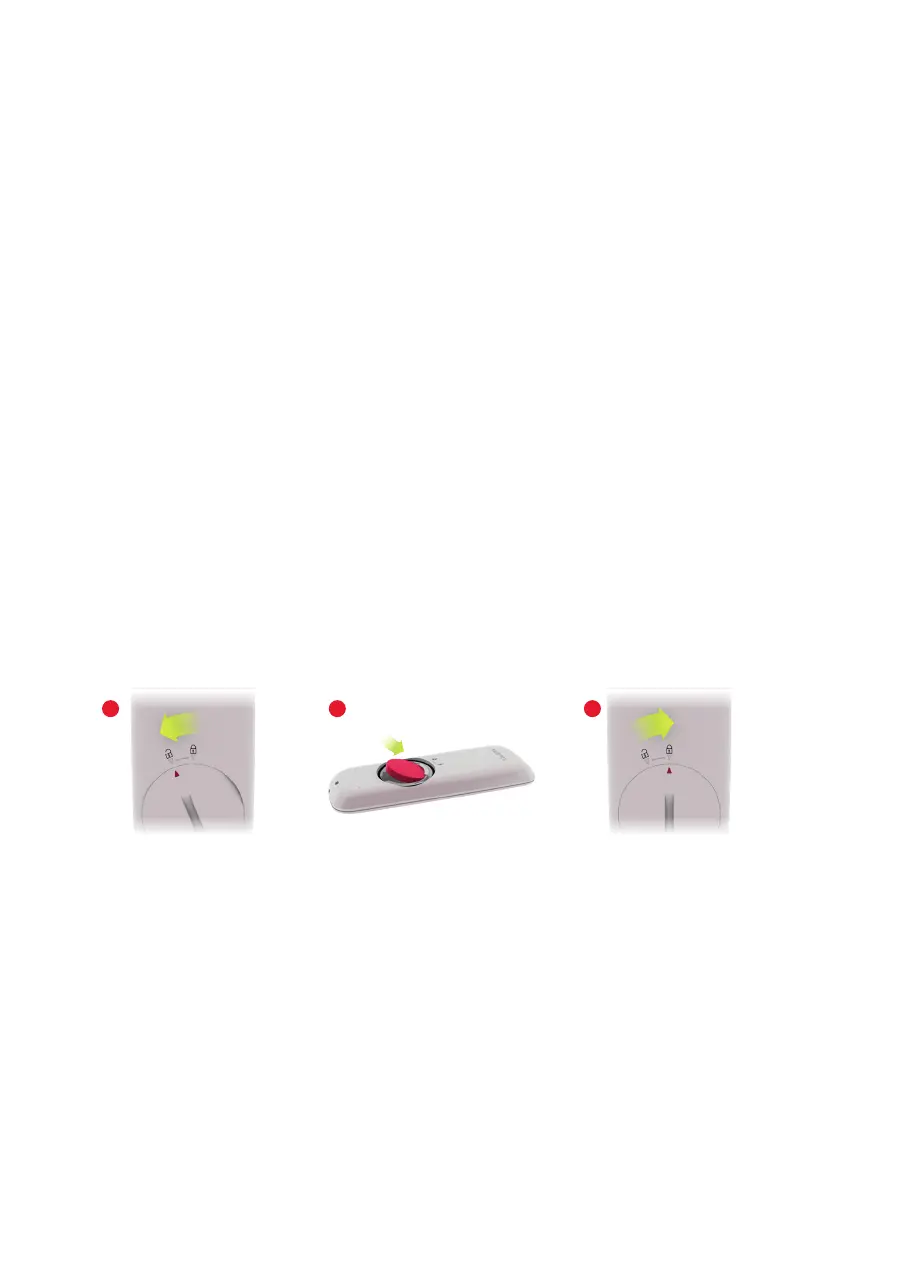
1. Open the lid on the back of the FineTuner Echo. Use a coin to turn the lid until the
arrow on the lid meets the symbol on the housing (Fig. 7.1).
2. Lift the lid carefully with your ngernail and make sure that the black silicone ring
does not fall out. If you lose the black silicone ring, please order a replacement
from MED‑EL.
3. Replace the used coin cell battery by gently shaking it into your hand. Try not to
touch the battery contacts.
4. Insert the new battery with the sign facing up. Hold the battery at a slight angle
and insert it under the lip in the battery compartment (Fig. 7.2), then gently push it
down.
5. To close the lid, align the arrow on the lid with the symbol on the housing and
push down gently. Use a coin to turn the lid until the arrow on the lid meets the
symbol on the housing (Fig. 7.3). You will feel a slight resistance when the lid
locks in place.
Fig. 7 Changing the battery of your FineTuner Echo
21 3



 To Next Page