FineTuner Echo
8
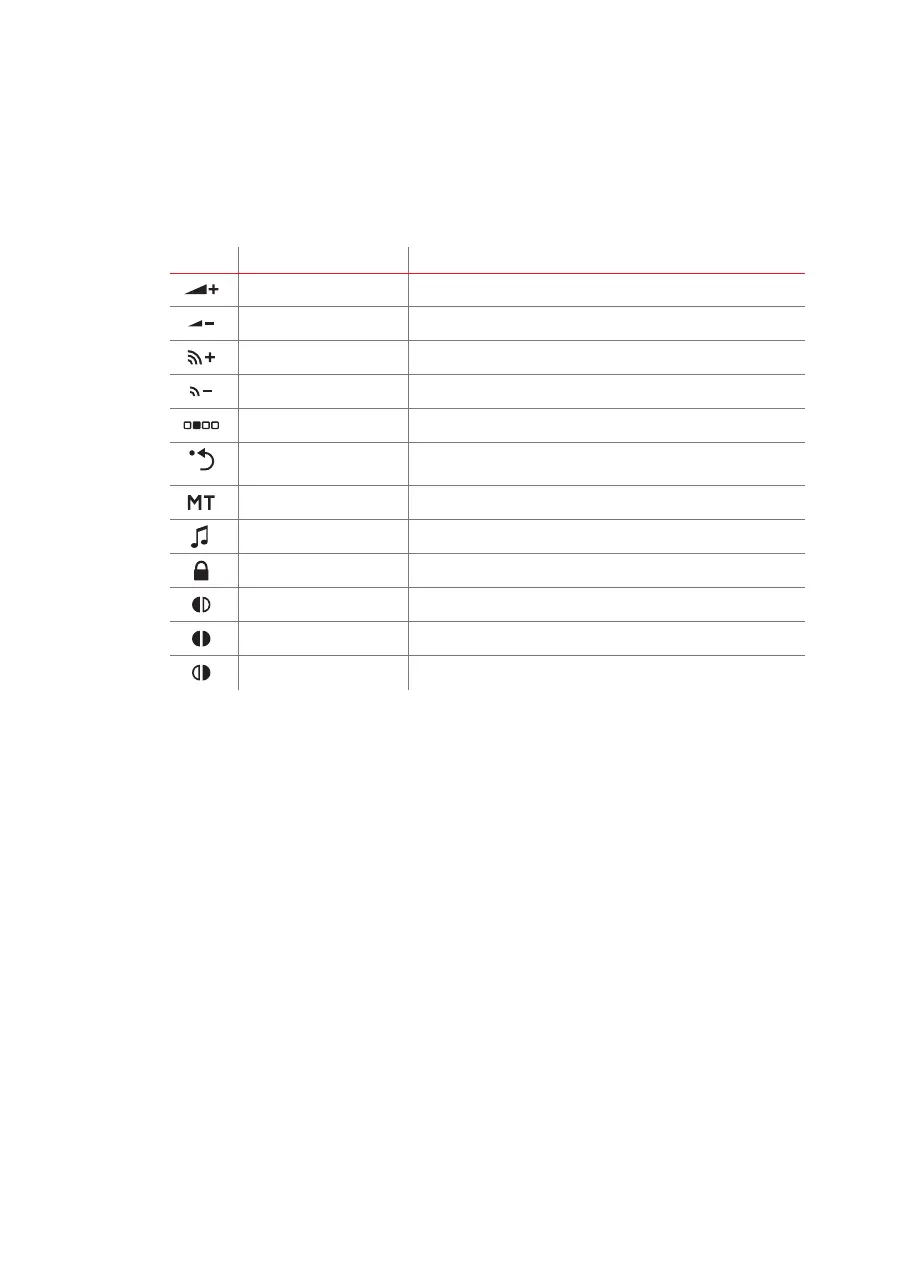
FineTuner Echo keys
Key Name Function
Volume key Increases overall loudness
Volume key Decreases overall loudness
Sensitivity key Increases audio sensitivity
Sensitivity key Decreases audio sensitivity
Programme selection key Toggles between different programmes
Default key Sets overall volume and audio sensitivity of the selected
programme to predened values
Input selection key Toggles between microphone, telecoil or microphone and telecoil
Audio streaming key Blocks/unblocks active external audio stream
Keypad lock Locks/unlocks the keypad
Processor selection key Selects left audio processor
Processor selection key Selects left and right audio processor
Processor selection key Selects right audio processor
Your FineTuner Echo does not have an ON/OFF switch. If you want to switch off the
device completely, you must remove the battery. Please note that the FineTuner Echo
may still show the last screen even after removing the battery.
With the volume and sensitivity keys you can change volume and sensitivity in fast
mode. Keep the desired key pressed to change the setting continuously instead of
stepwise.
Your audiologist or clinical staff can selectively disable all FineTuner Echo functions by
disabling the respective command in the audio processor (via the MED‑EL application
software).



 To Next Page