Troubleshooting
20
6. Troubleshooting
For assistance and reporting of issues associated with this MED‑EL product or to report
unexpected operation or events, contact your healthcare provider or local MED‑EL
representative.
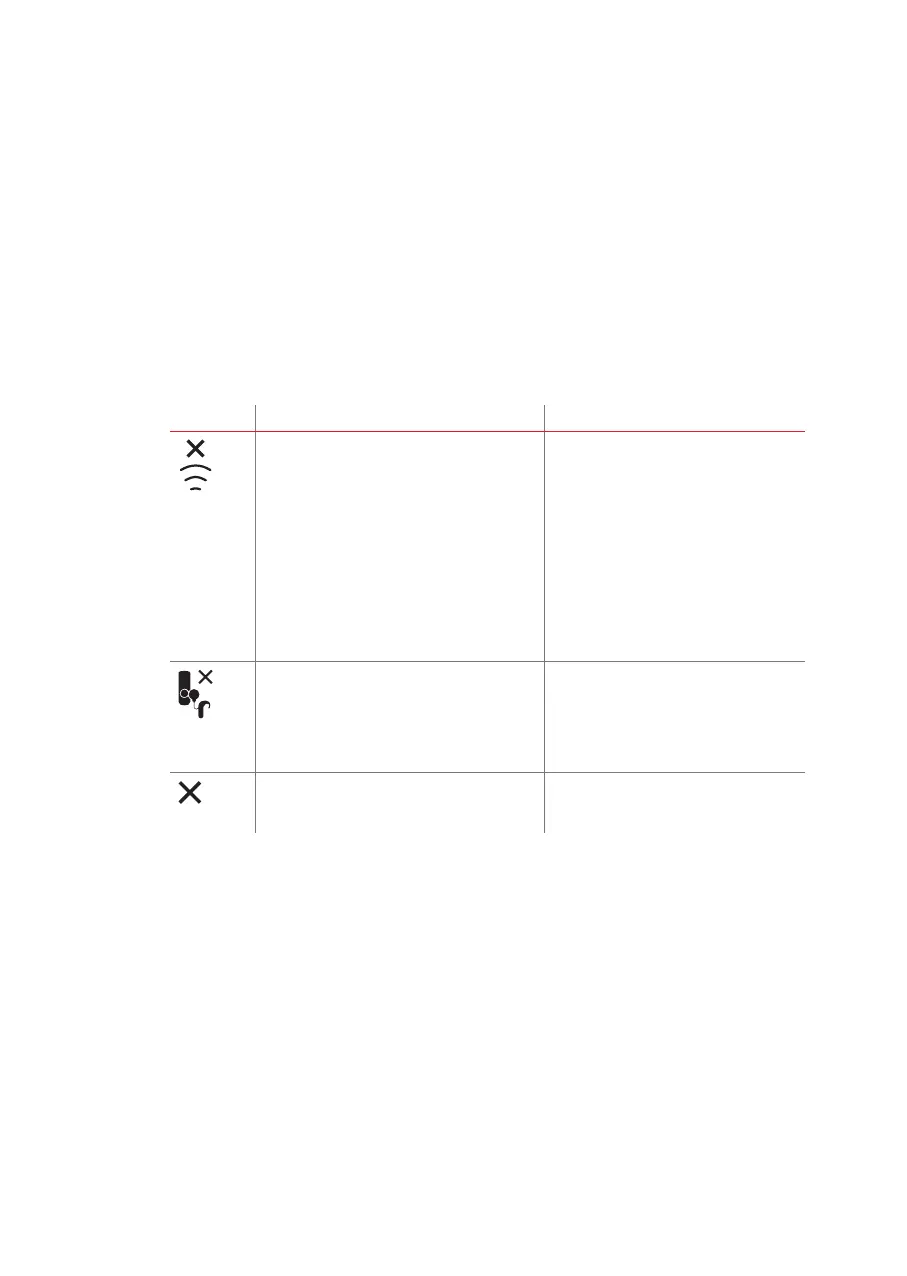
If the audio processor does not respond to FineTuner Echo commands, consult the
following table for potential reasons and solutions.
Display Possible cause Recommended action
• The audio processor is out of the FineTuner
Echo’s operational range, i.e. too far
away from the audio processor or the
audio processor is switched off, and no
commands will be executed.
• The audio processor did not respond to the
last command.
• The audio processor is switched off.
• The battery of the audio processor is
empty.
• Interference from other electronic or
electrical equipment is blocking the
transmission.
Move the FineTuner Echo closer to your
ear and try to switch settings again.
The pairing process was unsuccessful:
• The detected audio processor is not
compatible with the FineTuner Echo.
• The detected audio processor is congured
for the previous generation FineTuner
Proceed as described in chapter
FineTuner Echo, Using the FineTuner Echo
for the rst time.
If pairing is unsuccessful again, contact
your healthcare provider or local MED‑EL
representative.
An unexpected event prevented the command
being executed by the audio processor.
Try again. If the command still cannot
be executed, contact your healthcare
provider or local MED‑EL representative.



 To Next Page