FineTuner Echo
9
FineTuner Echo display
The FineTuner Echo has a display to provide direct feedback. The display reects only
actions executed with the keys of the FineTuner Echo. It does not update automatically.
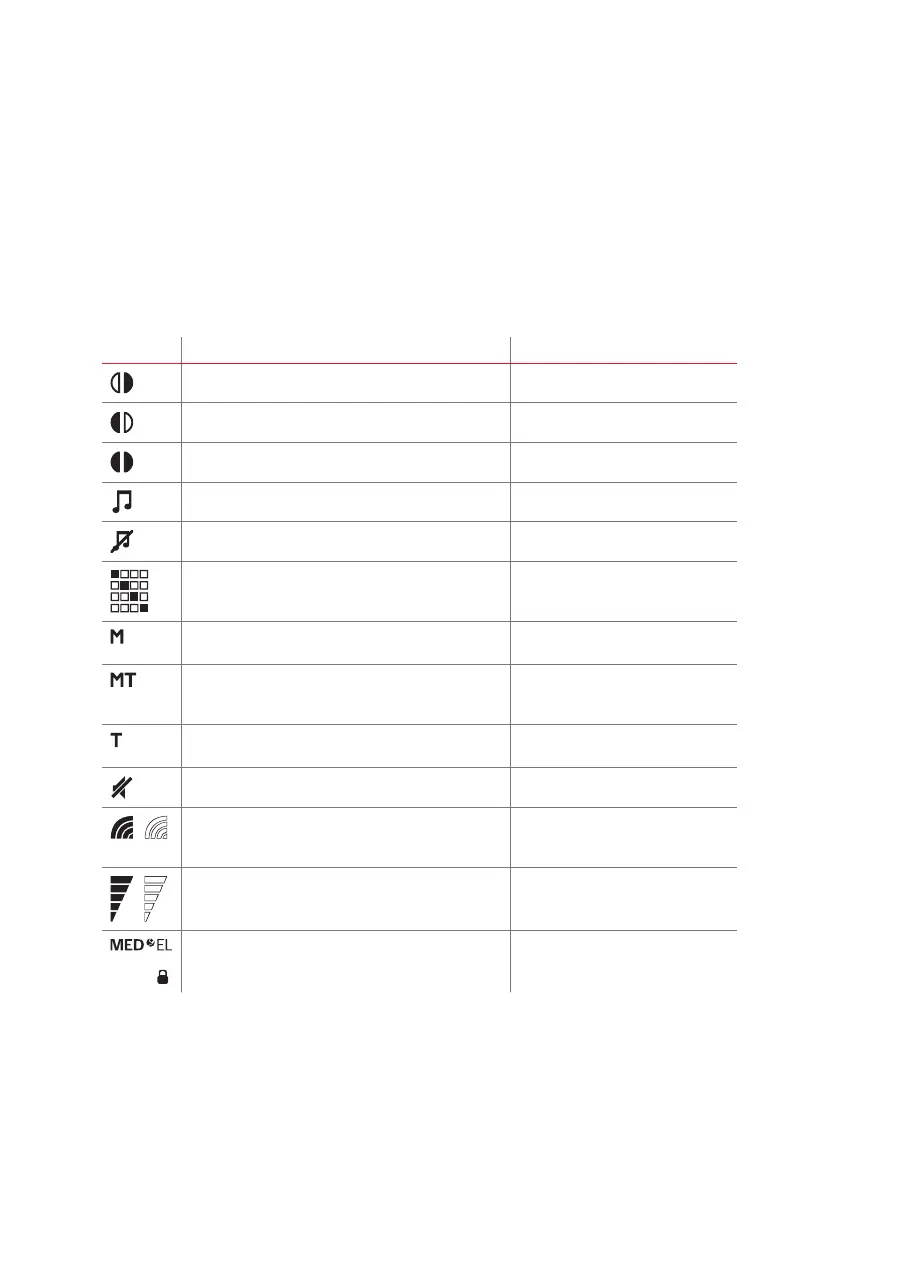
Status symbols
Symbol Meaning Required action
Bilateral mode: right side selected
Bilateral mode: left side selected
Bilateral mode: both sides selected
FineTuner (streaming via accessory) enabled
FineTuner (streaming via accessory) disabled
The lled square indicates the selected programme
Microphone: Sound is perceived via the audio
processor microphones only.
Microphone and telecoil: Sound is perceived via
the audio processor microphones and telecoil input
equally.
Telecoil: Sound is perceived via the audio processor
telecoil input.
Monitoring mode enabled
Sensitivity (for bilateral users only: a transparent
symbol indicates that the respective side is currently
disabled)
Loudness (for bilateral users only: a transparent
symbol indicates that the respective side is currently
disabled)
Lock Screen: The keypad of the FineTuner Echo is
locked
Press for approx. 3 seconds to
lock/unlock keypad



 To Next Page