38
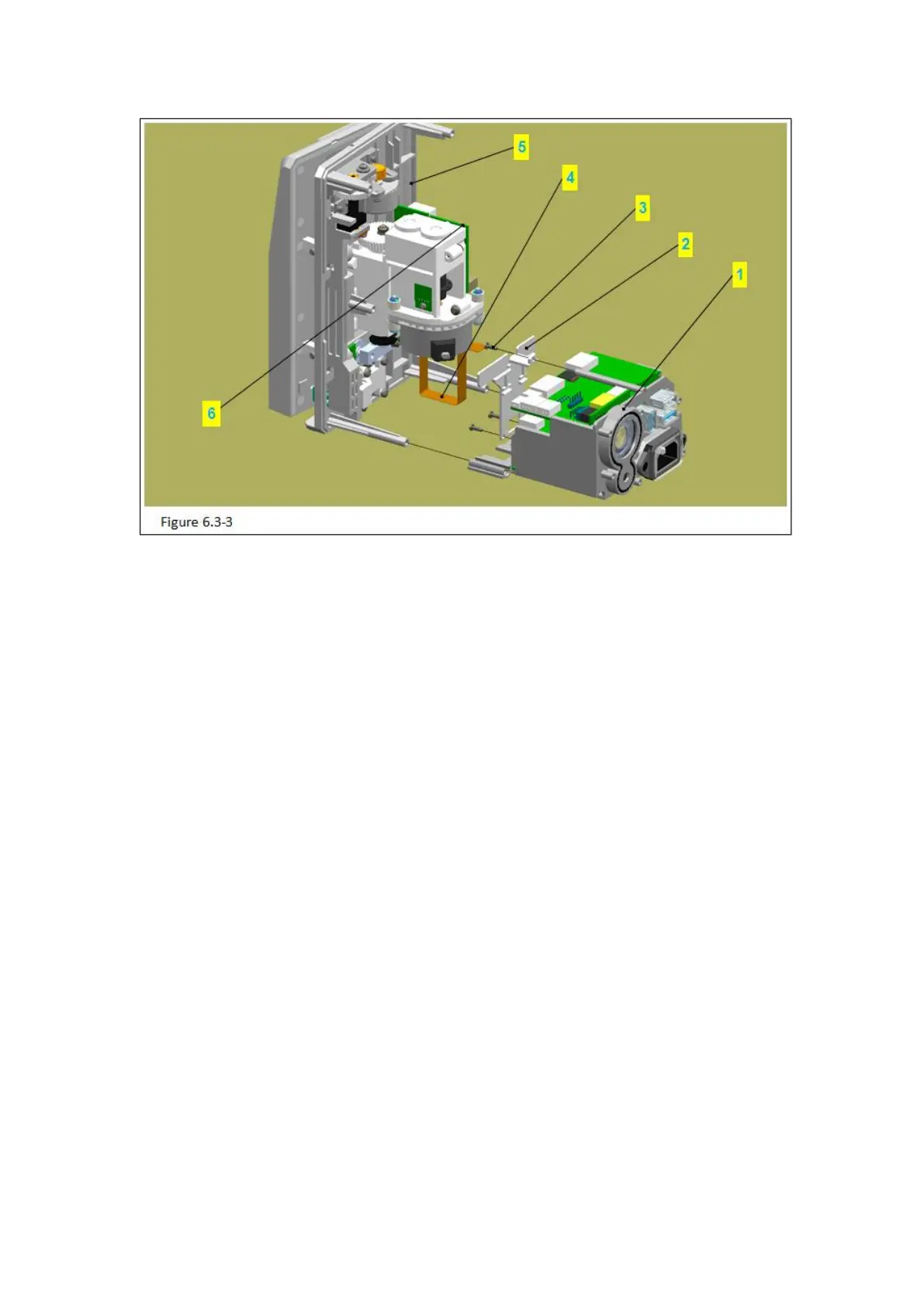
Figure 6.3-3 Notes
Code Name
Attention: please connect the power supply, press [OPEN] to open the pump door, then
remove the battery.
1)Use the short edge of 2# inner hexagon spanner to push-out a certain space between
baffle-axis (figure 6.3-3/code name 2) and round decorative cover (figure 6.3-3/code
name 3), take out the round decorative cover.
2)Use pilers tip to clamp the pushed-out baffle-axis, pull it out completely.
3)Remove the baffle (figure 6.3-3/code name 1).
6.3.4 Remove the Bracket for PCB



 To Next Page