14
TUNE
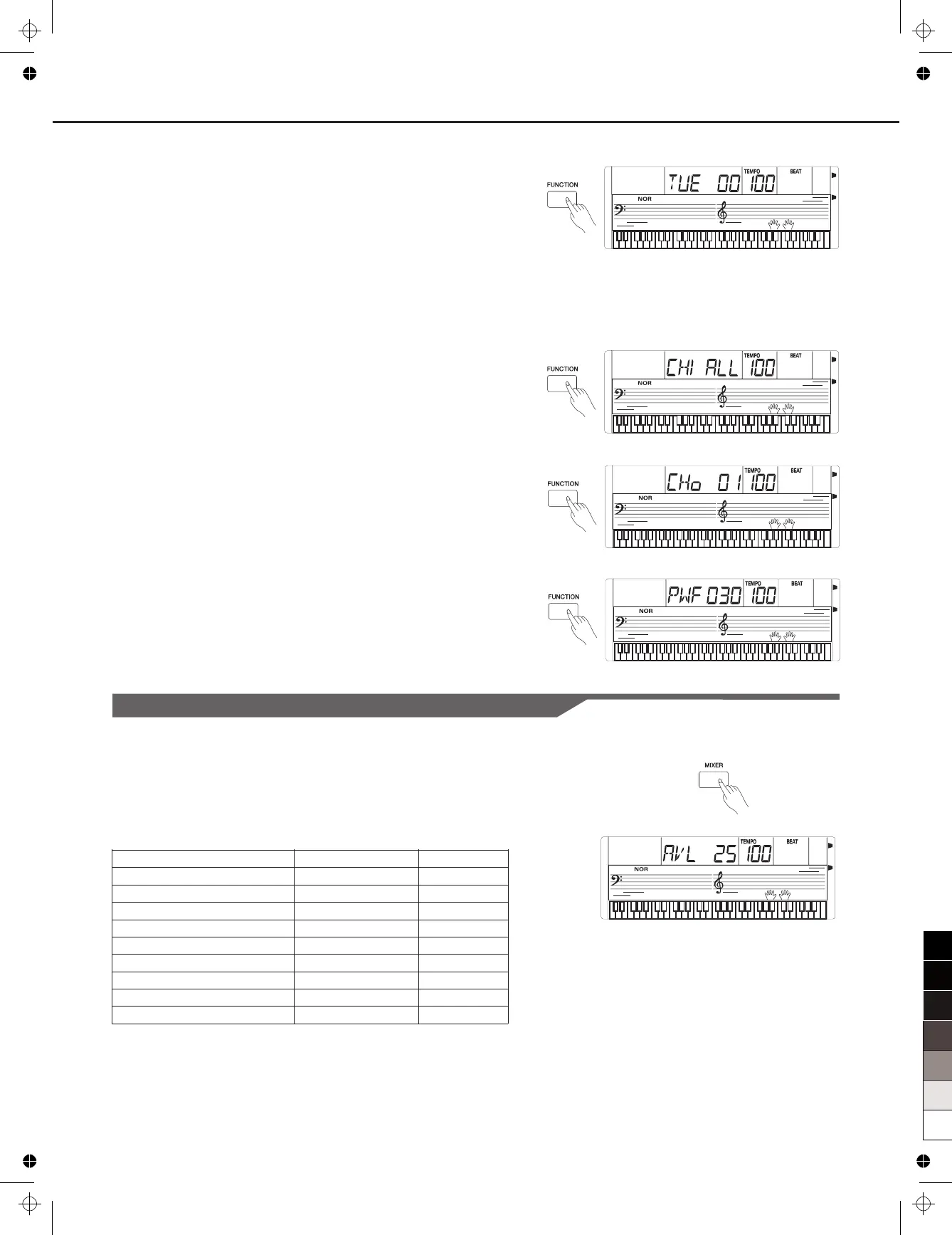
Press the [FUNCTION] button to select the Tune
The LCD displays the tune value. Use [+]/[-] to change the tune value.
Its range is from –50 to +50 cents. Press [+] and [-] buttons together
will set the TUNE to its default value.
Note:
The tune setting will to both keyboard and style.
MIDI SETTING
Automatic Power Off
1. Press the [FUNCTION] button repeatedly until the LCD displays
“ .
2. The LCD displays the time value. The OFF, 30 and 60,
the default value is 30.
3. Use [+] or [-] button to change the Power Off time value.
Press [+] and [-] simultaneously to restore the default value: 30.
menu.
apply
1. Press the [FUNCTION] button to select the MIDI IN/OUT menu. LCD
displays “CHI ALL” or “CHo 01” respectively.
2. Use the [+]/[-] button to select a desired channel.
Channels for MIDI IN:
PWF 30”
options are
1~16, ALL, the default setting is All.
Channels for MIDI OUT: 1~16, the default setting is 01.
Mixer
Content
Accompaniment VOLUME
Rhythm Main VOLUME
Bass VOLUME
Chord 1 VOLUME
Chord 2 VOLUME
Chord 3 VOLUME
Voice R1 VOLUME
Voice R2 VOLUME
Voice L VOLUME
LCD Display
AVL 25
RTh 31
bAS 31
CH1 31
CH2 31
CH3 31
UP1 28
UP2 20
LOE 20
Range
0-32
0-32
0-32
0-32
0-32
0-32
0-32
0-32
0-32
Press [MIXER] button to enter the . The default option
of the menu is " Accomp", When you enter this menu next time,
Press [MIXER] button,
select the option you want to set. Use [+]/[-] to set the parameter.
The option and the parameters are as the follows:
Mixer menu
it will
display the same option of your last operation.
Note:
Press [+] and [-] buttons simultaneously, the LCD displays "OFF", it
means this parameter volume is turned off. Press [+] and [-] buttons
simultaneously again, the LCD will display the last volume level.
It will quit the Mixer menu if there is no operation in 3 seconds.
Other Function



 To Next Page