8
Playing the Demos
Playing Voices
The keyboard has 320 remarkably realistic built-in voices, including Piano, Woodwind, Saxophone, Drum
Kits and many more. Please refer to Voice List.
Playing Voices
8
The instrument features 100 demo songs.
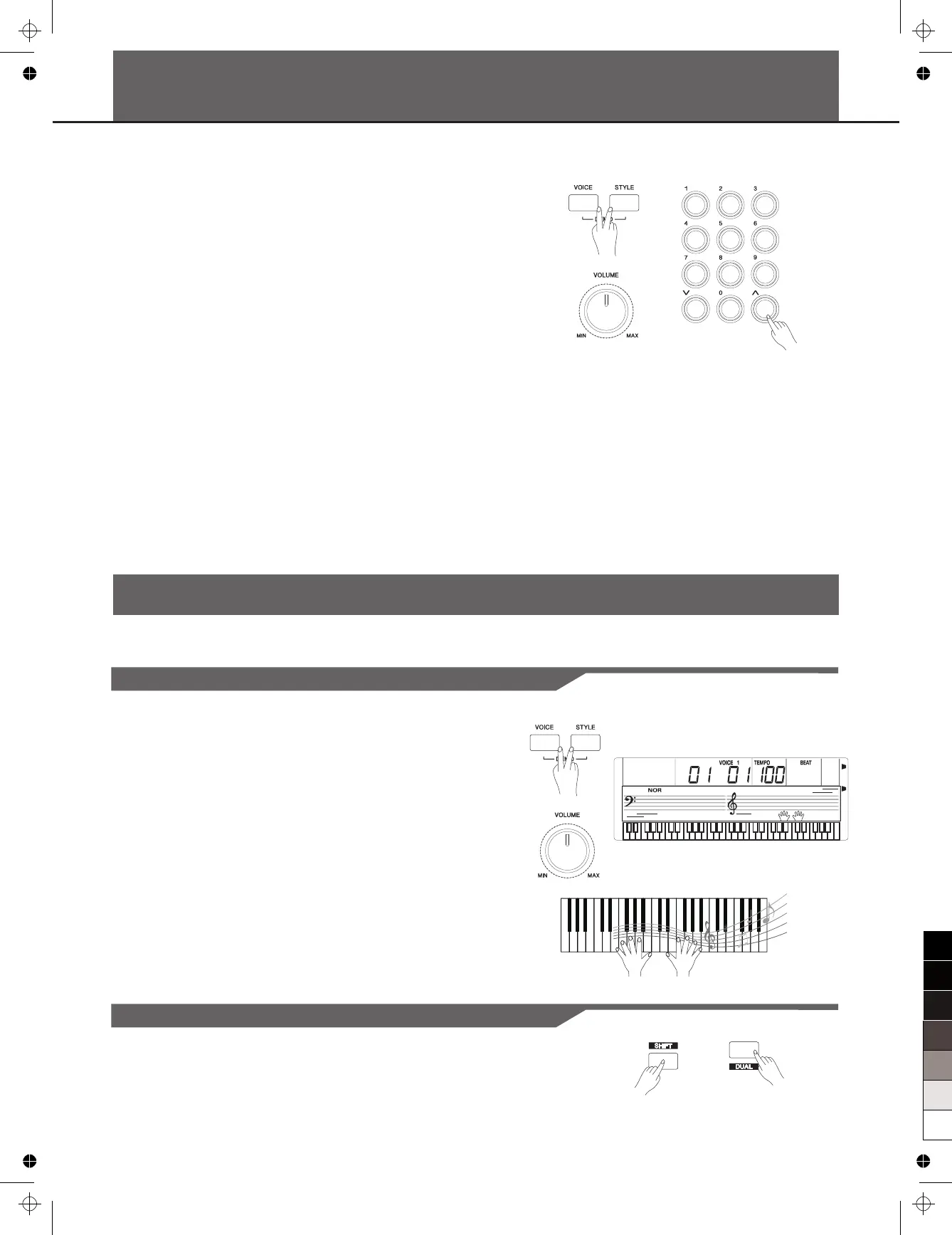
1. Press the [STYLE] and [VOICE] buttons simultaneously to start
playing the demo.
2. Select a demo song.
Use the data dial, the number keys, the [+] button or the [-] button to
select the desired demo song.
3. Adjust the volume with the [VOLUME] knob.
4. Press the [STYLE] and [VOICE] buttons simultaneously again or
press the [START/STOP] button to stop playing and exit the demo
mode.
Note:
In the DEMO mode, all buttons except START/STOP, TEMPO+,
TEMPO-, +, -, DSP, VOLUME, POWER ON/OFF will not be available.
1. Press the [VOICE] button.
Enter the VOICE mode. LCD shows “ ”, the voice
number.
2. Select a voice.
Use the number keys, the [+] button or the [-] button to select the
voice you want to play.
3. Play the voice.
Note:
VOICE 1
When both Voice 1 and Voice 2 are on, you can press the [VOICE]
button to shift between the two voices.
Play the keyboard and enjoy the wonderful voice.
Playing Two Voice Simultaneously-DUAL
1. Holding down the [SHIFT] button and press the [DUAL] button to
turn the function on. LCD shows “VOICE 2” and the dual voice number.



 To Next Page