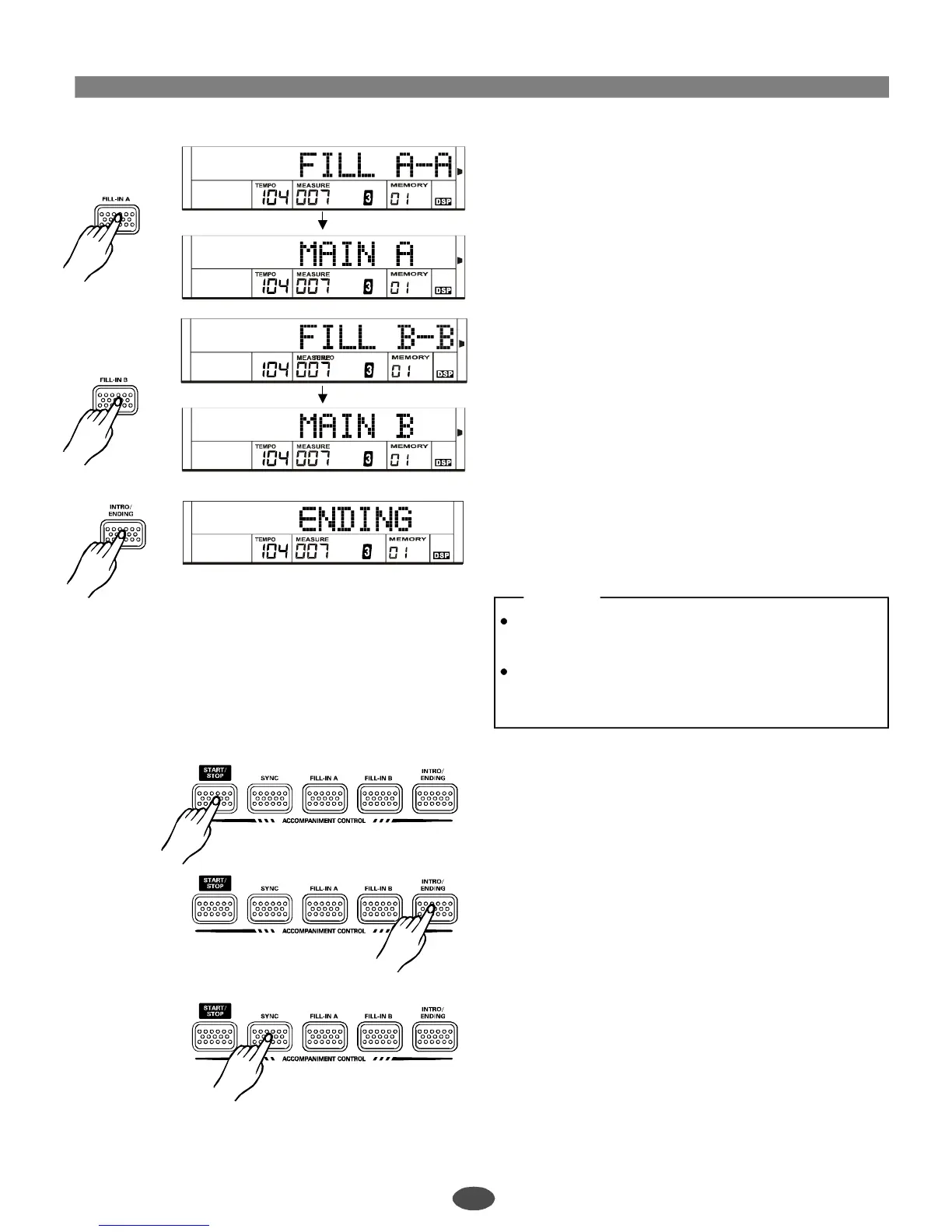
PlaytheMain(A/B)section.
Choosethedesiredstyleandpressthe[START/STOP]
button.
Pressthe[FILLA]button.Thefilla-aorfillb-awillbegin
immediatelyandsmoothlyleadintothenormal.
LCDdisplays:"MAINA".
Pressthe[FILLB]button.Thefilla-borfillb-bwillbegin
immediatelyandsmoothlyleadintotheVARIATION.
LCDdisplays:"MAINB".
PlaytheENGINGsection
ToplaytheENDINGsection,press[INTRO/ENDING].
LCDdisplays:"ENDING".
5
6
7
NOTE:
Ifholdingdownthe[FILLA]or[FILLB]button,the
keyboardwillplaythefillsectionallalong.
Ifpressingthe[FILLA]or[FILLB]buttonatthelast
beatofthecurrentmeasure,thefillwillbeginfrom
thefirstbeatofthenextmeasure.
Stopplayingthestyle.
Theaccompanimentcanbestoppedatanytimeby
pressingthe[START/STOP]button.
Pressthe[INTRO/ENDING]buttonifyouwanttogoto
theendingsectionandthenstop.Theendingsection
willbeginfromthetopofthenextmeasure.
SYNCSTOPpressthe[SYNC]buttontostopplaying
style.
:
11
PDF 文件使用 "pdfFactory Pro" 试用版本创建 ÿ www.fineprint.com.cn



 To Next Page