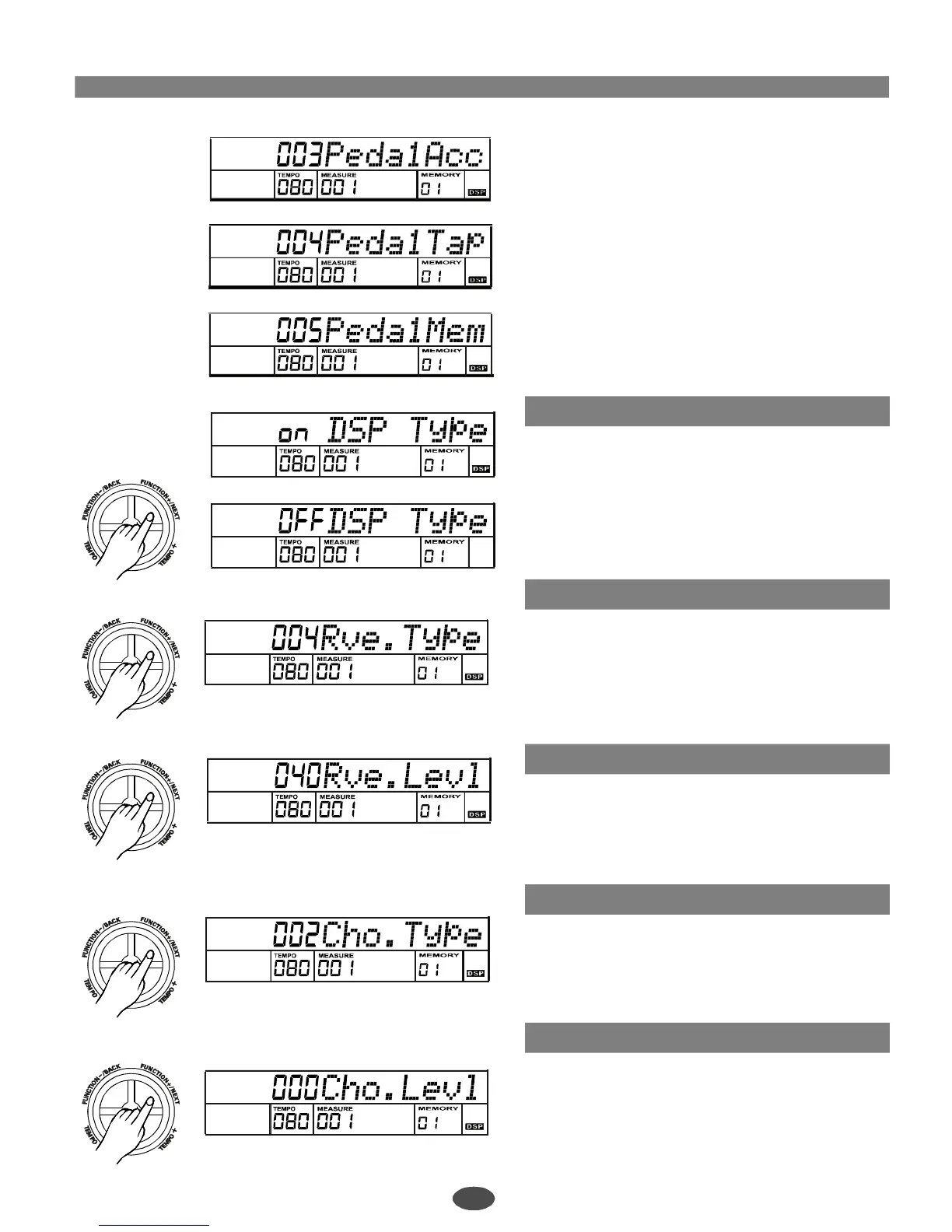
DSPon/off
Reverbtype
Reverblevel
Chorustype
Choruslevel
IfyouselecttheAccompStpedal,ithasthesame
functionaspressthe[START/STOP]buttonby
steppingthepedal.
IfyouselecttheTEMPOTAPpedal,youcanquickly
adjustthetempoofsongs,demos,andstyles,by
steppingthepedalfourtimescontinuously,
IfyouselecttheMEMORYSELECTpedal,youcan
selecteachmemoryinturnbysteppingthepedal.
(fromtheMEMORY01-1to08-4,all32memorys).
3
4
5
Pressthe[FUNCTION+/NEXT]buttontoturnDSPon/
offwithdial,[+/YES],[-/NO].
IfyouturnDSPoff,theDSPsignwillputout.
Pressthe[FUNCTION+/NEXT]buttontoadjustreverb
typeparameterwithdial,[+/YES],[-/NO].
ParameterRange:from0to7.
Pressthe[FUNCTION+/NEXT]buttontoadjustreverb
levelparameterwithdial,[+/YES],[-/NO].
ParameterRange:from0to127.
Pressthe[FUNCTION+/NEXT]buttontoadjustchorus
typeparameterwithdial,[+/YES],[-/NO].
ParameterRange:from0to7.
Pressthe[FUNCTION+/NEXT]buttontoadjustchorus
levelparameterwithdial,[+/YES],[-/NO].
ParameterRange:from0to127.
19
PDF 文件使用 "pdfFactory Pro" 试用版本创建 ÿ ÿ www.fineprint.com.cn



 To Next Page