17
q
User manual for medifa 5000 operating table Version 2.1
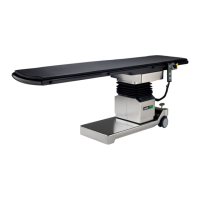
1. Reach under an edge on the side of the padding
and pull the padding upwards.
9.3 Attaching the padding
Padding
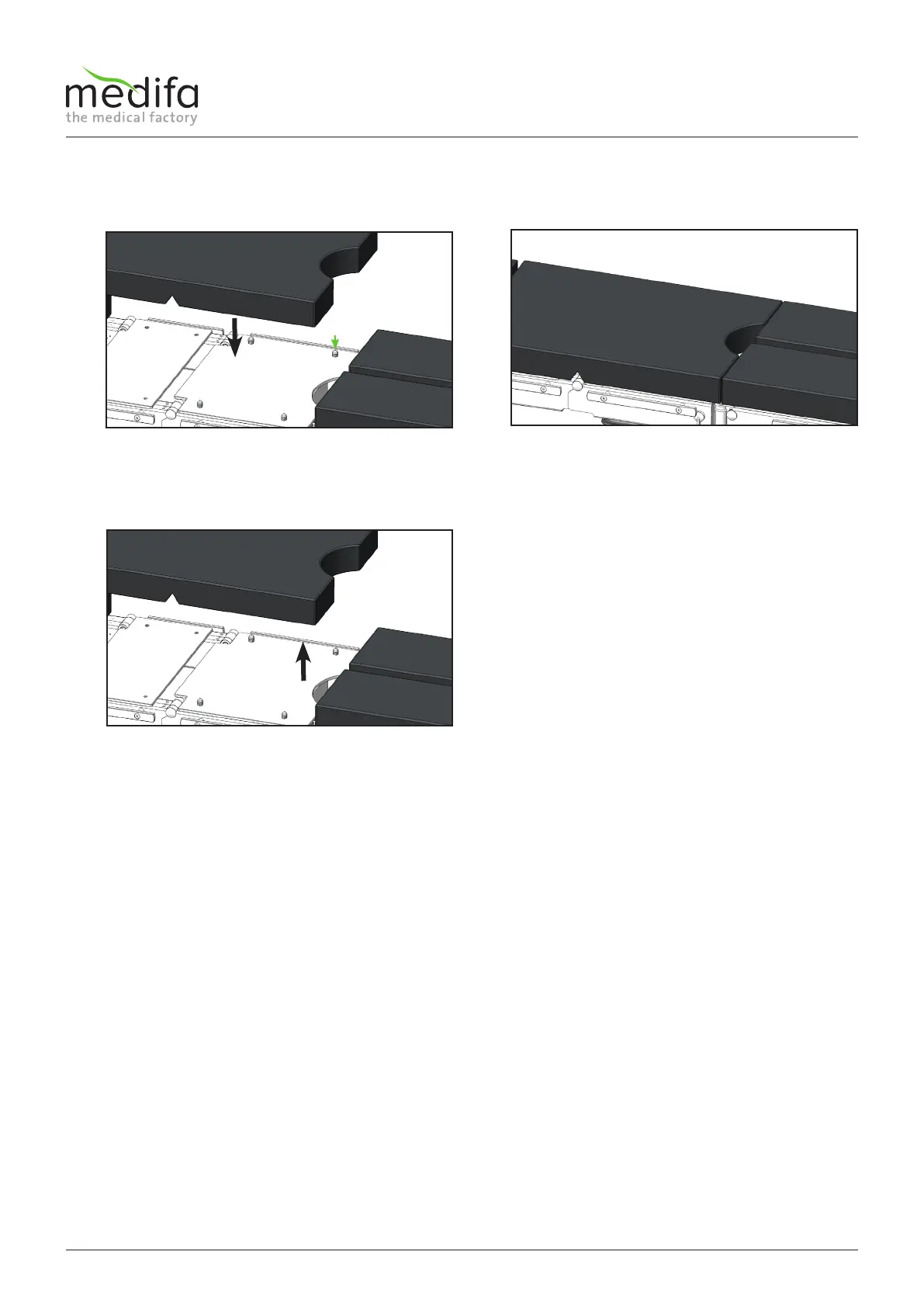
1. Place the padding on the padded plate, press the
bushings in the padding onto the stud-mounting
holes [1] on the padded plate.
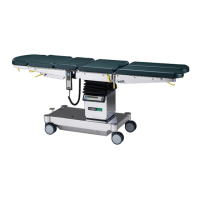
2. Check if the padding is securely held on the oper-
ating table. The padding must be fixed exactly on
the padded plate.
9.4 Removing the padding


 To Next Page