35User manual for medifa 5000 operating table Version 2.1
we care.Code
If you cannot resolve the problem on your own, you can send a service request directly to medifa.
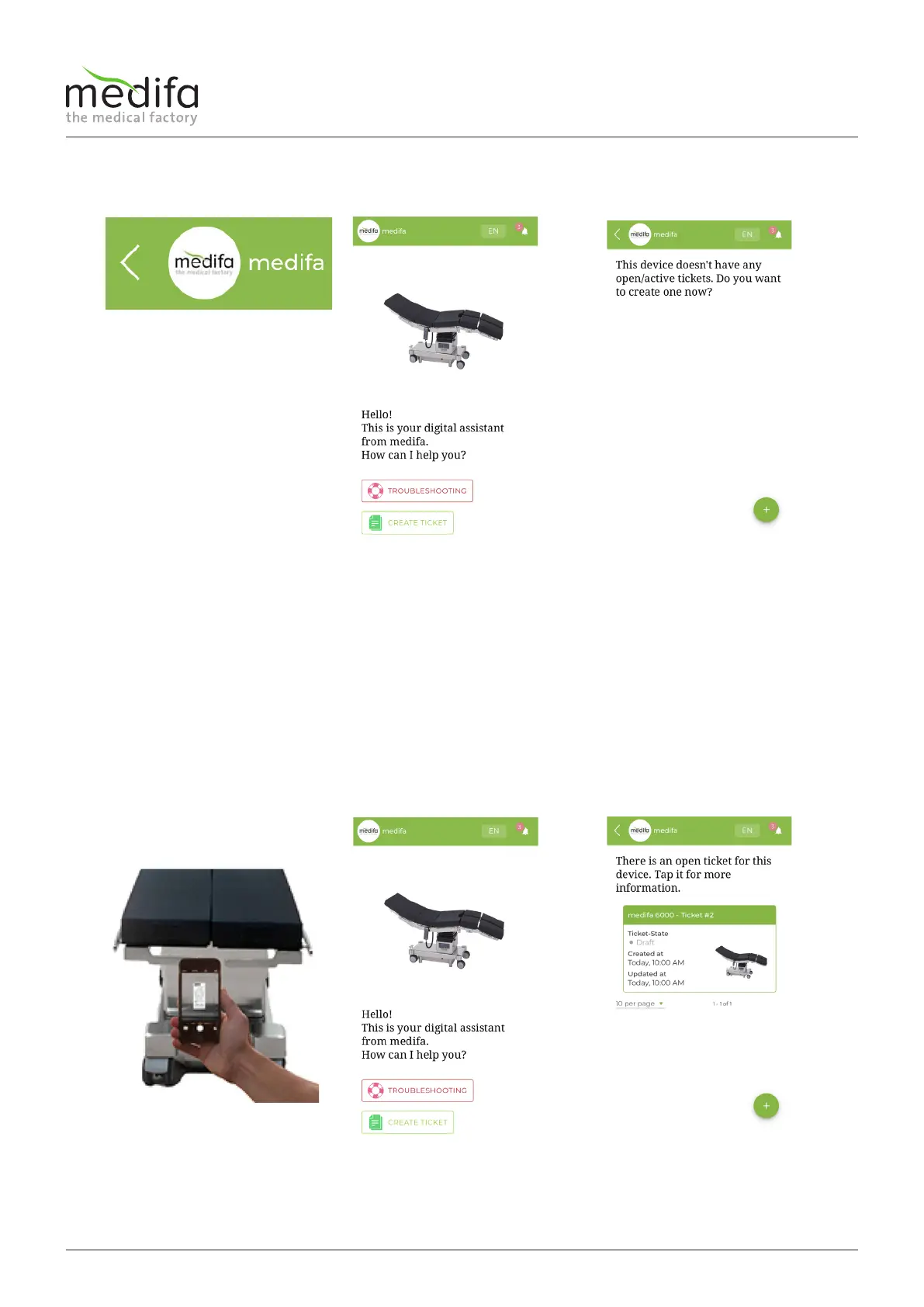
1. Tap on the < symbol in the
header.
2. Tap on “CREATE TICKET” on
the home page.
3. A window containing your ex-
isting tickets for this product,
provided you have already
created tickets, will be shown.
In order to create a new
ticket, tap on the in the green
circle on the plus symbol +.
After sending the ticket, you
can optionally specify your
email address to get updates
regarding the created ticket
via email.
4. Alternatively, you must again
scan the QR code later.
5. Tap on “CREATE TICKET” to
view a feedback for the ticket
created by you.
6. A window containing your ex-
isting tickets for this product
will be shown.


 To Next Page