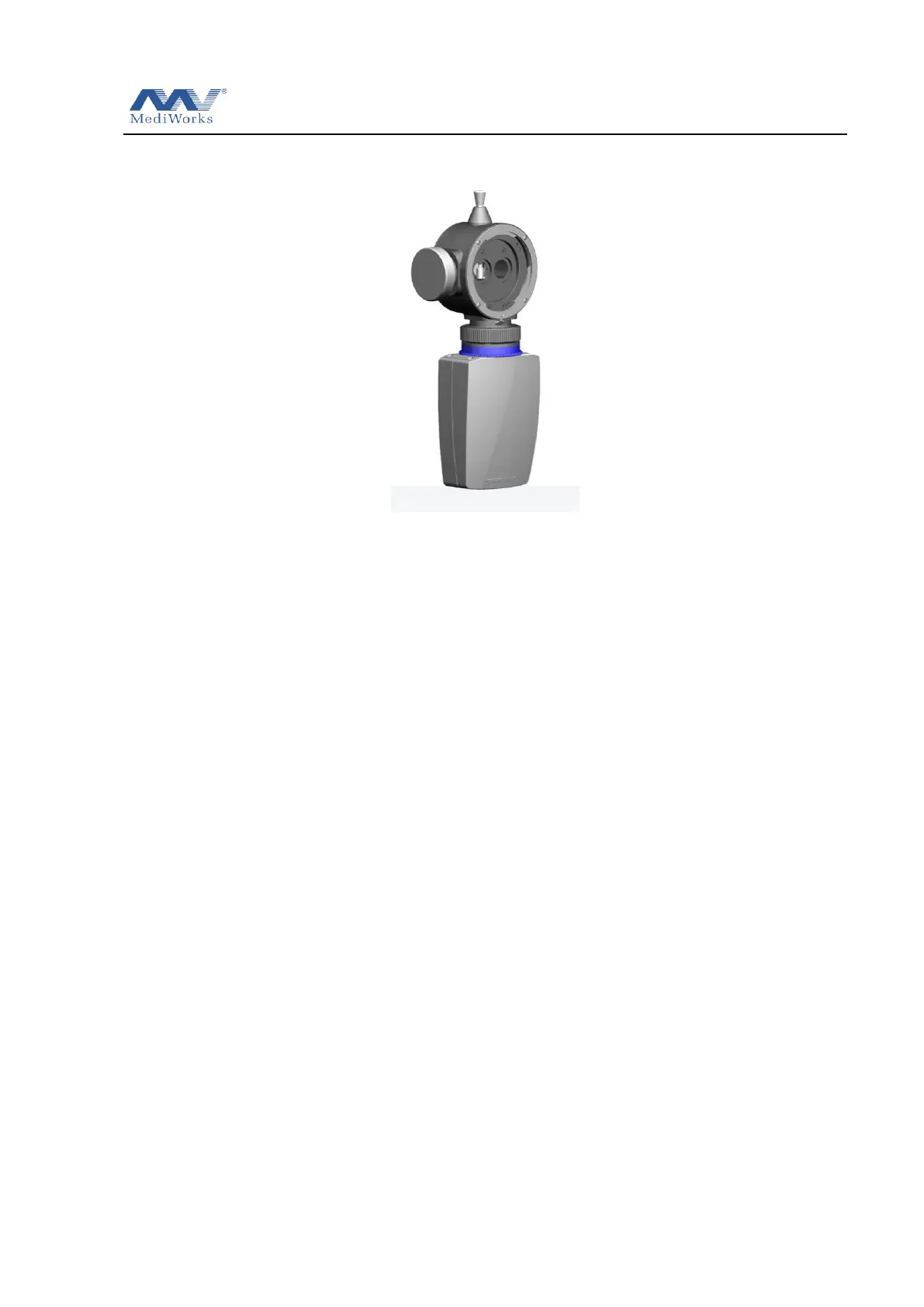
Slit Lamp Microscope USER MANUAL
12 / 29
1 Metal plate
2 Brightness control knob
The brightness can be adjusted continuously. Avoid working continuously at high
setting, as the service life of the bulb will be shortened.
3 Joystick
Incline joystick to move the instrument slightly on the horizontal surface and rotate it to
adjust the elevation of the microscope.
4 Shutter button
Used for digital slit lamp photography
5 Illumination Inclination Lever
Four inclination stops are available from 5°up to 20°. The interval between each is 5°.
6 Slit Width control knob
Turn the knob to adjust the slit width. The left knob is marked with a slit width
indicator.
7 Illumination system reset knob
By loosening the knob, the light can be offset from the center of the field of view of the
microscope to provide indirect backlighting. When the knob is tightened, the light can
be restored to the center of the microscope field of view.
8 Limit marker
Limit viewing system and illumination system relative angle indicating and limiting
illumination arm rotation angle
9 The indication of relative angle between the microscope and illumination unit
10 The mark of relative angle between the microscope and illumination unit


 To Next Page