1. Connect to a BarMaster and turn on the equipment
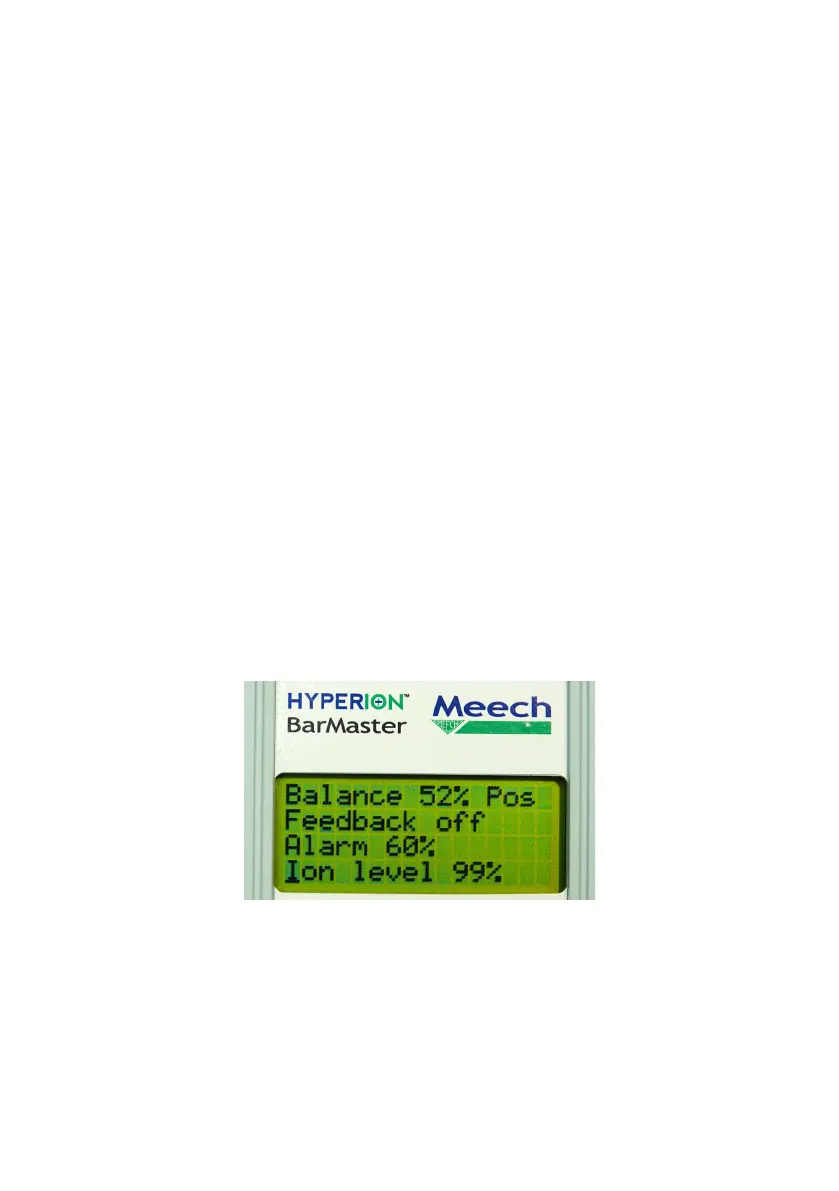
2. A readout will appear on screen and we will require the following information:
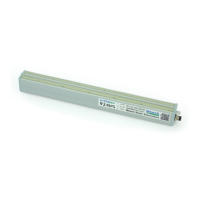
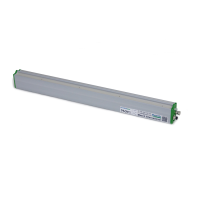
a. Product Code (i.e. A960IPS-(0320 = bar length))
b. Software information
c. Frequency
d. Balance
e. Output voltage
f. Alarm %
g. Ion Level %
h. Reset Ion Ref
i. Alarm True (Hi or Lo)
j. Output drive
3. Status of the LED (i.e. solid green, ashing red, solid red, ashing green)
4. Please provide a photo of the equipment as it is installed
5. A description and a photo or video of the problem you are experiencing
6. The action you want Meech to take e.g. repair, replace, warranty etc.
19


 To Next Page