Troubleshooting
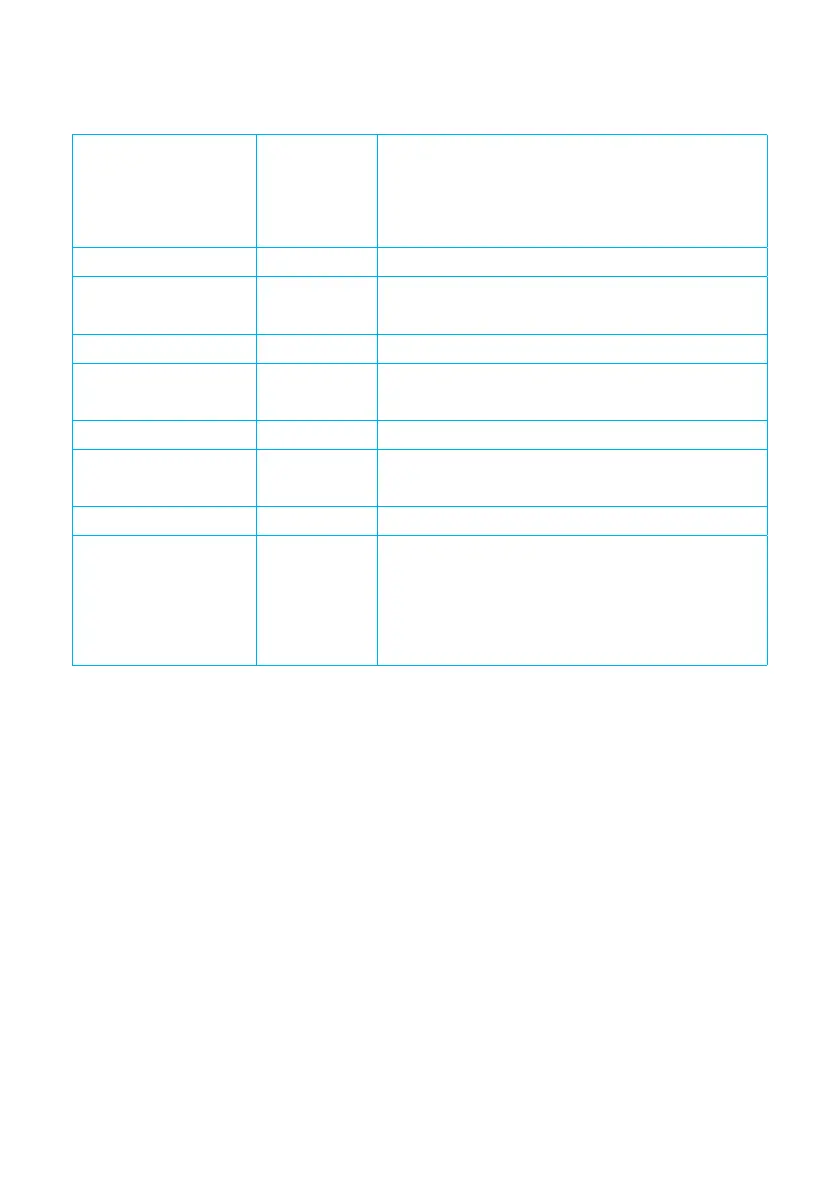
Solid Green LED Meaning In normal operation the LED on the bar will
illuminate Green. This indicates that the bar
is operating correctly with good ionisation
performance.
No LED Meaning No power to bar
Action Check 24V Power Supply over pins 1 and 3.
(Brown and Blue wires)
Flashing Green LED Meaning BarMaster remote programmer is connected.
Action After programming, reconnect directly to the
power supply to resume normal operation.
Flashing Red LED Likely cause Contamination causing a drop in performance
Action Switch o power supply. Turn the power on
and check for green solid LED
Solid Red LED Likely Cause Abnormal output current detected
Action Check installation for metallic objects on the
emitter pins.
Should the solid red LED persist, contact your
Meech distributor
21


 To Next Page