Chapter 4. NetAgentA Setting
4.1 Introduction
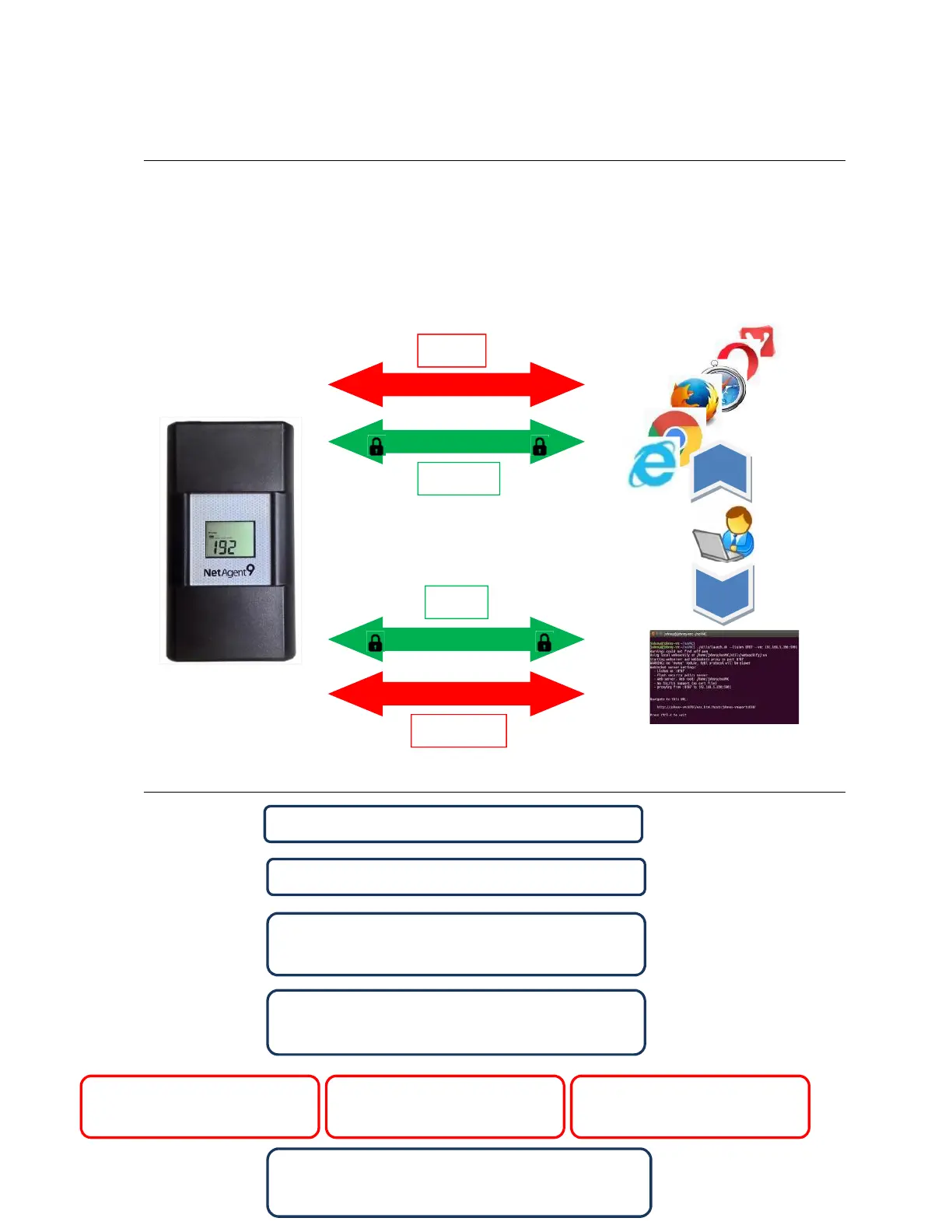
NetAgentA can be login via web or HyperTerminal with protocol and encryption of
HTTP/HTTPS/SSH/Telnet. Enter the IP address of NetAgentA to configure and monitor
the UPS status.
4.2 NetAgentA Login Procedure
HTTP
HTTPS
SSH
TELNET
1. Connect NetAgentA to modem/router
5. Double click NetAgentA
from Netility
5. Enter IP address of the
NetAgentA on browser
5. Login via HyperTerminal
2. Install Netility under same network
3.NetAgentA searches all available
NetAgentA within same network
4.Configure IP address of NetAgentA
(1)DHCP IP (Default) (2)Static IP
6. Select the compatible protocol under
UPS Configuration webpage of NetAgentA



 To Next Page