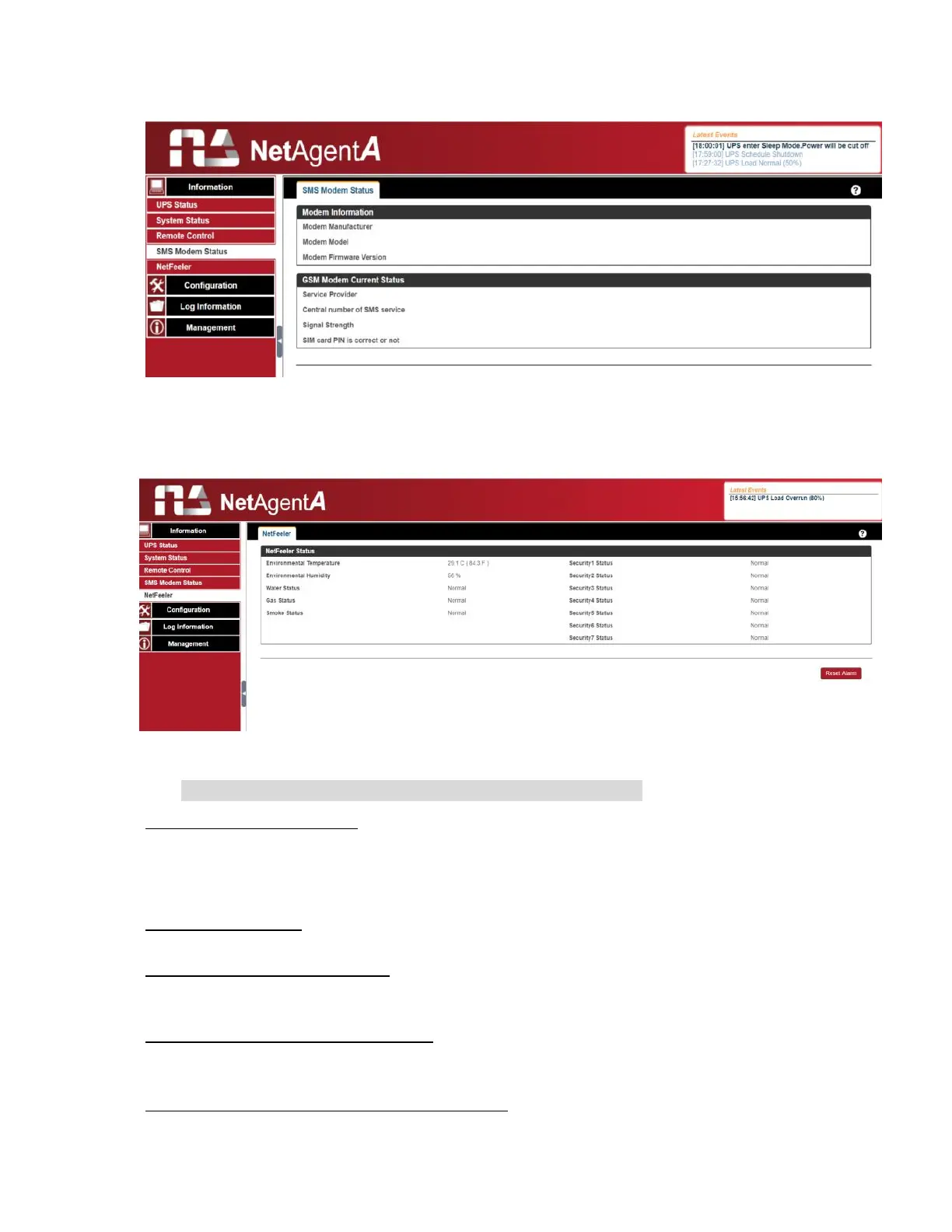
Information > SMS Modem Status
This page shows the Modem status when GPRS modem is connecting with NetAgentA
Information > NetFeeler
This page shows the environmental status when USB NetFeeler/ NetFeeler II and its
accessories are connected with NetAentA.
Configuration > UPS Configuration
UPS Properties (Please refer to your UPS specification)
UPS Communication Type:
In order to establish theconnection between NetAgentA and UPS, select
the compatible protocol which your UPS supported from the list. Wrong
protocol selected would cause no communication at all. (Megatec is
default protocol)
Number of Batteries:
Enter the number of battery that the UPS has.
Battery Full Charge Voltage (V):
Enter the number of the full charged voltage per battery cell. (2.267 is default, this is
recommended not to be change)
Battery Exhausted Charge Voltage(V):
Enter the number of exhausted voltage per battery cell. (1.667 is default, this is
recommended not to be change)
Date of Last Battery replacement(mm/dd/yyyy)
:
Enter the date of last battery replacement for record



 To Next Page