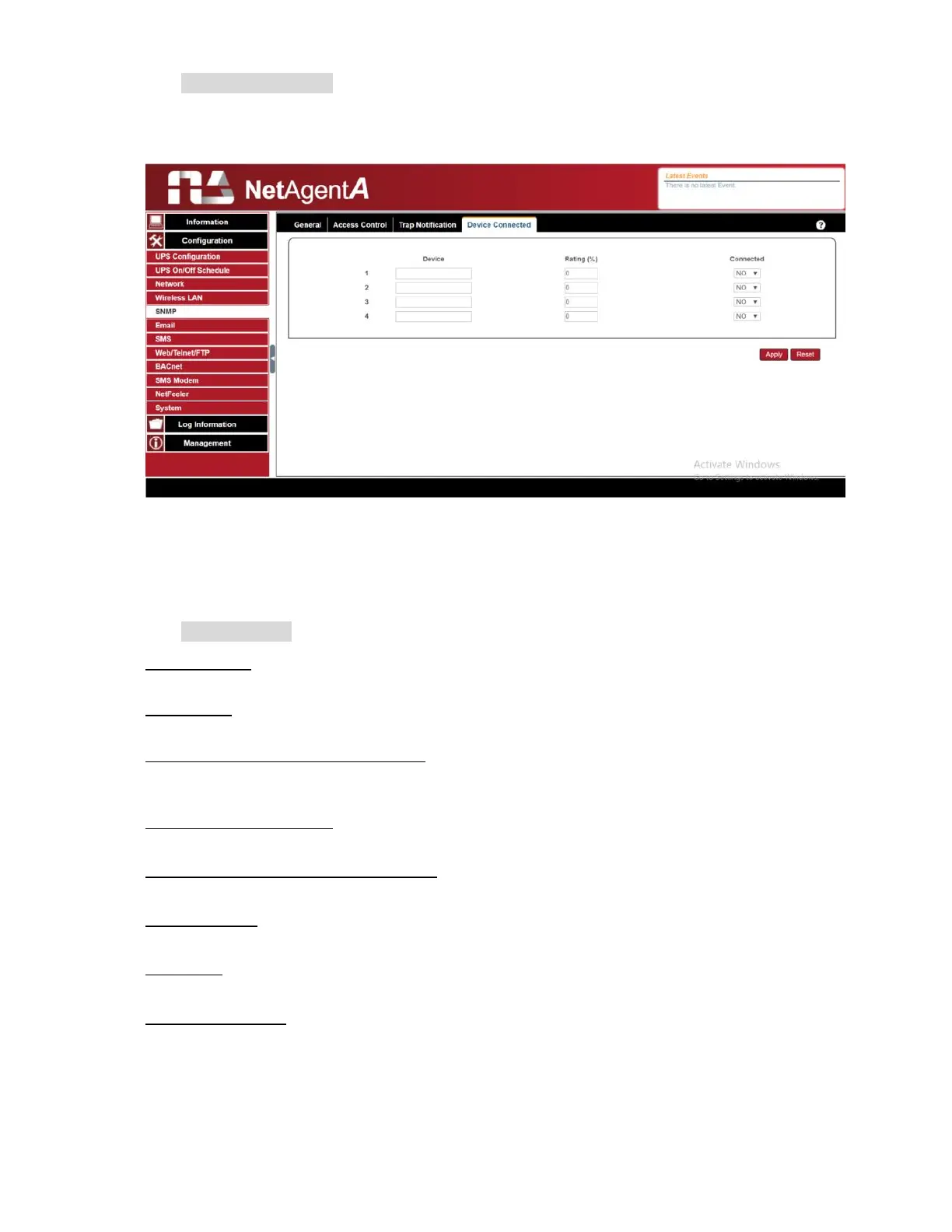
Device Connected
This section is to set the usage power and connection status of other devices which
connects to the same UPS as NetAgentA uses.
Configuration > Email
To send email notification when event occurs or data log. Encryption supports are
SSL/TLS/STARTTLS
Email Setting
Email Server:
Enter the address of email server
Email Port:
Email Port that use for sending email
Enable SSL on Email Transmission:
Select SSL type for email transmission
Sender’s Email Address:
To enter the email address that for sending email
Email Server Requires Authentication
:
If such email server requires authentication or not
Account name:
If authentication is required, enter its account name
Password:
If authentication is required, enter its password
Sending Test Mail
:
Enter email address to check all configuration is correct or not to receiving mail



 To Next Page