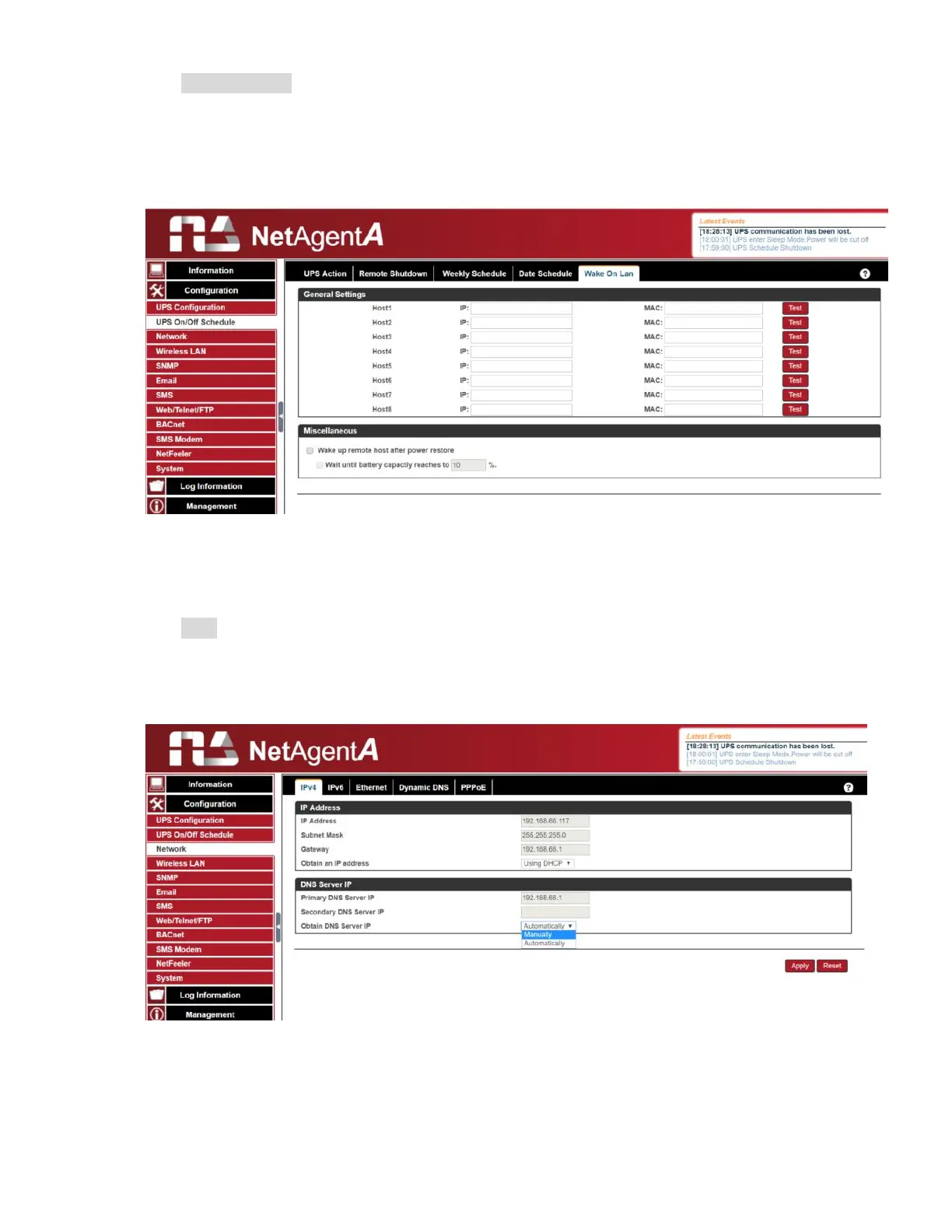
Wake On Lan
This section is to wake the PC within the network when AC recovery, or, when battery
capacity reaches at configured %. (Make sure the PC has such function supported and
configure as “Enabled” under BIOS.) Enter the IP address of that PC and system would
search its IP accordingly
.
Configuration > Network
This page is to set NetAgentA’s Network settings.
IPv4
NetAgentA and DNS IP address can be obtain by drop down list with option of Manually,
Using DHCP, or Bootp. If the IP address and DNS has been configured on Netility, then
info will automatically show here



 To Next Page