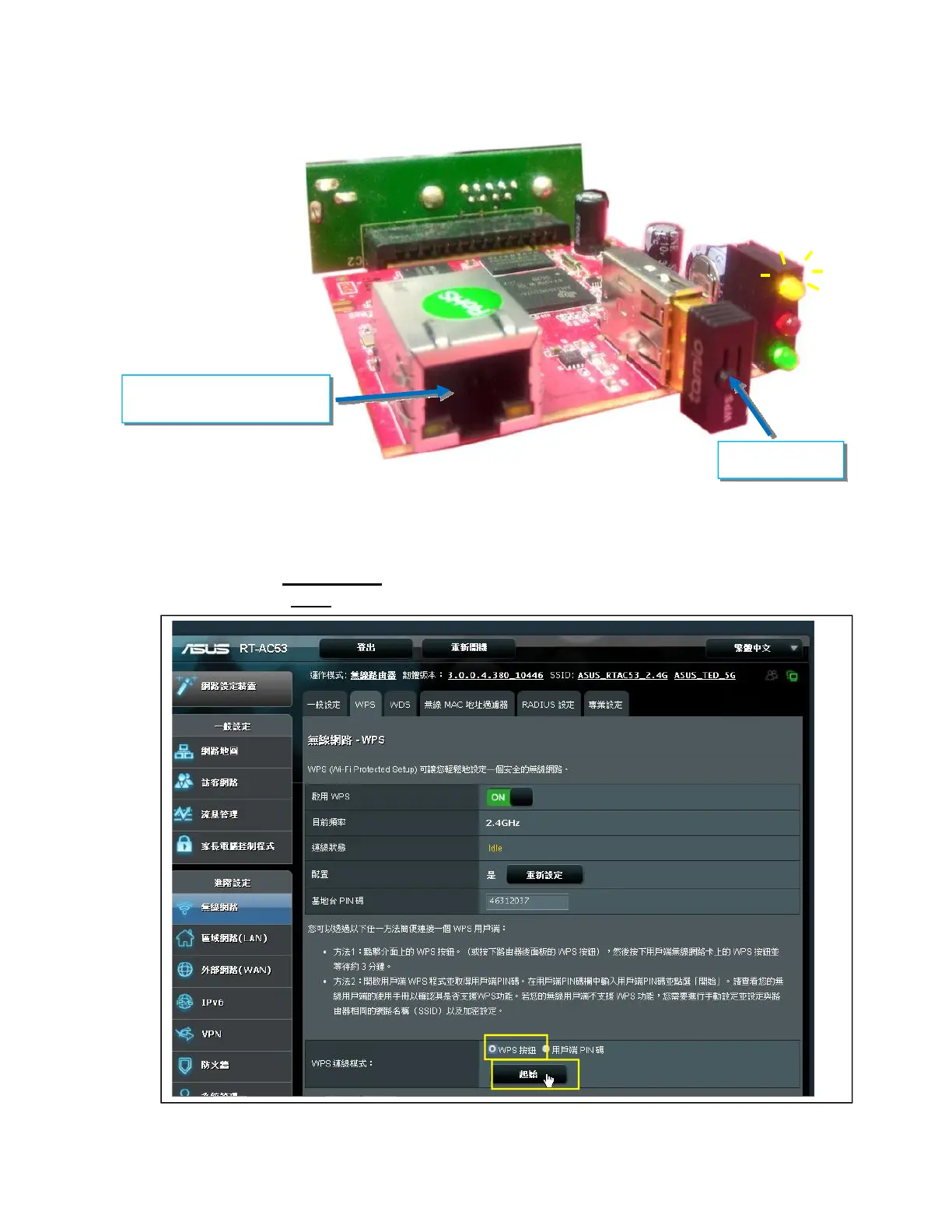
(1)Connect U1 Tamio dongle to NetAgentA card
( If it is model-DA806, use the M2509
cable to convert)
。
(2)Press WPS button on Tamio dongle for 2~3 seconds until the yellow LED begins
to flashing.
WPS Setting for the wireless router:
When yellow LED of the NetAgentA is flashing , open up WPS setting page of the
wireless router. With WPS connection mode,
(1)Select ”WPS button”
(2)Click on”Start”
WPS Button
LAN cable is not
required



 To Next Page