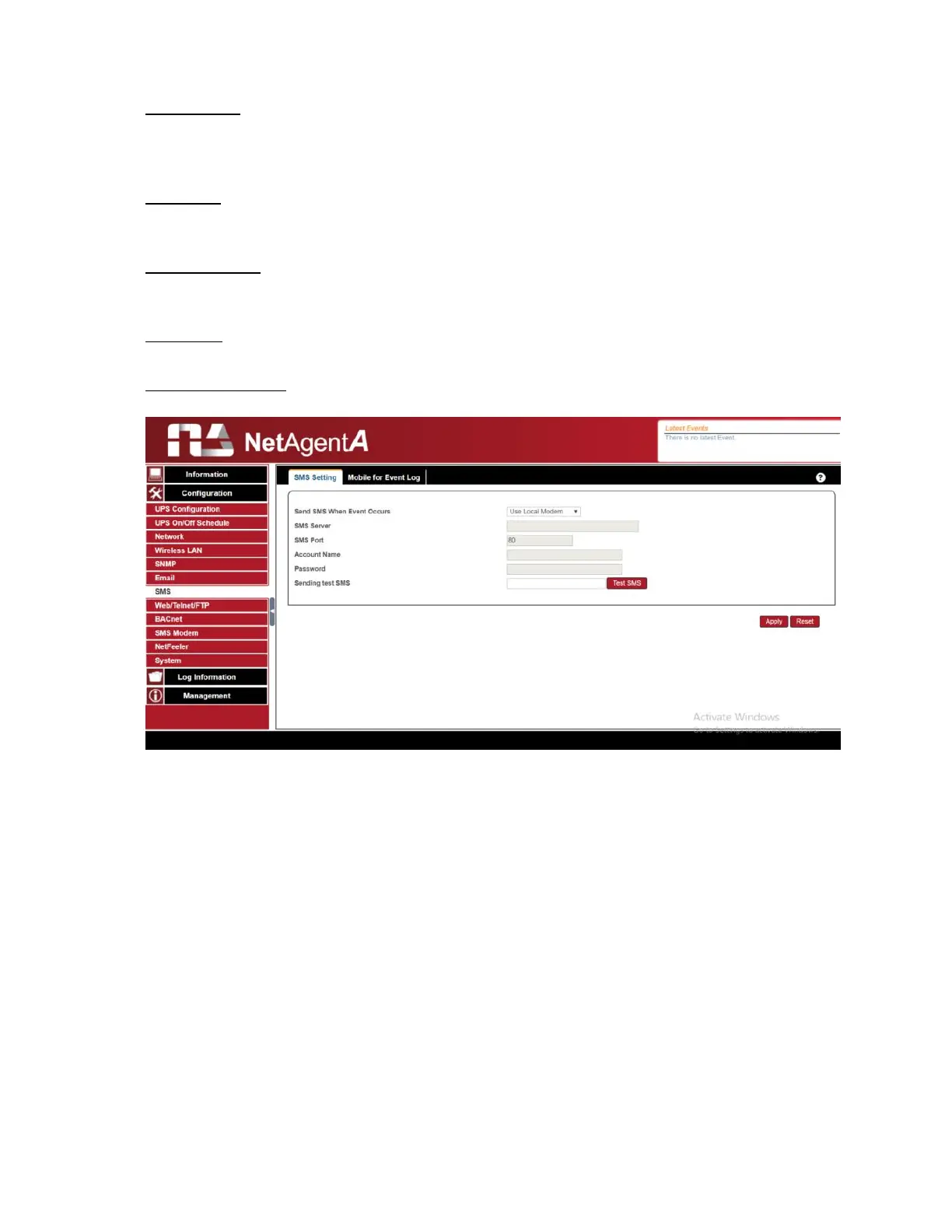
SMS Server:
If select to use Remote Service to send SMS, then enter the IP address of the SMS
Server.
(The PC that installed SMS Server Software)
SMS Port
:
If select to use Remote Service to send SMS, enter the port number that SMS Server uses
for sending SMS. (Port 80 is default)
Account Name:
If select to use Remote Service to send SMS, enter SMS Server’s account name if
required
Password
:
If select to use Remote Service to send SMS, enter SMS Server’s password if required
Sending test SMS
:
When modem and configuration are ready, enter a mobile number to receive testing SMS



 To Next Page