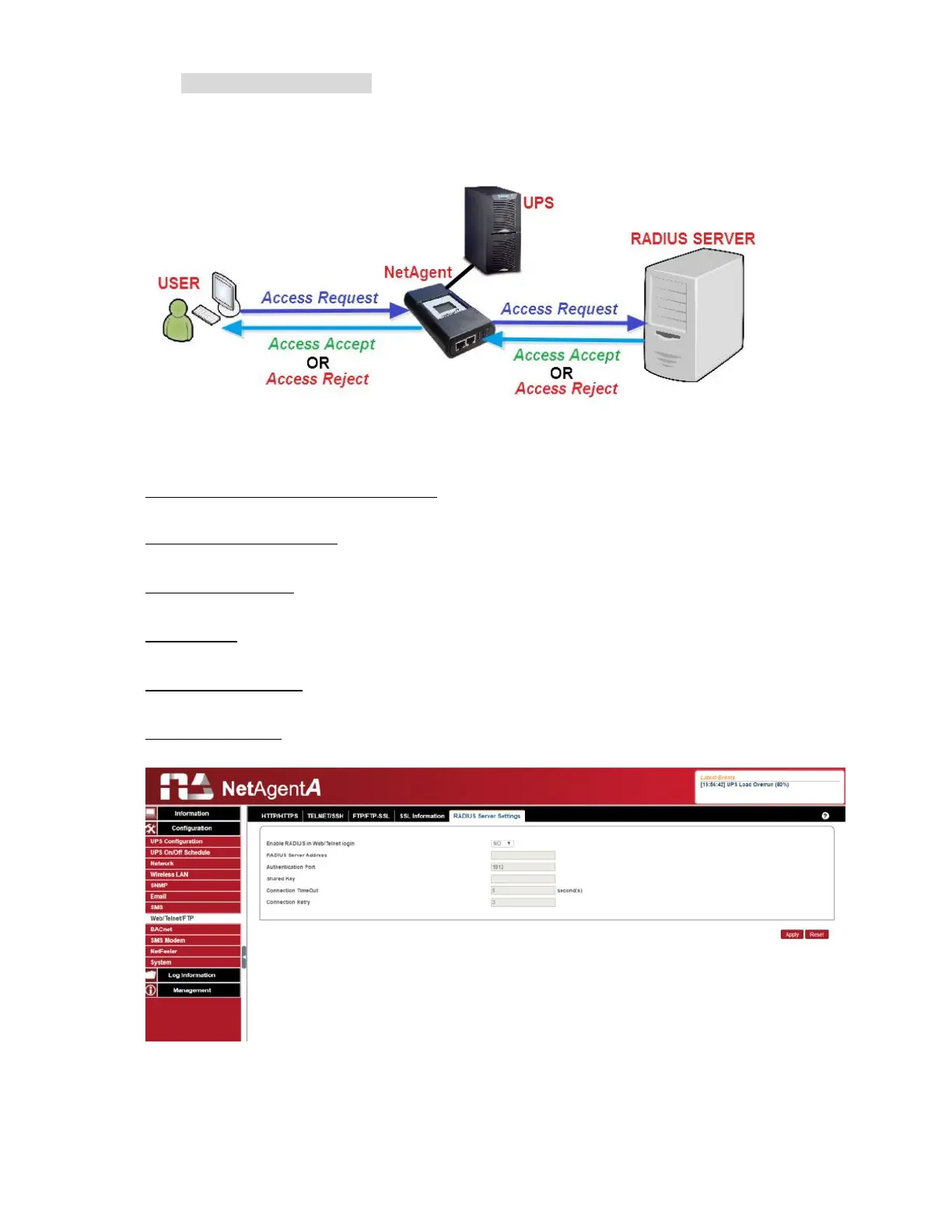
RADIUS Server Setting
If RADIUS server authentication is required for the network, NetAgentA could be added by
entering following parameter.
Enable RADIUS in Web/Telnet Login:
To select if to enable RADIUS
RADIUS Server Address:
To enter the IP address of the RADIUS Server
Authentication Port:
RADIUS port number (Default is 812)
Shared Key:
Enter the Shared Key between RADIUS Server and client
Connection Timeout
:
Set the number of seconds to suspend the login time after the RADIUS server is rejected
Connection Retry
:
Sets the number of connections to the RADIUS server again



 To Next Page