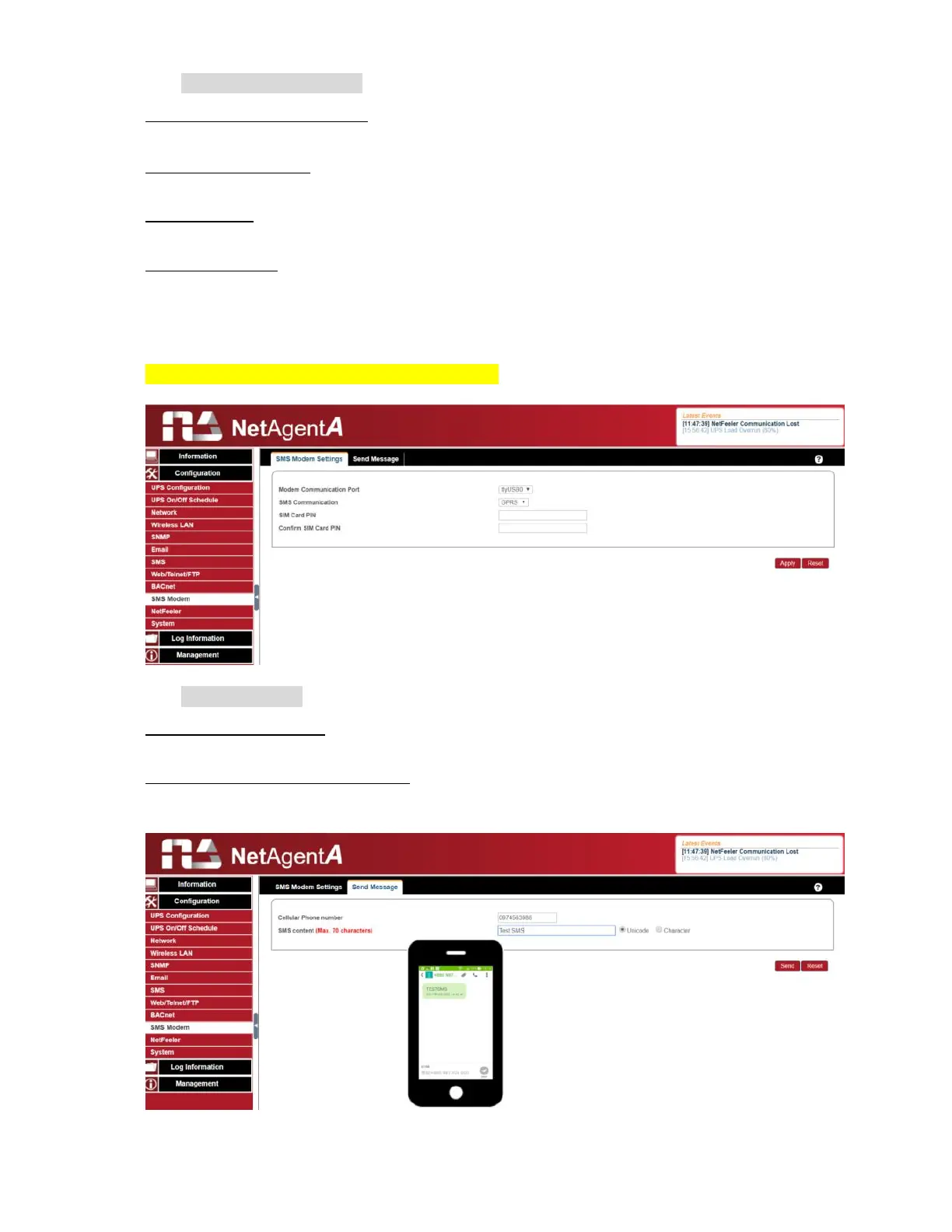
SNMS Modem Setting
Modem Communication Port
:
Select “ ttyUSB0” for USB modem connects with NetAgentA directly;
SMS Communication:
Select between GPRS or CDMA
SIM Card PIN:
If PIN is required for the SIM card, please enter
Confirm SIM PIN:
Retype SIM card PIN
When all done, click on Apply. Modem Information and Status can be check from
Information> SMS Modem Status
Once click on Apply ,NetAgentA will reboot
Send Message
Cellular Phone number
:
Enter mobile number
SMS Content(Max.70 Characters):
Enter the SMS content text and select coding. Unicode or Character



 To Next Page