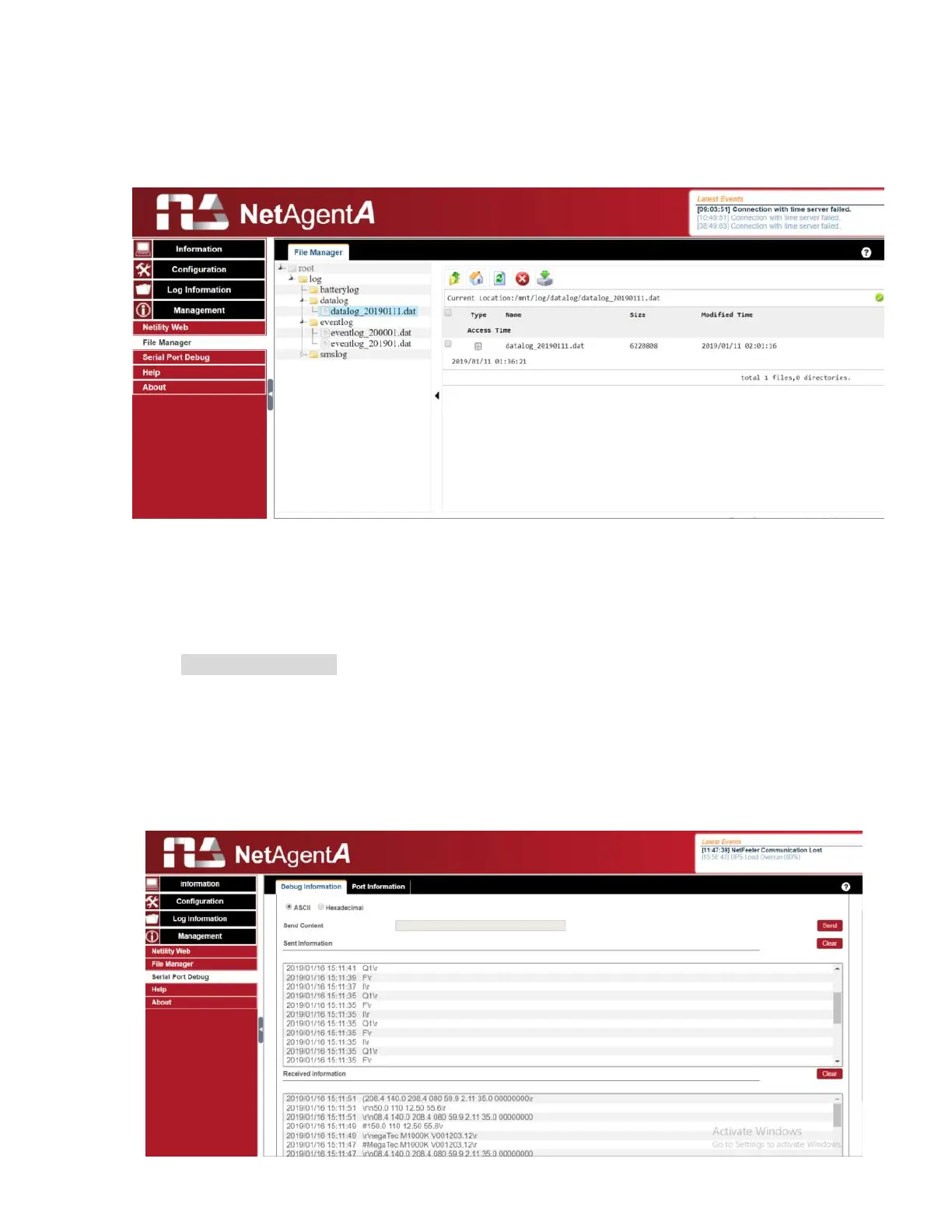
Management > File Manager
This is manage log file generates by NetAgentA. Specific log.dat can be download, delete.
Once dat. file is deleted, the log record will also be erased on the Log display under Log
Information
Management > Serial Port Debug
It shows the communication status between NetAgentA and UPS by Sent and Received
columns.
Debug Information
Command can send automatically by NetAgentA, or manually enter the command to UPS.
Sent Information
This column shows the real time sent command
Received Information
This display the response that NetAgentA receives from UPS



 To Next Page