Select / adjust control: navigation control in the hipot menus. See
section 4 Settings and adjustments in this manual for more information.
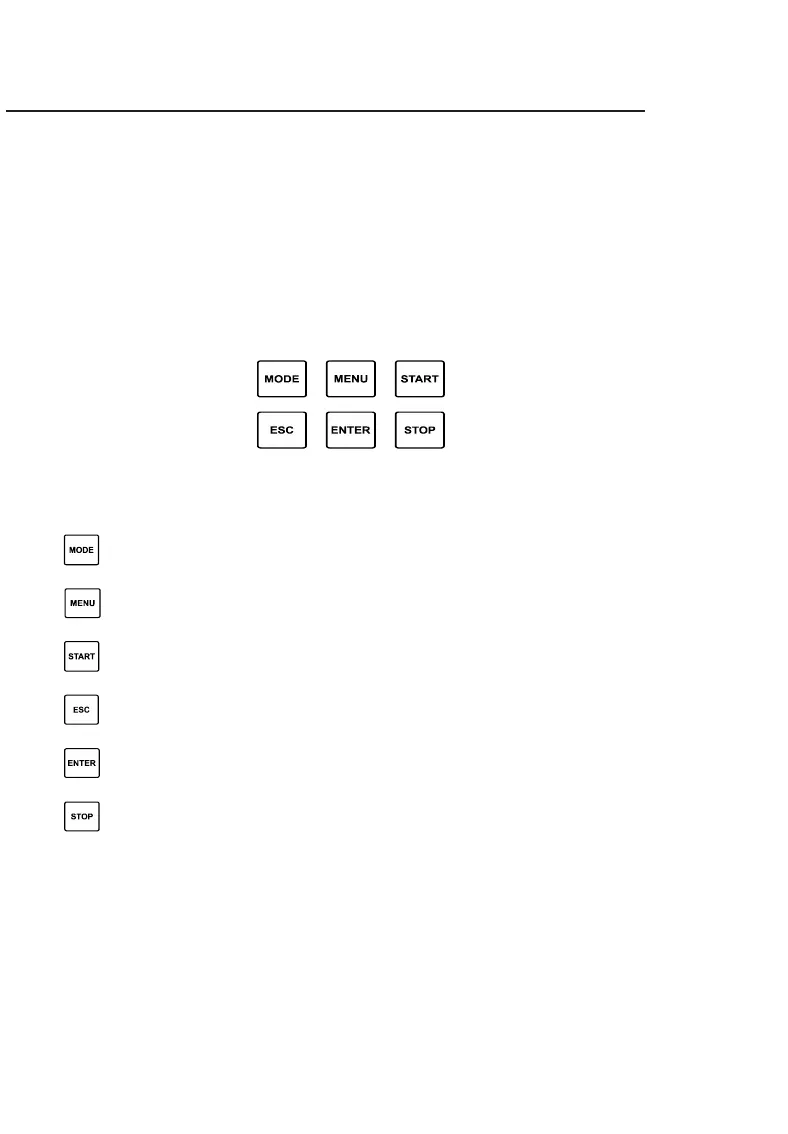
Keyboard: has navigation function in the menus of the hipot; starts and
ends a test; complements navigation by the rotary selector.
2.3. Keyboard (control unit)
Button Function
Mode – selects the type of test
Menu – Allows you to access the device setup MENU
Start – Start test
ESC – Cancel setting and return to previous screen
Enter – Open the selected submenu / confirms the configured value
Stop – End of test



 To Next Page