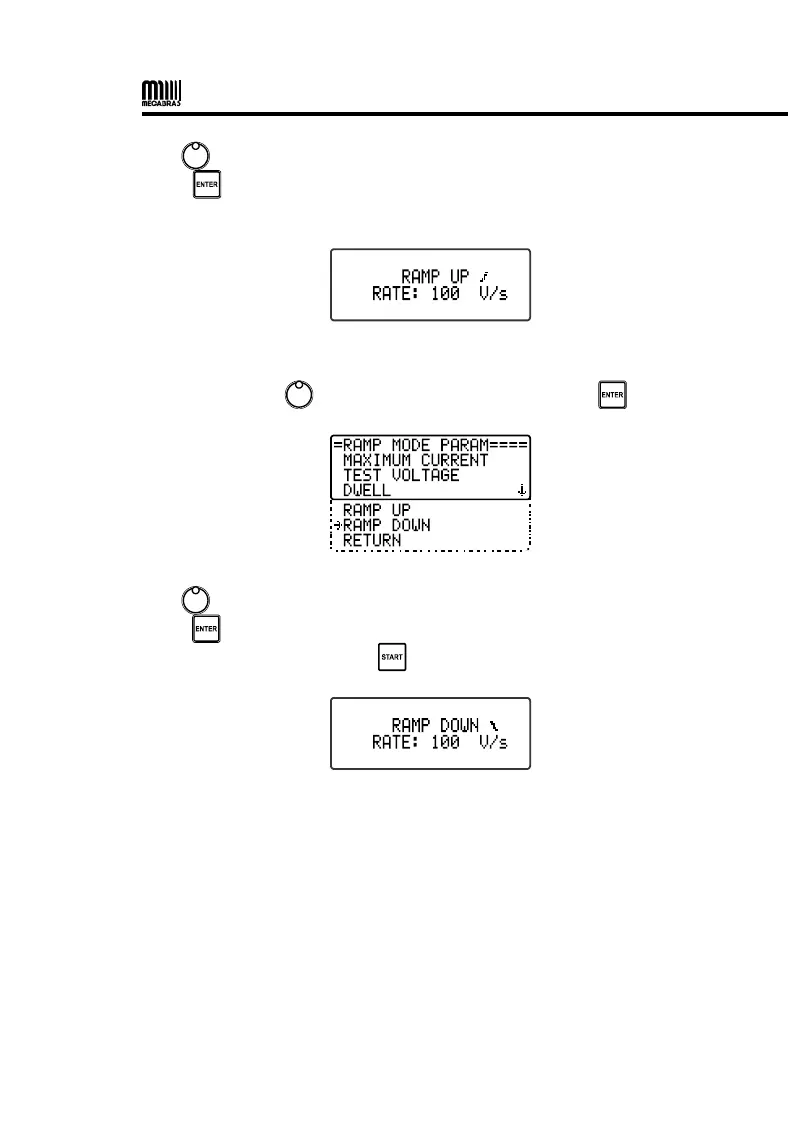
Use to select the rate in V/s (100 to 9900 V/s in 100 V steps) and
press to confirm. After the parameters are configured, set the ramp
down according to the following instructions.
9.3.5. Ramp down
• Use the control , to select RAMP DOWN and press .
Use to select the rate in V/s (100 to 9900 V/s in 100 V steps) and
press to confirm. After all parameters have been set, exit the MENU
and start the test by pressing .
9.3.6. Ramp test result
During the ramp test, the HP80KV displays the total test time and the
application duration time of the configured maximum voltage.
After the end of the test, regardless of the result, the display will report
intermittently the time mentioned above.


 To Next Page