4. Settings and Adjustments
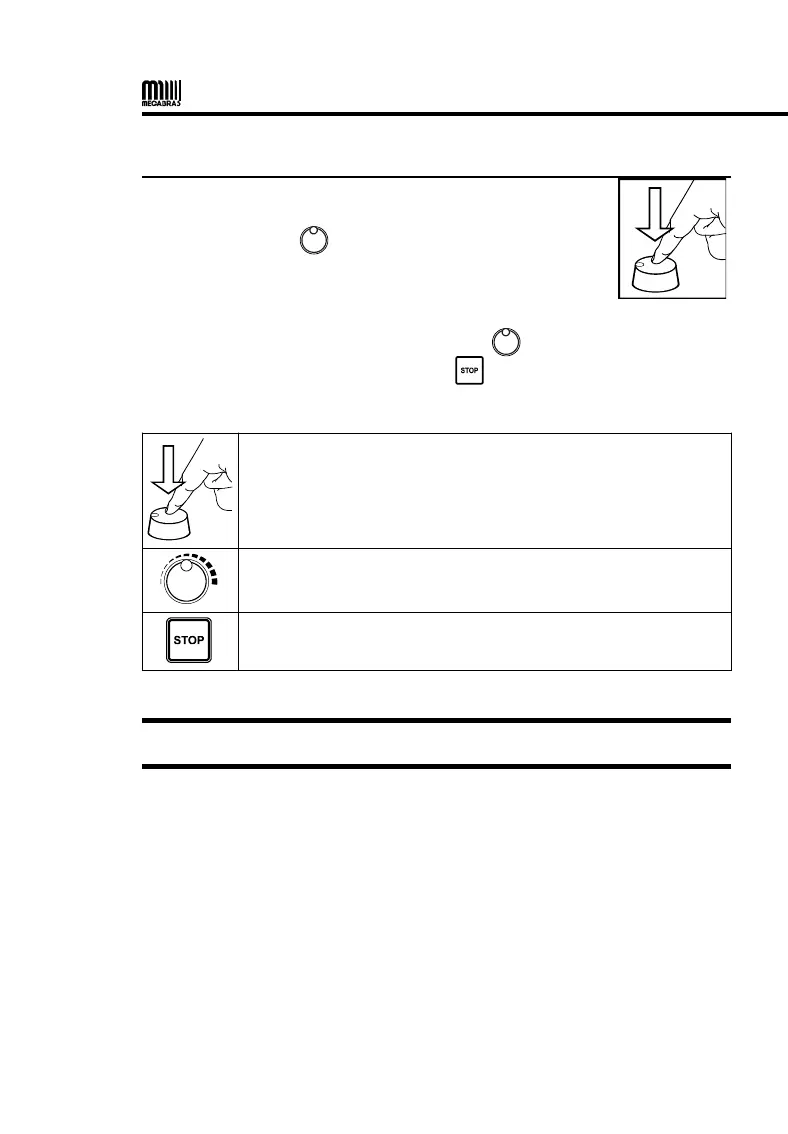
This equipment has a MENU for settings and
adjustments. To access the MENU, press the
Selector / Adjust ( ).
All navigation is performed through the and all panel keys are
disabled, with the exception of the key that has the function to cancel
and return to the initial screen.
Short press: Open MENU, open selected sub-menu /
confirm settings.
Long press (1.5 s): Go back one level or cancel adjustment.
Change selection / values
Cancel and close the MENU
ATTENTION: The configuration MENU can not be accessed during the tests.


 To Next Page