9.2.1. Maximum current
(See 9.1.1, pg. 24)
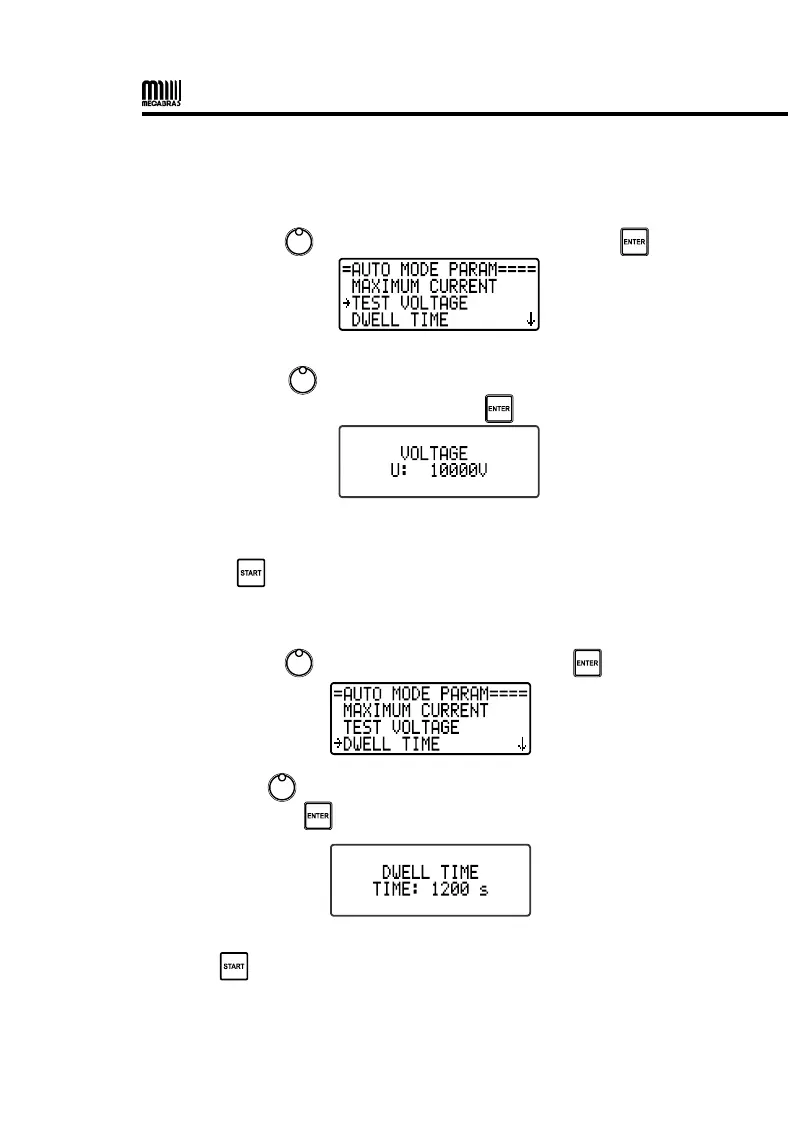
9.2.2. Test voltage
• Use the control , to select TEST VOLTAGE and press .
Use the control to select the desired test voltage value (from 3000
to 80,000 V in steps of 100 V) and press to confirm.
After all parameters have been set, exit the MENU and start the test by
pressing .
9.2.3. Dwell time
• Use the control , to select Dwell time and press .
Use the control to select the test duration time (from 15 to 1200
seconds) and press to confirm.
After all parameters have been set, exit the MENU and start the test by
pressing .


 To Next Page