9.4. SVT – Step Voltage Test
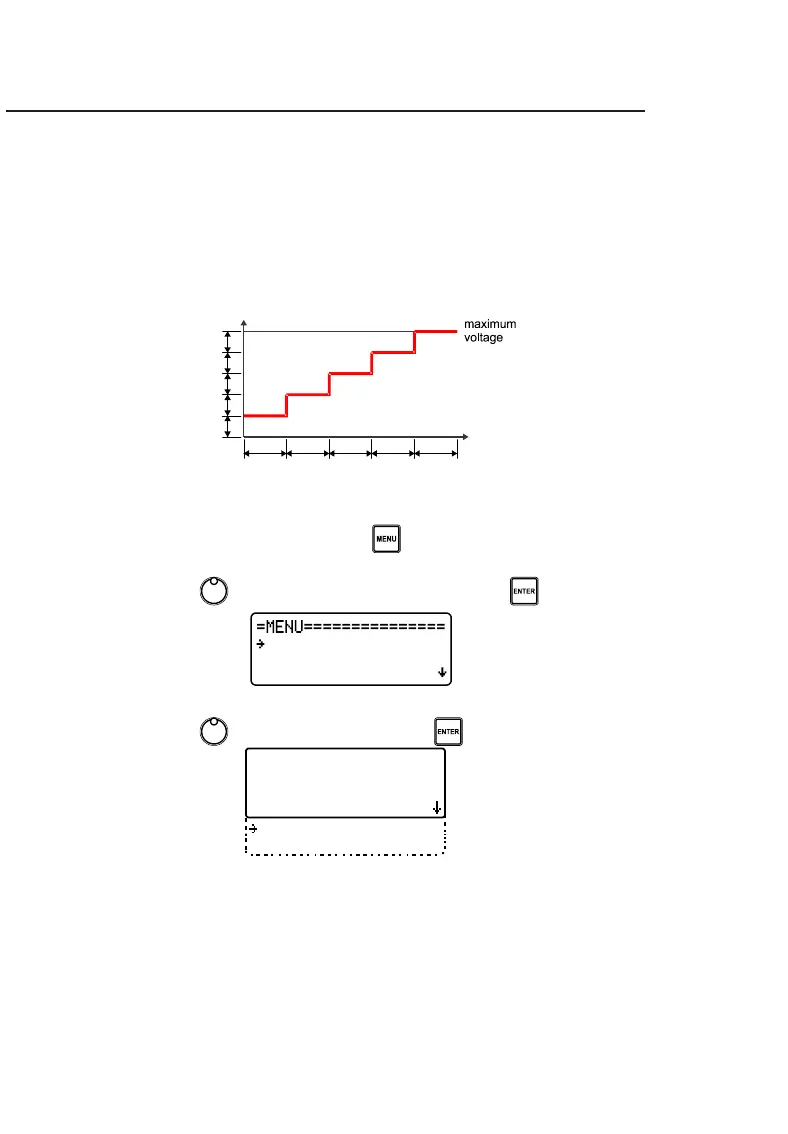
In this mode of operation, the user does not set a specific test voltage, but
rather the values of maximum voltage, voltage step and step time
value. The instrument will start the test by applying the value of the
voltage step and increase this value at each programmed time interval
until it reaches the maximum voltage value.
To configure these parameters follow the instructions below:
• Access the device's MENU using the button.
• Use the control , to select SETUP TEST and press .



 To Next Page