33
12. Saving, recalling and downloading test results.
(MIT420/2, MIT430/2, MIT481/2, MIT485/2 and MIT2500)
12.1 Saving test results
After completing any test, the result remains displayed on the screen for one minute. During this time the result may be saved in
memory and recalled later.
Procedure for storing test results:
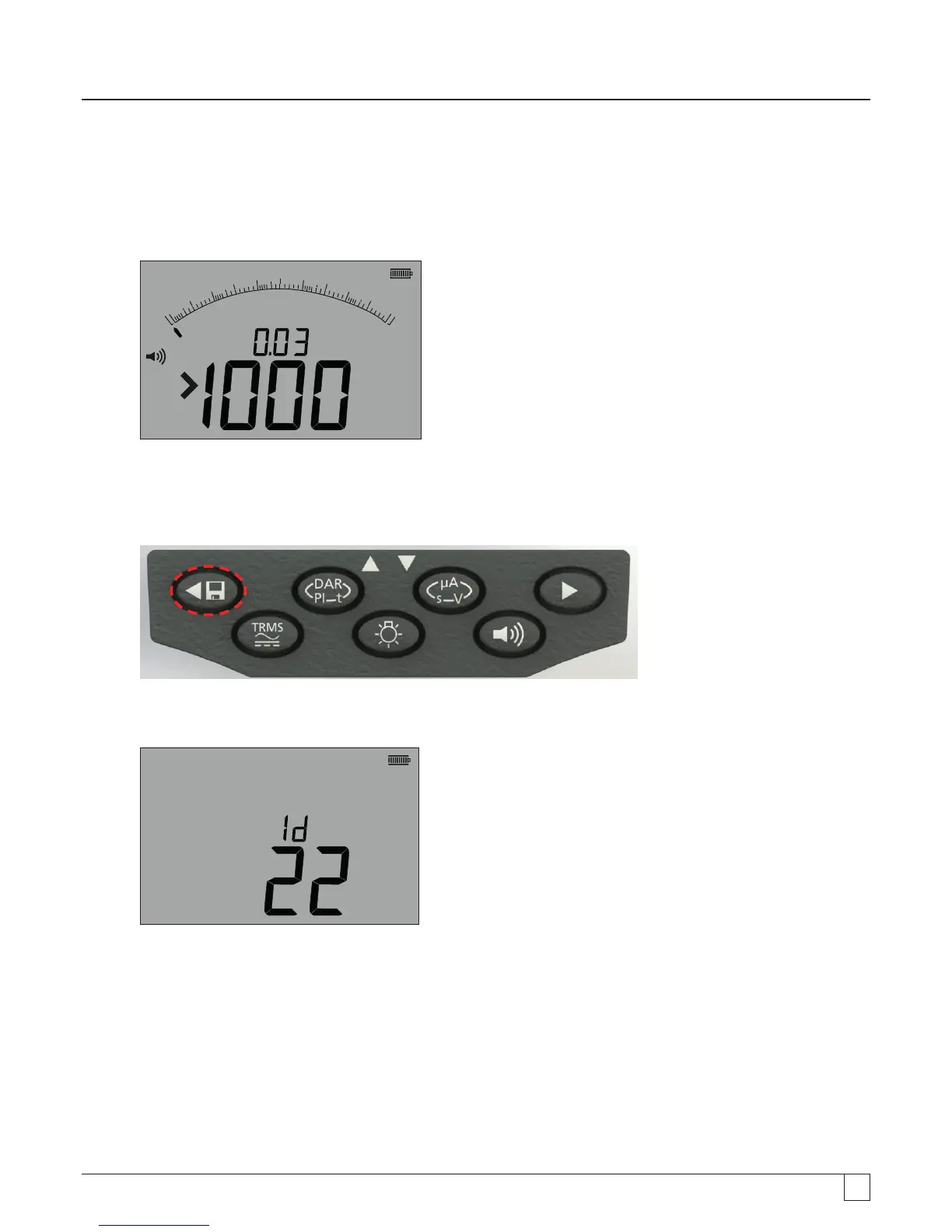
1. After completion of a particular measurement, ensure the test result is displayed on the instrument display, as below:
z
100 0
8 00
6 004 00
2 00
0
W
W
k
W
- Figure 39
2. Example of continuity result
3. The test result will remain displayed for one minute during which time the result may be stored.
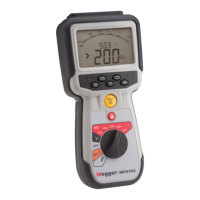
4. Press the STORE key to record the test result.
- Figure 40
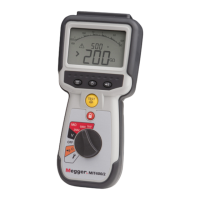
A unique identification number is allocated to each test result which is displayed for 2 seconds before returning to the test
result.
- Figure 41
5. Result is now stored.



 To Next Page