EasyManua.ls Logo

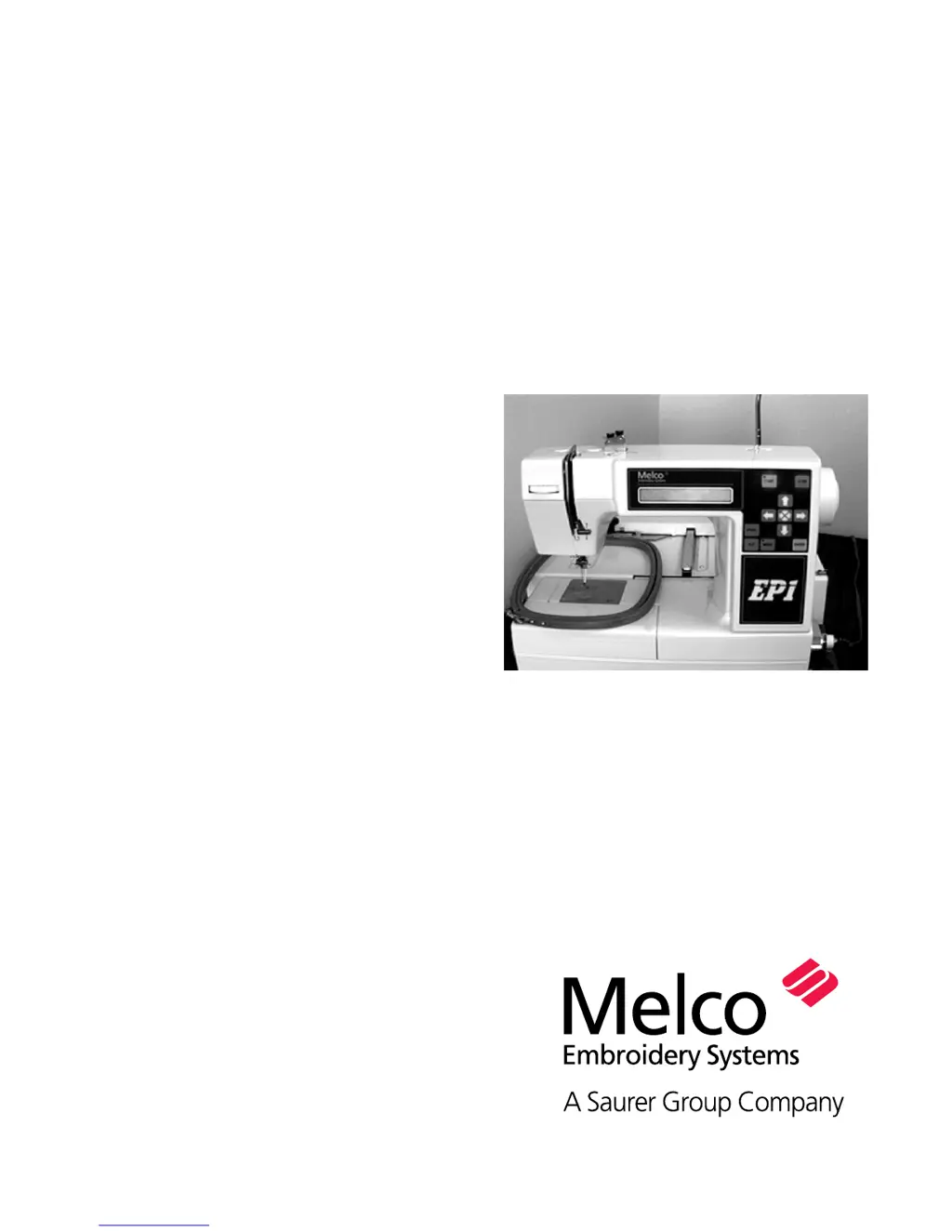
Melco EP 1 - User Manual

Default Icon
44 pages
Print Icon
To Next Page IconTo Next Page
Loading...
Installation, Operation, and
Maintenance manual
for the EP 1
embroidery peripheral
Single head, single needle
Easy to operate
Low power consumption
High-quality results
Part Number 11034, Revision A

Questions and Answers

  • R
    Ryan GuerreroAug 2, 2025
    How to fix skipped stitches on my Melco EP 1 Sewing Machine?
    • J
      juanhallAug 2, 2025
      Skipped stitches on your Melco Sewing Machine could be due to several factors. The needle may need to be replaced, as it may be the incorrect needle for the thread size being used. Ensure the needle is installed correctly. Other possible causes include issues with needle depth, the rotary hook, or a dull hook point. You may need to adjust the needle depth or replace the hook. Upper/bobbin tension issues may also cause skipped stitches, so replace the bobbin and/or bobbin case and adjust the upper tensions if the upper thread does not feed out smoothly. If the thread twist is too tight, use the appropriate thread. Also, the check spring tension could be too high, so decrease the tension.
  • B
    benjamin31Aug 16, 2025
    What to do if the needle breaks on my Melco EP 1?
    • A
      Aaron TurnerAug 16, 2025
      If the needle breaks on your Melco Sewing Machine, there are several possible causes. The needle may be bent, of poor quality, have a dull tip, or be too small for the fabric; replace the needle in all these cases with a compatible one. Ensure the needle is correctly installed. The needle may be striking the rotary hook, needle plate, or UTC; in these cases you should adjust hook timing or reposition the UTC.
  • K
    Kevin CooperAug 25, 2025
    Why are the stitches loose on my Melco EP 1 Sewing Machine?
    • N
      nicholas02Aug 25, 2025
      Loose stitches on your Melco Sewing Machine can occur for several reasons. The upper or bobbin thread tension might be too low, so adjust the upper thread tensions or the bobbin case set screw. Uneven thread size can also cause this issue, so replace it with quality thread. If the upper tension is inconsistent, clean the tensioner parts. Also, design density may be too tight, so decrease density.
  • G
    Gabrielle OwensNov 8, 2025
    Why does the thread keep breaking on my Melco EP 1?
    • A
      Anthony MclaughlinNov 8, 2025
      Thread breakage in your Melco Sewing Machine can occur due to several reasons. It could be due to the design having short or dense stitches; edit the design to remove them. Other causes include using the wrong needle, a bent, damaged, or dull needle, or incorrect needle position; replace the needle with a compatible one and ensure it's correctly installed. Poor quality thread can also cause breakage; replace it with a high-quality thread or spray silicone on the thread cone. If you're using S-twist thread, switch to Z-twist thread. Ensure proper threading, and adjust upper/bobbin tension if it's too tight. If the ratio of upper thread to bobbin thread is incorrect, adjust the tensions accordingly. Also, check if the fabric is hooped loosely and tighten it, or increase the number of backing...

Summary

1. Setup

Hazards of Operation

Identifies critical risk areas and safety precautions to prevent injury during machine operation.

2. Needles, Bobbins, and Threads

Threading the EP 1

Step-by-step instructions for correctly threading the EP 1 embroidery machine.

Bobbin Case and Winding Procedures

Procedures for removing, winding, and installing the bobbin case for sewing.

Setting Bobbin and Thread Tensions

Guidance on setting bobbin thread tension and installing the bobbin case correctly.

Needle Selection and Replacement

Recommendations for selecting the appropriate needle type and instructions for needle replacement.

3. Embroidery Hoops

Loading Garments into Hoops

Instructions for properly hooping garments using round and rectangular embroidery hoops.

Attaching Hoops to the Pantagraph

Step-by-step guide for attaching embroidery hoops to the machine's pantagraph.

4. Detailed Operation

Control Panel and Interface

Overview of the EP 1 control panel, including the LCD display, operational keys, and indicator LEDs.

Menu System and Design Operations

Details on navigating operation menus, selecting designs, and managing embroidery parameters.

Machine Movement and Tracing

Instructions for using the frame and move menus, and tracing design outlines for hoop positioning.

System Resets and Alerts

Procedures for system resets, hard resets, and understanding operational alerts like thread breaks and bobbin low.

5. Configuration

Unit Number and Display Settings

How to set the machine's unit number and adjust the LCD display brightness.

Audio Feedback Settings

Adjusting the volume for key click sounds and operational error beeps.

6. Operator Maintenance

Hook Area Maintenance

Procedures for cleaning and lubricating the hook assembly for optimal machine operation.

General Cleaning and Lubrication

Guidelines for cleaning exterior surfaces and applying general lubrication to machine components.

Replacement Parts and Tools

Information on replacing fuses and a list of items included in the operator's tool kit.

7. Troubleshooting Guide

Thread Breakage Issues

Common causes and solutions for thread breakage problems encountered during embroidery.

Skipped Stitches and Needle Breaks

Troubleshooting steps for skipped stitches and needle breakage, including needle and hook issues.

Stitch Quality and Other Issues

Addressing loose stitches, bird nesting, burrs, and other common operational problems.

Melco EP 1 Specifications

General IconGeneral
BrandMelco
ModelEP 1
CategorySewing Machine
LanguageEnglish

Related product manuals