Installation
Rev 2.2
46Mellanox Technologies
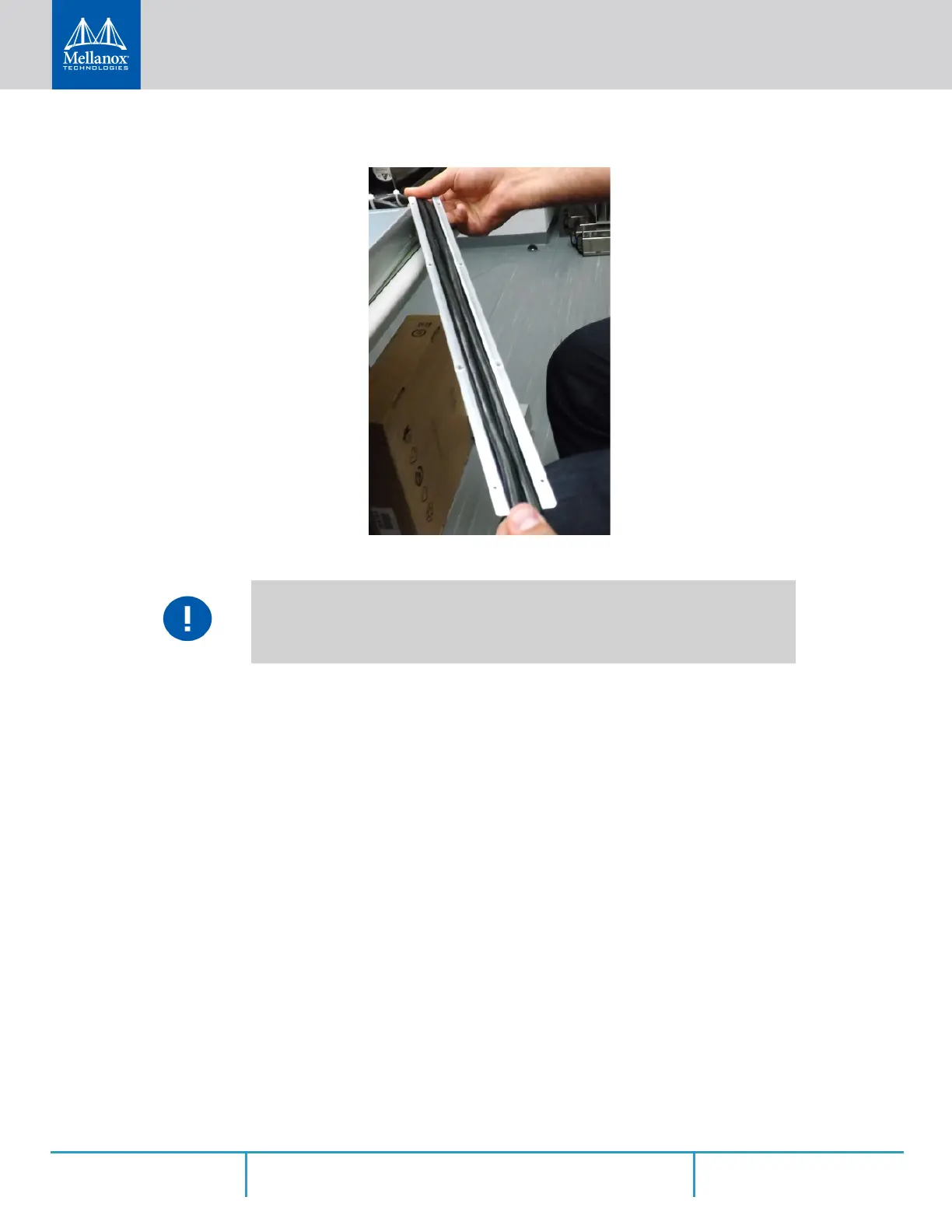
Figure 37: Cables within the Rail
Step 4. While holding the cables stably together in the blade’s rail with one hand, use your other
hand to secure the blades to the chassis. Screw the right blade with eight 4-40 flathead
screws, and the left blade with seven 4-40 flathead screws. The recommended torque is
0.49-0.54 Nm.
In the next step you will be attaching the mounting rails to the switch sides. Before
doing that, make sure the cables are laid properly within them. Avoid using excessive
pressure, as it can damage the cables.



 To Next Page
 Loading...







