50 D39374 | Date 08/2018
Menu mode
All other settings can be made accordingly. The settings possible are described in the fol-
lowing sections.
If no new values are entered or confirmed for approx. 30 seconds, the appliance
automatically restores the former values.
7.3 Setup
7.3.1 Overview
In the SETUP display, you can set the following parameters:
► the IP address and subnet mask of the appliance's Ethernet interface (for connection
to a network)
► The units of the temperature display (°C or °F, see page 51)
► of the gas connection that should be active (1 or 2, only for appliances VO 49 Pre-
mium and VO 101 Premium)
► How the digital backwards counter with target time setting works (Timer mode, see
page 52)
► Remote control (see page 52)
► Gateway (see page 53)
If the Setup menu contains more entries than can be
displayed, this is indicated by the display "1/2". This
means that there is a second "page" of entries.
To display the hidden entries, use the turn control
to scroll beyond the lowest entry. The page display
changes to "2/2".
7.3.2 IP address and subnet mask
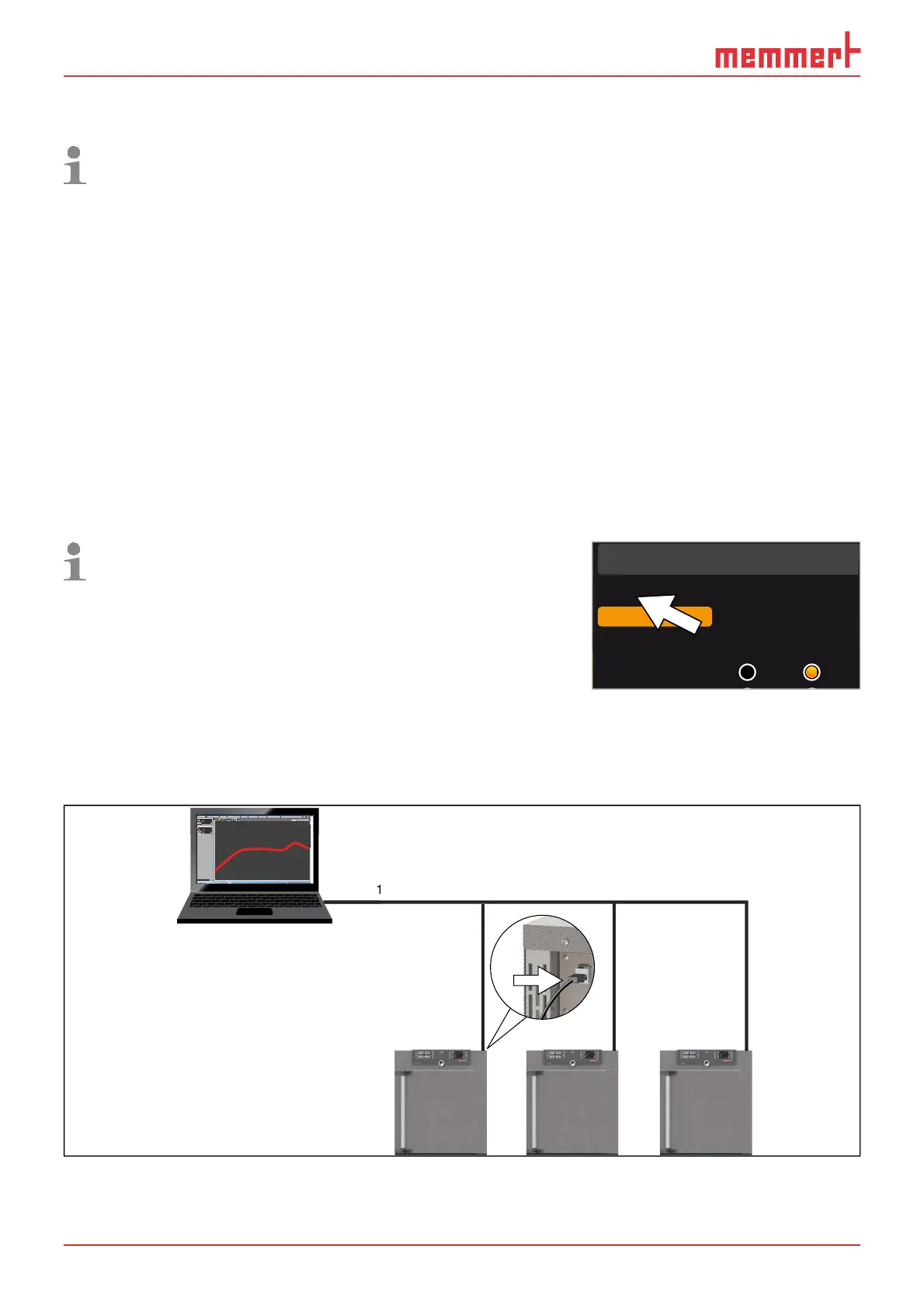
If you want to operate one ore more appliances in a network, each appliance must have
its own unique IP address for identification. By default, each appliance is delivered with
the IP address 192.168.100.100.
LAN 1: 192.168.1.233
192.168.1.216
LAN 2: 192.168.1.215
LAN 3: 192.168.1.241
1
2.1
.
Editor
Programmname
Simulation Protokoll
-
+
-
+
INP 250 Test 01
180
.0°C
i
HPP 250 Labor
i
37
.0°C
44
.4%rh
151
STAND BY
Programm negnulletsniEllokotorPtäreG efliHnekcurD
AtmoCONTROL
Fig. 33 Operation of several appliances in a network (schematic example)
Setup
Unit
IP adress 255.145.136.22
Subnet mask 255.255.0.0
°C F
1/2



 To Next Page