EasyManua.ls Logo

Memorex MLT4352 - User Manual

Memorex MLT4352
44 pages
Print Icon
To Next Page IconTo Next Page
Loading...
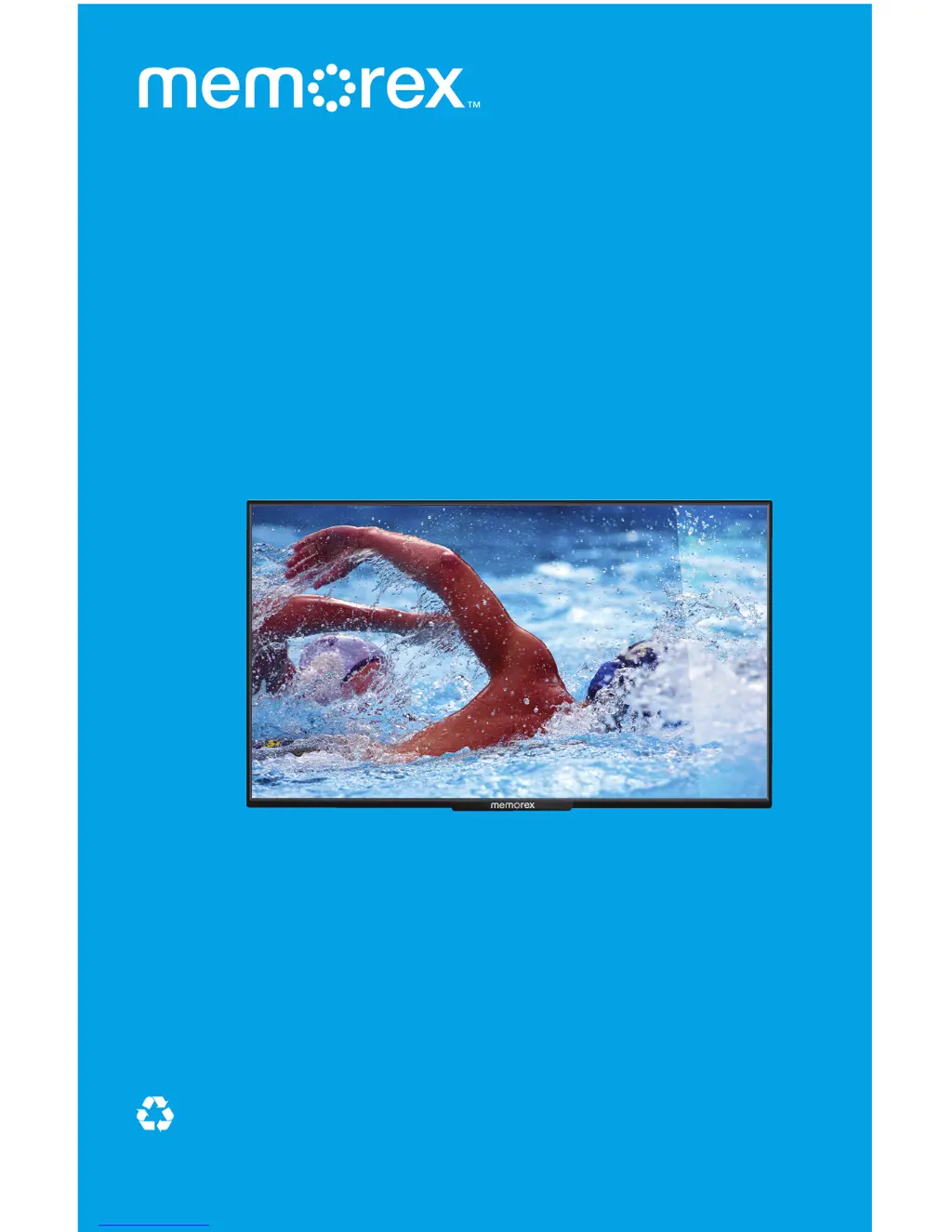
CrystalVision
43" HDTV
Widescreen LED
The Entertainer
Owner’s Manual
Please read these instructions completely,
before operating this product.
memorex-ce.com
Model MLT4352
PLEASE RECYCLE
Facilities may not exist in your area

Questions and Answers

  • J
    Joanna BrownJul 31, 2025
    How to fix a Memorex MLT4352 TV remote that is not working?
    • R
      Robert AlexanderAug 1, 2025
      If the Memorex TV remote control isn't working, ensure that you're aiming the remote at the sensor located on the bottom right of the TV. Also, try reducing the distance between you and the TV, and minimize any light interference in the room. Remove any obstructions that might be blocking the path of the remote's beam. Finally, check the batteries and replace or reinsert them correctly.
  • J
    Jennifer BestAug 5, 2025
    Why is there no sound on my Memorex MLT4352?
    • S
      Sean FuentesAug 6, 2025
      If there is no sound on your Memorex TV, ensure the equipment is connected properly. Check the input source by pressing the SOURCE button. Make sure any connected receiver is powered on. Disconnect any earphones plugged into the earphone jack. You can also adjust the volume or press the Mute button to un-mute the TV.
  • T
    Terry HicksAug 10, 2025
    How to troubleshoot no picture on Memorex TV?
    • D
      David BradleyAug 10, 2025
      If your Memorex TV has no picture, make sure the power cord is securely connected and the power is turned on. Then, select the correct input source by pressing the SOURCE button on your TV or remote.
  • A
    Angela HallAug 15, 2025
    What to do if Memorex MLT4352 TV picture does not cover the entire screen?
    • B
      barbarathompsonAug 16, 2025
      If the picture on your Memorex TV doesn't cover the entire screen, and you are using HDMI or watching a digital TV broadcast, press the WIDE button to switch to the 16:9 format. If you're using regular analog TV, AV, or component with 480i resolution, use the WIDE button to switch to Wide format.
  • D
    Doris AtkinsAug 20, 2025
    Why is parental control not working on my Memorex MLT4352 TV?
    • T
      Todd SmithAug 20, 2025
      If parental control is not working properly on your Memorex TV, ensure that the lock is turned on.
  • A
    Alan NormanAug 26, 2025
    Why is there no sound on Memorex MLT4352 TV when connected to PC?
    • A
      Andrea MathisAug 27, 2025
      If you have no sound when a PC is connected to your Memorex TV, this is normal because there is no audio input on this TV set.

Summary

Important Safety Precautions

Product Safety Information

General safety guidelines for product usage and installation.

Electrical Safety and Grounding

Covers electrical shock risks, voltage, and grounding requirements.

FCC Compliance and Warnings

Information on FCC regulations and potential interference.

What Is Included

Control Panel Overview

Front and Side Controls

Identifies controls located on the front and side panels of the TV.

Rear Panel Connections

Details the various input/output jacks on the rear of the unit.

Remote Control Layout

Explains the buttons and functions of the remote control.

Installation Procedures

Remote Battery Installation

Instructions for installing batteries in the remote control.

Physical Mounting Options

Steps for attaching the TV stand or mounting it on a wall.

Connection Guides

Guides for connecting antenna, cable, HDMI, and other sources.

On-Screen Display Menus

Picture Menu Settings

Adjusting contrast, brightness, sharpness, and video settings.

Sound Menu Configuration

Setting sound modes, bass, treble, balance, and surround sound.

Setup Menu Options

Configuring menu language, parental controls, time, and captions.

TV Operation

Initial Setup Wizard

Step-by-step guide for initial TV setup and configuration.

Basic TV Operation

Navigating menus, changing channels, and adjusting volume.

USB Media Playback

How to connect and play files from a USB drive.

Upgrading the Firmware

Troubleshooting Common Issues

Product Specifications

Limited Warranty Information

Memorex MLT4352 Specifications

General IconGeneral
BrandMemorex
ModelMLT4352
CategoryTV
LanguageEnglish

Related product manuals