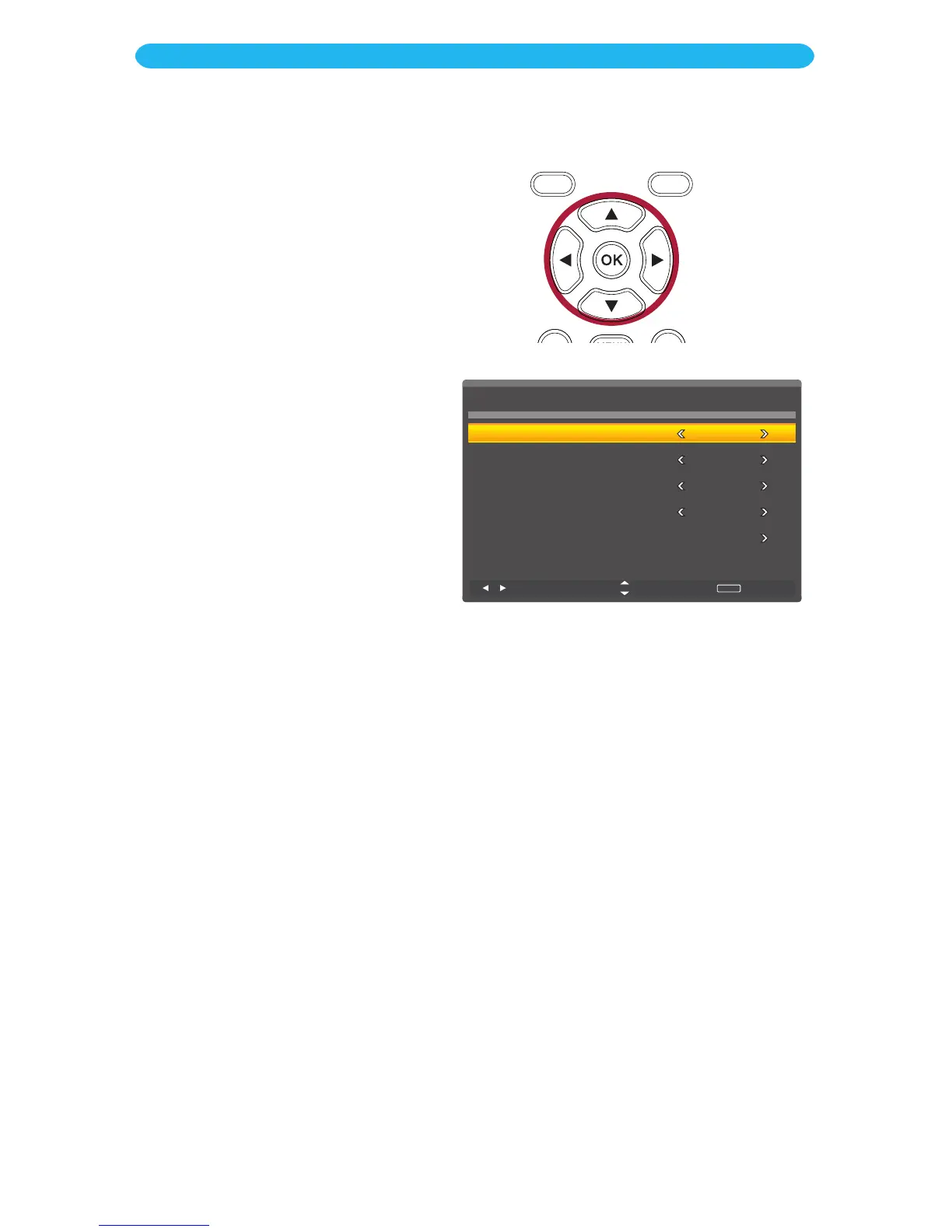
Setup Wizard: Many of the options can
be set up using the Setup Wizard as
follows:
1
When the TV is turned on for the
first time, the setup menu will
appear. Set the options as follows.
2
Press the q button to select
Menu Language
.
3
Press the t/u buttons to select
the desired menu language.
4
Press the q button to select Time
Zone
.
5
Press the t/u buttons to select
the desired Time Zone.
6
Press the q button to select
Daylight Saving Time (DST)
.
7
Press the t/u buttons to turn
Daylight Saving Time On or Off.
8
Press the q button to select
Antenna
.
9
Press the t/u buttons to select
Air (if using an antenna) or Cable
(if using cable).
10
Press the q button to select
Auto Scan and then
press the
OK bu
tton to enter.
The TV will
then go through the available
channels and save the ones that
have strong broadcast signals.
Please be aware that this step
may take some time.
11
When done, press the EXIT
button to exit the menus.
OPERATION
Setup Wizard



 To Next Page