- 19 -
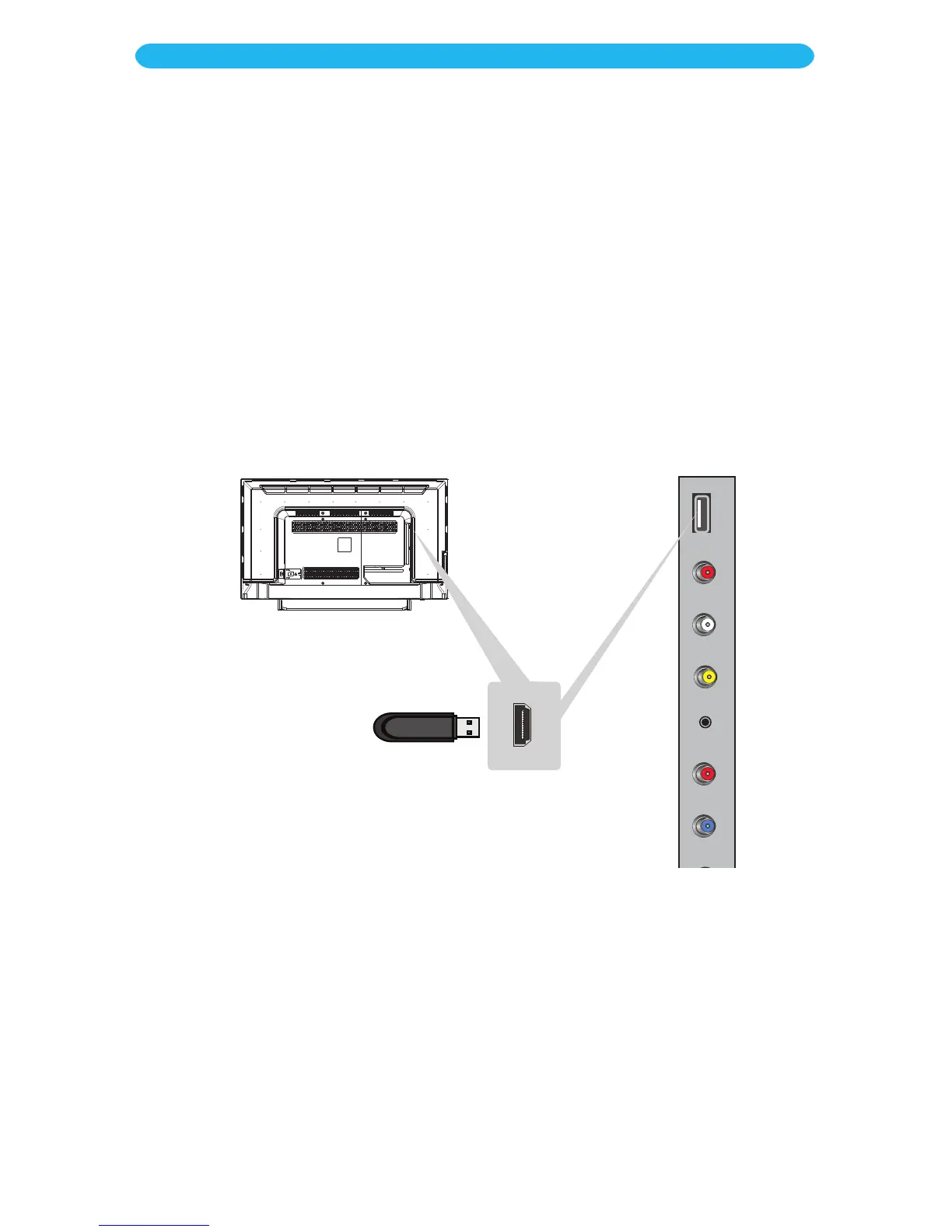
Connect a USB drive to view pictures or play music.
1
Make sure the power is off on the TV and external unit.
2
Insert the USB drive into the USB jack.
3
Turn on the TV.
4
Press the SOURCE button and then select MEDIA using the Navigation q/p
buttons. Conrm by pressing the OK button.
For private listening, connect headphones with a standard 3.5mm plug into the Audio Out
jack. Adjust the volume on the set as desired.
Also use this jack if connecting to an external stereo.
INSTALLATION
USB Connection
Earphone Connection



 To Next Page