- 40 -
UPGRADING THE FIRMWARE
1
On your computer, download the
updated firmware from
WWW.MEMOREX-CE.COM. Change
the name of the file to merge.bin and
put this firmware file onto a USB drive or
similar device. Make sure to put the file
onto the root drive.
2
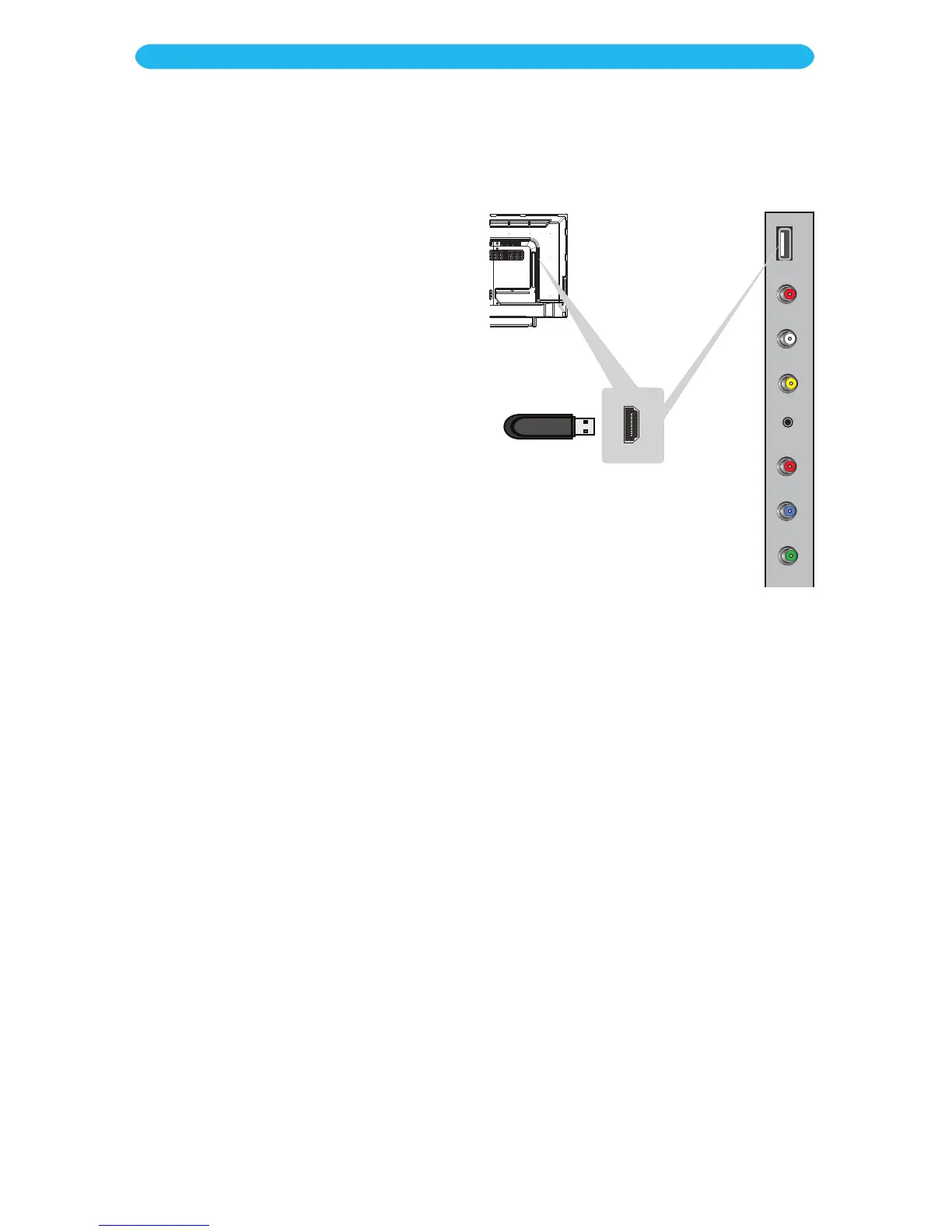
With the power off (Standby mode),
connect the USB device to the
USB jack. Then press and hold the
CHANNEL Up and the VOLUME Up
buttons (ON THE TV, not the remote)
simultaneously until the Standby
indicator blinks, which indicates the unit
is updating the firmware.
3
When done updating, the Power
indicator will blink rapidly. Press the
Power button to turn the unit off,
remove the USB device and then turn
the power back on.
Your TV is now updated with the latest
firmware.



 To Next Page