- 21 -
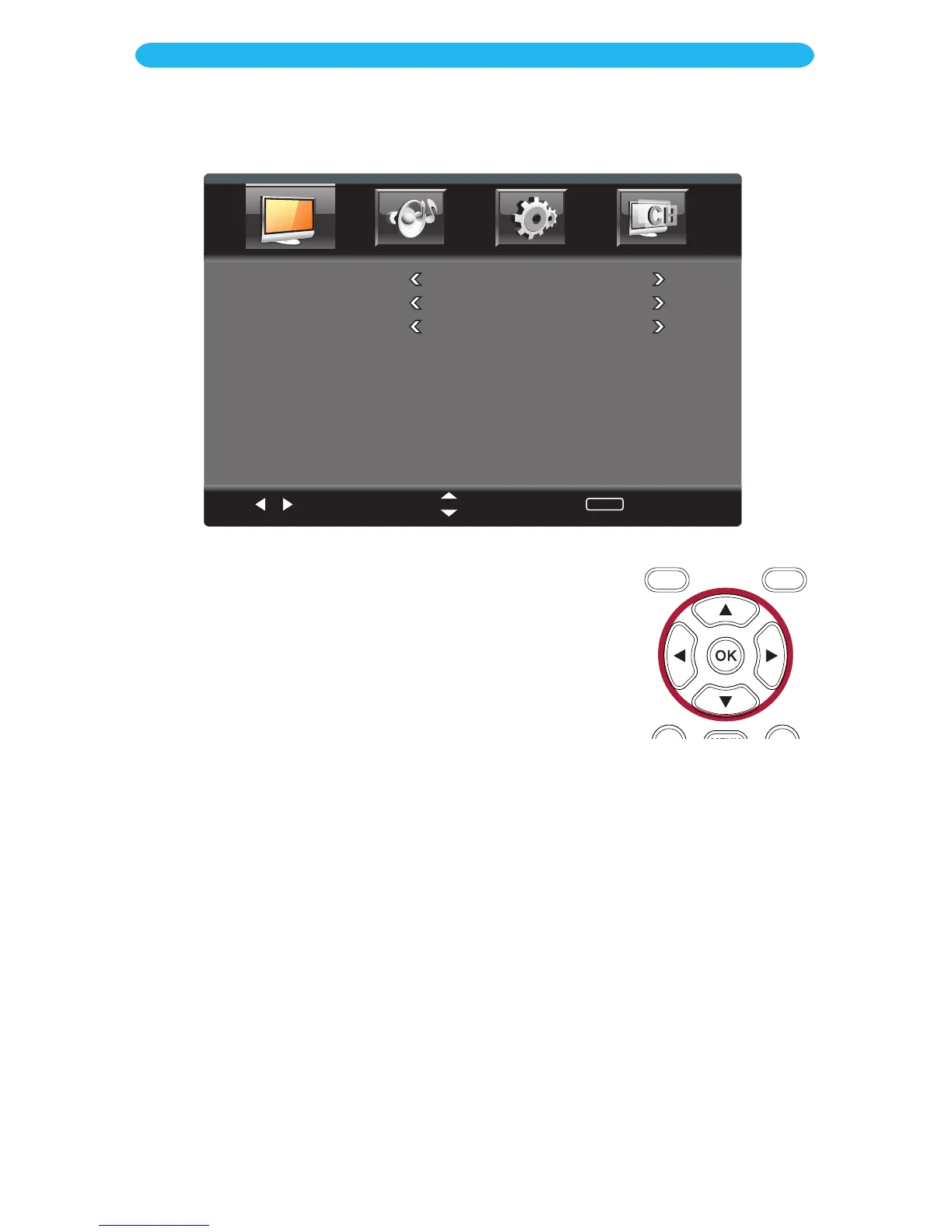
COLOR TEMPERATURE: Set the desired picture mode (Normal, Warm or Cool).
SCALE MODE: Set the desired Aspect Ratio (Full, Subtitle, Cinema, 4:3).
NOISE REDUCTION: Set the desired noise reduction for the video (Off, Weak, Middle,
Strong, Auto).
1 Access the picture menu as described on the previous page.
2 Press the q button to select Advanced Video and then
press the
OK bu
tton to enter.
3 Press the q button to select a setting (i.e. Color Temp, etc.).
4 Press the t/u buttons to adjust the setting.
5 When done, press the EXIT button to exit the menus or press
the MENU button to return to the previous menu.
ON SCREEN DISPLAY
Picture Menu - Advanced Video Submenu



 To Next Page