EasyManua.ls Logo

Memorex MVDP1102 - User Manual

Memorex MVDP1102
94 pages
Print Icon
To Next Page IconTo Next Page
Loading...
REPEAT
PAUSE/
FRAME
STOP
MENUDISPLAY
CLEAR GOTO
SETUP
BOOKMARK
ZOOMSLOWTITLE
/OK
A-B PROG RANDOM
AUDIO ANGLE SUBTITLE
12 34
5
6
9
0
7
8
Before operating this product, please read these instructions completely.
Antes de operar este producto, lea este instructivo en su totalidad.
User’s Guide
Guía del usuario
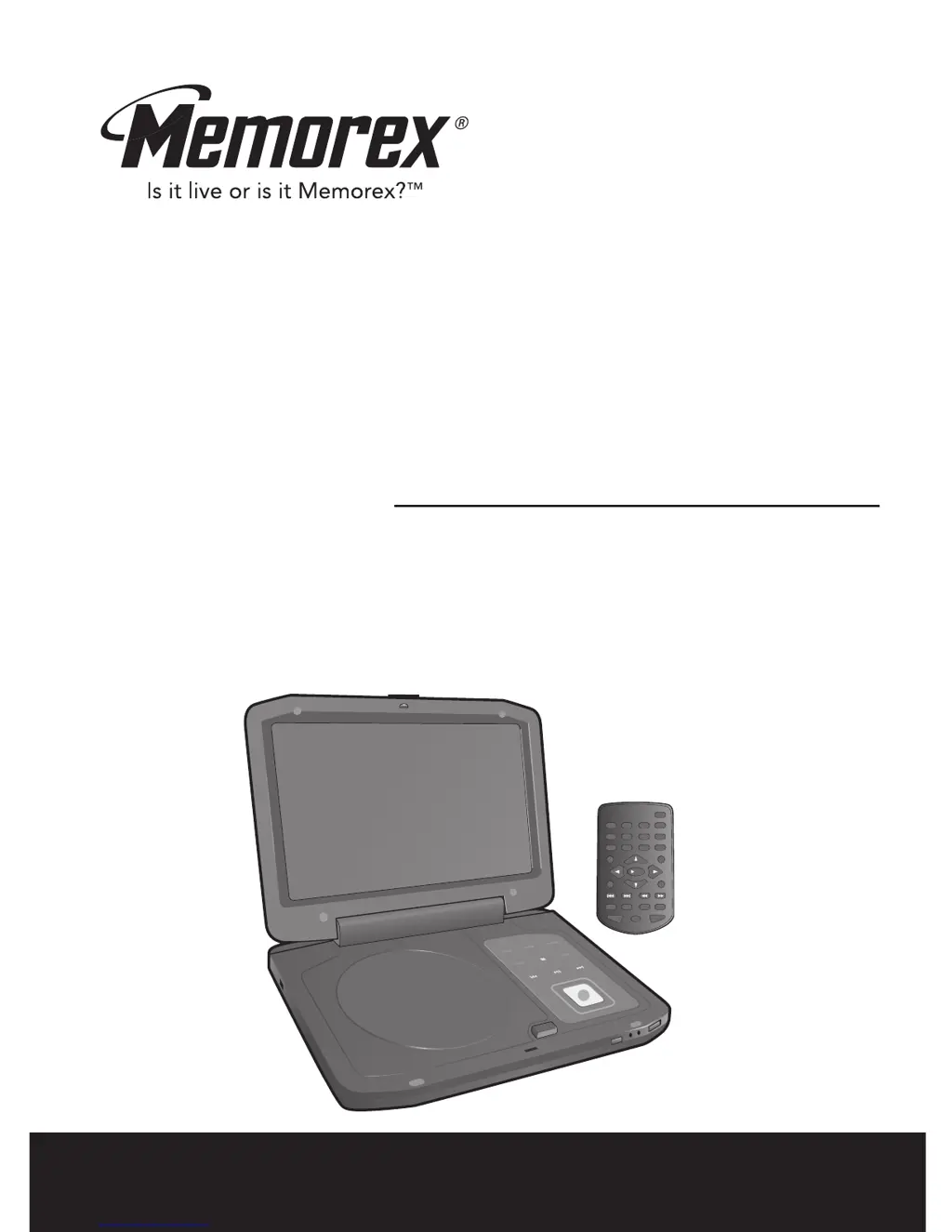
10.2’ TFT DISPLAY PORTABLE DVD PLAYER
WITH REMOTE CONTROL
REPRODUCTOR DE DVD PORTÁTIL CON
PANTALLA TFT DE 10.2’’ Y CONTROL REMOTO
MVDP1102

Table of Contents

Other manuals for Memorex MVDP1102

Questions and Answers

  • S
    Sarah StricklandAug 18, 2025
    Why Memorex Portable DVD Player remote control is not working?
    • A
      Alan PhamAug 18, 2025
      The remote control might not be working for several reasons: * The battery may be weak or dead: Install a fresh battery. * The battery may not be installed properly: Install the battery according to the diagram. * The remote may not be aimed at the sensor: Aim the remote at the sensor. * The distance may be too far, or there may be too much light in the room: Operate within 20ft, or reduce the light in the room. * There may be an obstacle in the path of the beam: Move the obstacle.
  • B
    Brandon MitchellAug 21, 2025
    What to do if Memorex MVDP1102 has no picture?
    • A
      andrew13Aug 21, 2025
      If there is no picture on your Memorex Portable DVD Player, consider the following: * Ensure the equipment is connected properly according to the instructions. * Select the appropriate video input mode (usually VIDEO or AV) on your TV. * Check that the video cables are securely connected. * Verify that the AV IN/OUT switch is in the OUT position.
  • J
    Jeffrey CooperAug 23, 2025
    What to do if Memorex MVDP1102 is power on, but not functioning properly?
    • L
      Lynn FernandezAug 25, 2025
      If your Memorex Portable DVD Player is powered on but not functioning correctly, there could be several reasons: * Condensation may have formed: Unplug the unit and wait about one to two hours to allow it to dry. * The wrong type of disc may be inserted: Ensure you are using a DVD, standard CD, or picture CD. * The unit may need to be reset: Unplug from AC and remove the battery, wait 10 minutes, then reinsert and try again. * The disc may be dirty or inserted incorrectly: Clean the disc and insert it with the label side up. * Some features and functions are not available on all discs: This is normal; try another function.
  • E
    emily47Aug 26, 2025
    What to do if Memorex Portable DVD Player has no sound?
    • C
      Christine BaileyAug 26, 2025
      If your Memorex Portable DVD Player has no sound, check the following: * Ensure the equipment is connected properly according to the instructions. * Select the appropriate audio input mode on the connected equipment. * Make sure the audio cables are securely connected. * Verify that the connected receiver’s power is on.
  • S
    schmidtmelissaAug 28, 2025
    Why some functions do not operate as stated on Memorex MVDP1102 Portable DVD Player?
    • J
      Joy PenaAug 28, 2025
      Some features and functions are not available on all discs. This is normal, so try another function.
  • J
    john27Aug 30, 2025
    Why the search feature is not working on Memorex MVDP1102 Portable DVD Player?
    • M
      michaelfischerAug 30, 2025
      Some discs have sections that do not allow searching. This is normal on some discs.
  • Q
    qaustinSep 1, 2025
    What to do if the playback picture rolls on Memorex MVDP1102 Portable DVD Player?
    • C
      Chelsey CarterSep 2, 2025
      If the playback picture rolls on your Memorex Portable DVD Player, the unit may need to be reset to NTSC. Set the menu option to NTSC.
  • A
    Allison CampbellSep 3, 2025
    What to do if Memorex Portable DVD Player unit does not start playback?
    • M
      Margaret AcostaSep 4, 2025
      If the unit does not start playback, make sure that: * DVD inserted correctly. * Insert a DVD, “DVD VIDEO” will appear in the display. * The disc is placed on the disc tray correctly inside the guide. * The disc is clean.
  • S
    Shelby ReynoldsSep 6, 2025
    What to do if the picture is not fitting properly on Memorex Portable DVD Player?
    • C
      Candace ClarkSep 6, 2025
      If the picture is not fitting properly, the wrong menu option may be selected in the Setup menu. Select the correct TV type (PS, LB, WIDE) which matches the TV you are using.
  • A
    Amanda FrostSep 8, 2025
    Why selected language is not being shown in the subtitles, or spoken on Memorex MVDP1102 Portable DVD Player?
    • L
      lmcleanSep 8, 2025
      If the audio or subtitle language does not appear on the disc, then the initial setting will not be seen/heard. This is normal; try another disc.

Memorex MVDP1102 Specifications

General IconGeneral
BrandMemorex
ModelMVDP1102
CategoryPortable DVD Player
LanguageEnglish

Related product manuals