58
NOTE:
If the selected language is not recorded
on the disc, the first priority Menu
language is selected.
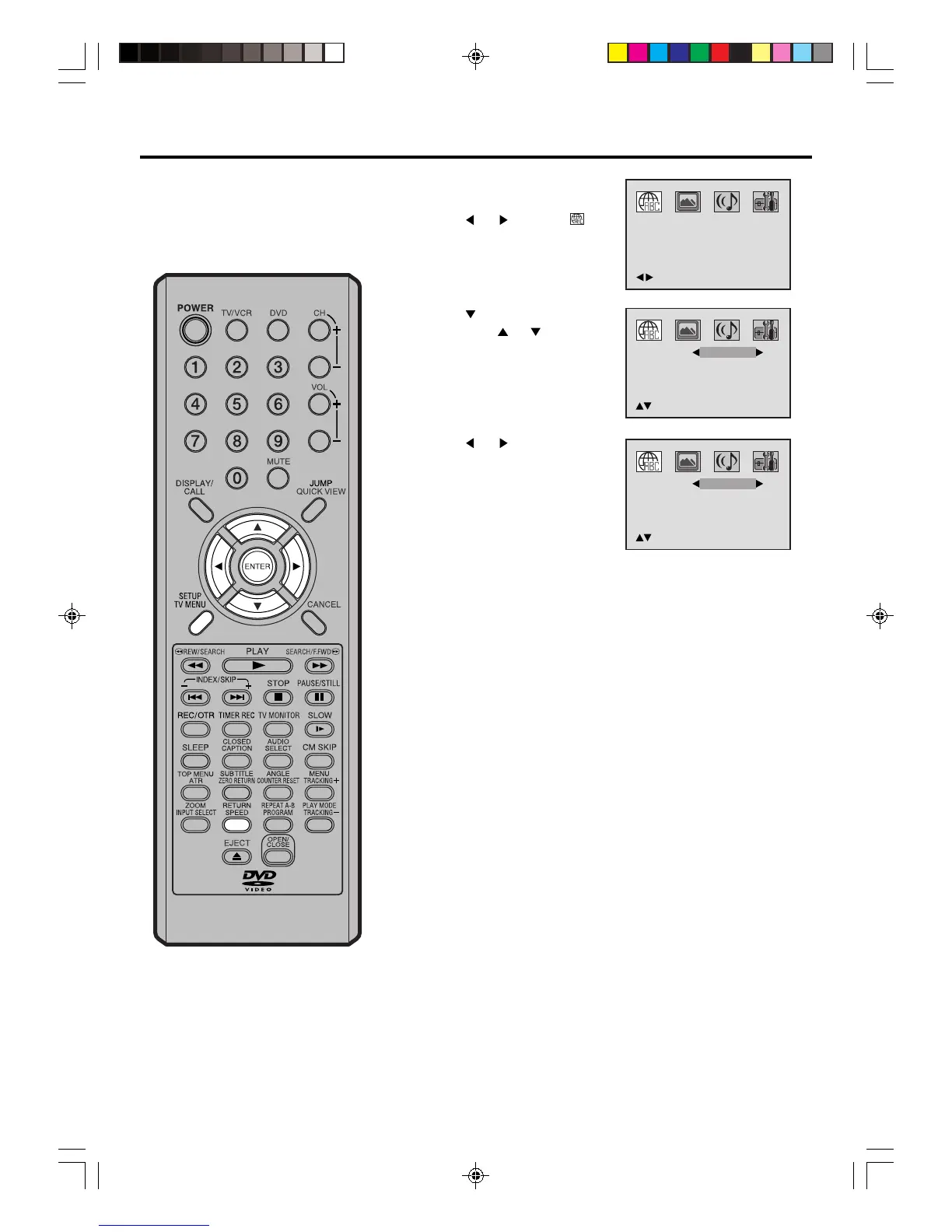
Press
or to select your
desired language (e.g. English).
1
2
3
Press SETUP/TV MENU or RETURN to remove the menu
screen.
Press
or ENTER.
Then press
or to select
desired option.
4
You can select the language of the
disc menu messages of DVDs.
The same language can always be
selected even if you replace the disc
or turn the power off.
Press SETUP/TV MENU in the
stop mode.
Press
or to select
option.
English, Francais, Espanol:
The selected language will be heard or seen.
Other:
Other language can be selected (see the “Language code
list” on page 59).
Off: (Subtitle)
Subtitles do not appear.
Original: (Audio)
The unit will select the first priority language of each disc.
/Enter/Setup/Return
Menu
Subtitle
Audio
English
English
/Setup/Return
English
Menu
Subtitle
Audio
English
English
/Setup/Return
English
Setting the language
5V40401A [En]55-60 2/3/06, 6:00 PM58



 To Next Page