Section 2 - Initial Screens and Setup Wizard
90-8M0087257 eng DECEMBER 2014 Page 13
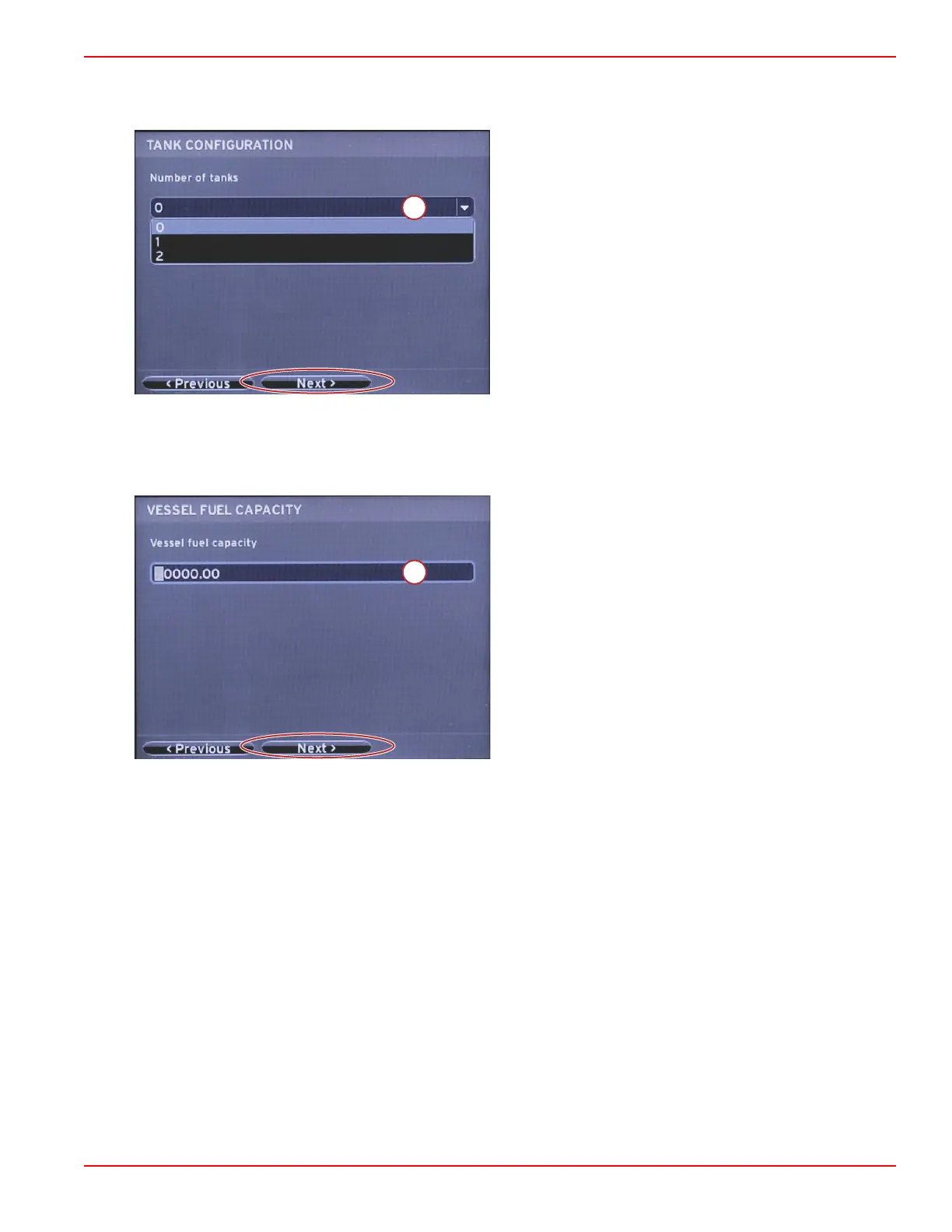
Tank Configuration
Select the number of fuel tanks on the vessel in the drop‑down field. Highlight the NEXT field to continue.
a - Tank selection field
In the Vessel Fuel Capacity screen, press the ENTER button to activate the blinking cursor in the data field. Pressing the
ENTER button moves the cursor from one integer to the next. Press the LEFT or RIGHT arrow button to select the correct
number. When finished entering numbers, press ENTER until no integers are highlighted. Use the RIGHT arrow button to
highlight Next. Press ENTER to continue.
a - Tank capacity field



 To Next Page
 Loading...





