Section 2 - Initial Screens and Setup Wizard
90-8M0087257 eng DECEMBER 2014 Page 19
Engine Running at Idle
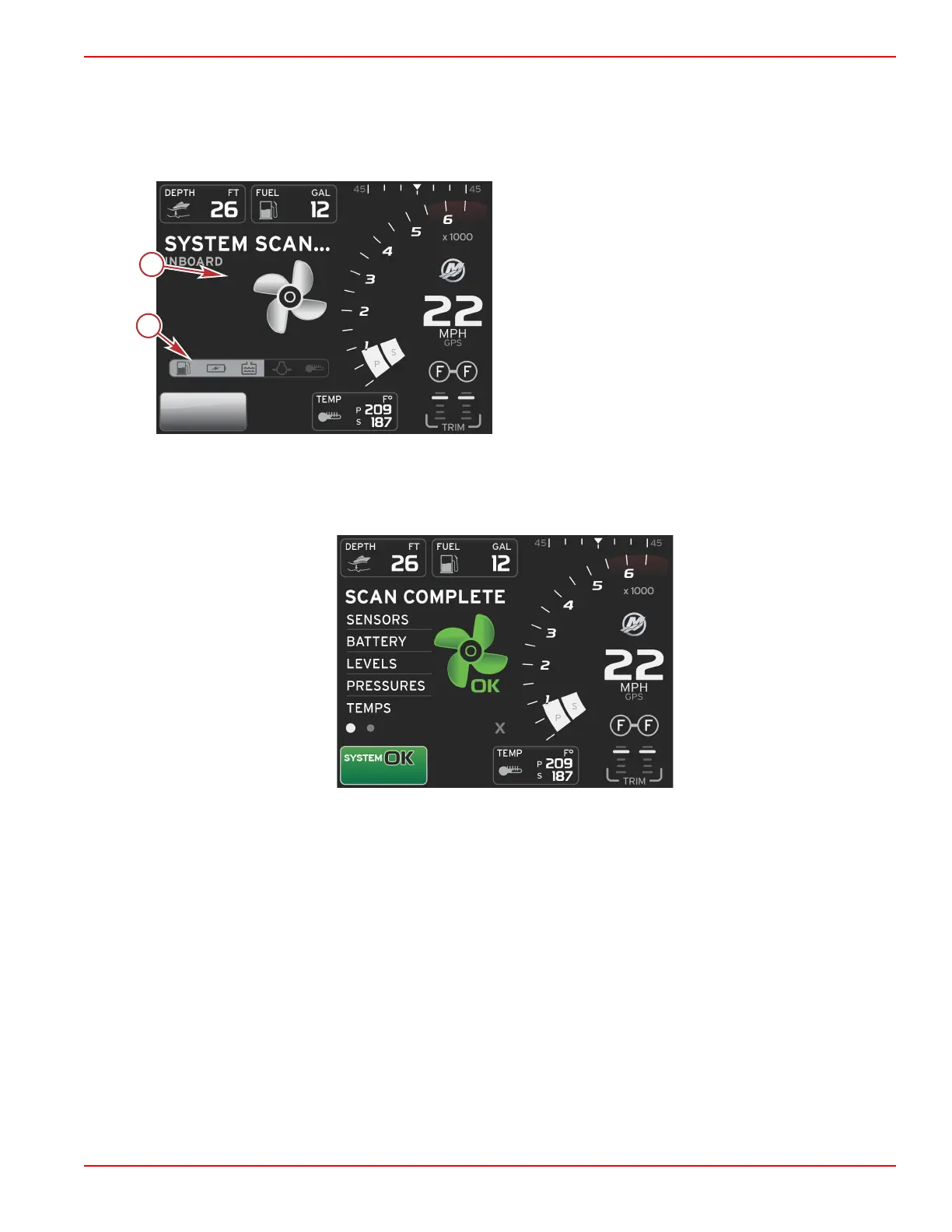
When the engine is running, the user‑selected data area of the display will show a green propeller when the system scan report
is finished.
• The user‑selected data area of the screen will display an animated propeller and progress bar to indicate a scan is in
progress.
System scan
a - Animated propeller
b - Progress bar
• If at anytime the engine is shifted into gear, the system scan will stop and the propeller will turn green and Level 1 smart
data will appear.
• When the scan is complete, various pop‑ups can appear: engine faults, maintenance reminders, communication errors,
system OK scan report.
Scan complete



 To Next Page
 Loading...





