METEK GmbH uSonic-2
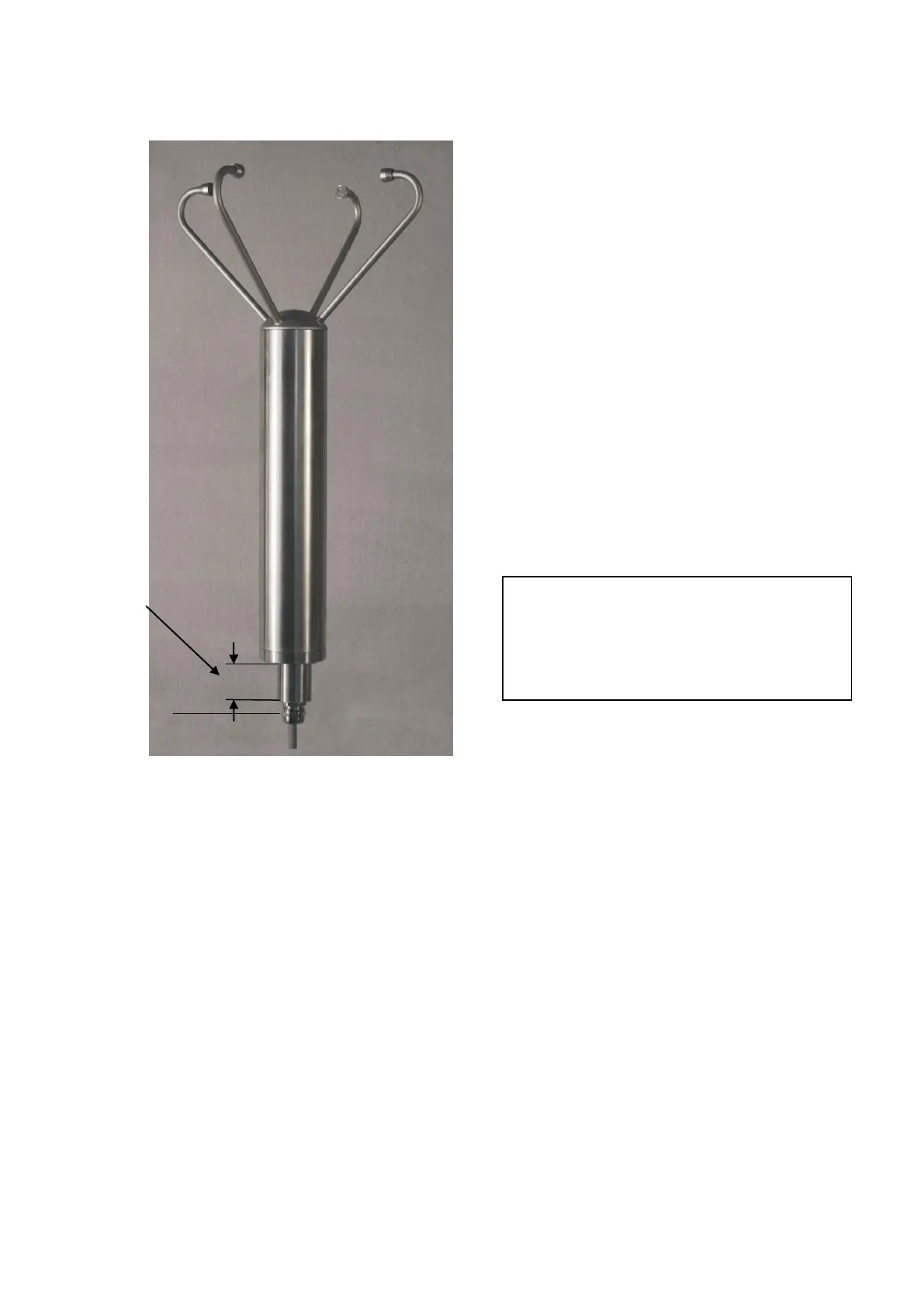
Illustration: Dimensions uSonic-2
2.2 Adjustment to the north
To detect the wind direction, the uSonic-2 has to be adjusted exactly to the
geographical north.
Consider that the north marker of the uSonic-2 shows to the north and the
grounding screw shows to the south.
If an exactly adjustment to the north is impossible, you can correct the
adjustment with the parameter AZ (Azimuth). See page 36.
Information:
For adequate overvoltage protection
you must connect earth grounding to
the grounding screw of the sensor.



 To Next Page